Marketing
Sell more with bundles, Buy X Get Y and bulk pricing
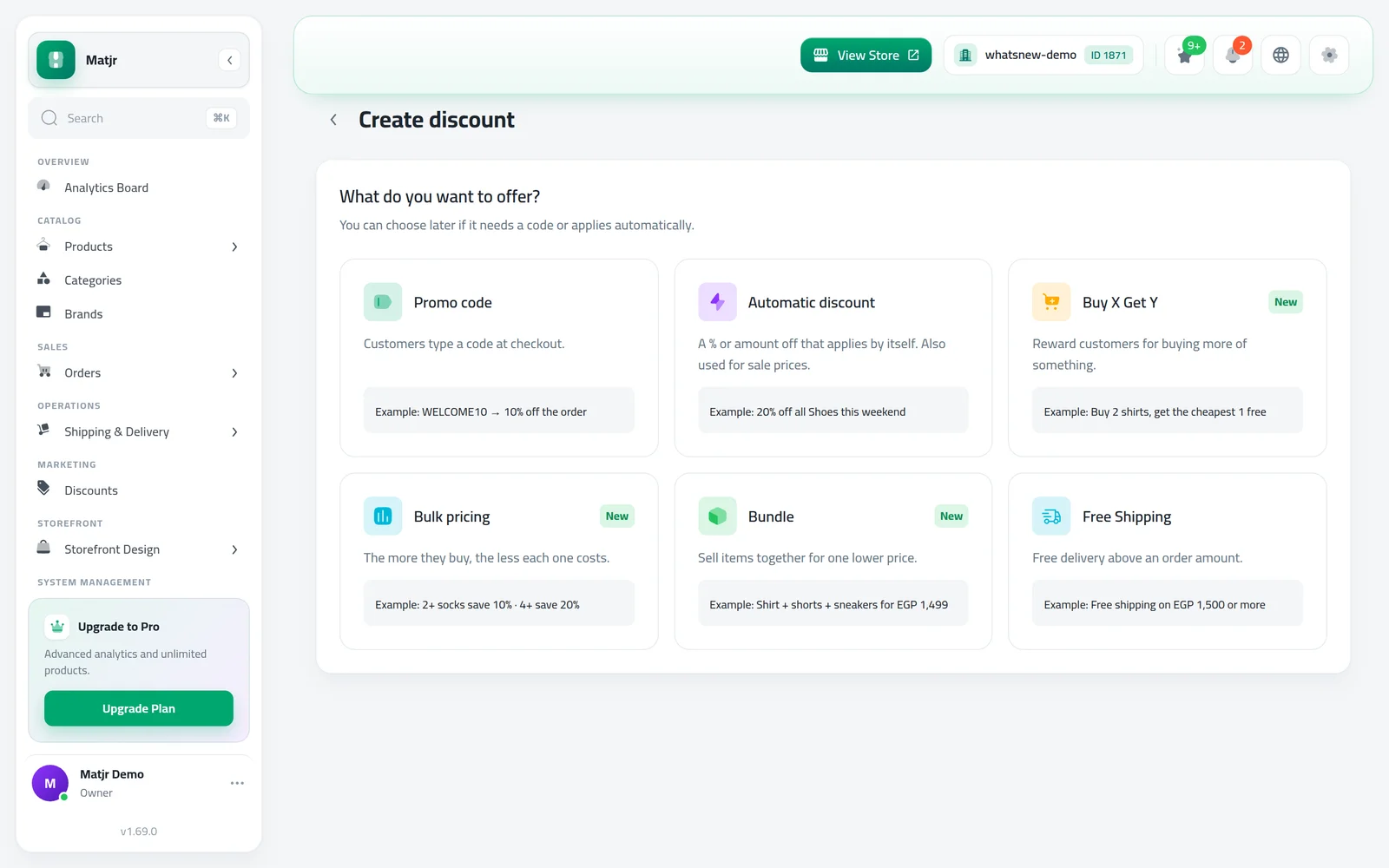
Six kinds of offers in one place: codes, automatic discounts, Buy X Get Y, bulk pricing, bundles and free shipping. Shoppers see what they save.
- Where
- Marketing › Discounts
- Offer types
- Code, automatic, Buy X Get Y, bulk pricing, bundle, free shipping
- Shoppers see it
- Product page, cart and checkout
- Countries
- Egypt, UAE and Bahrain
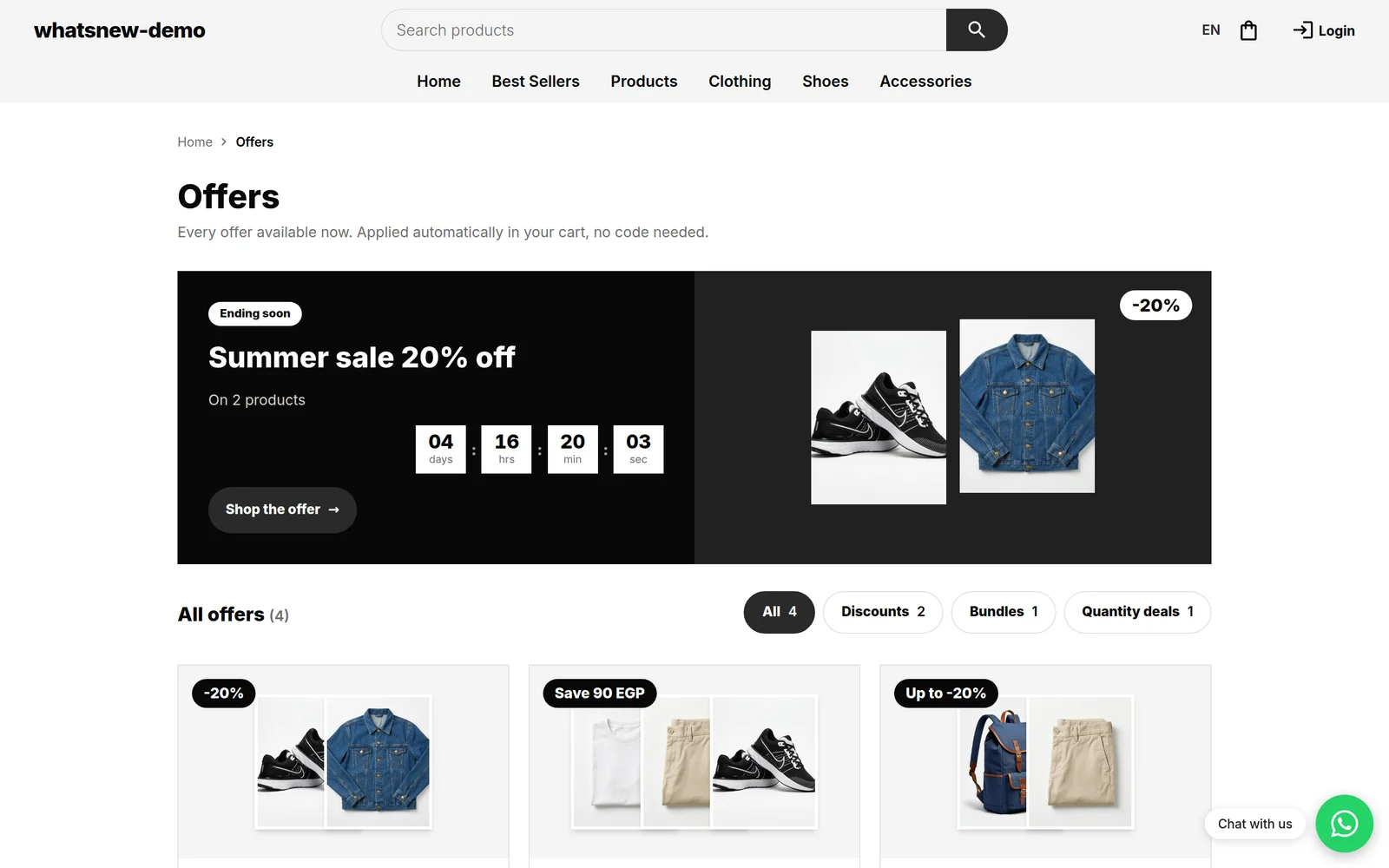
Bigger orders come from better offers. You can now reward customers for buying more, sell products together at one price, and give lower prices on larger quantities, all from one Discounts screen. Your shoppers see each offer on the product page and their saving in the cart.
What changed
- Six offer types. Promo code, Automatic discount, Buy X Get Y, Bulk pricing, Bundle and Free Shipping.
- Code or automatic. Any offer can need a code or apply by itself in the cart.
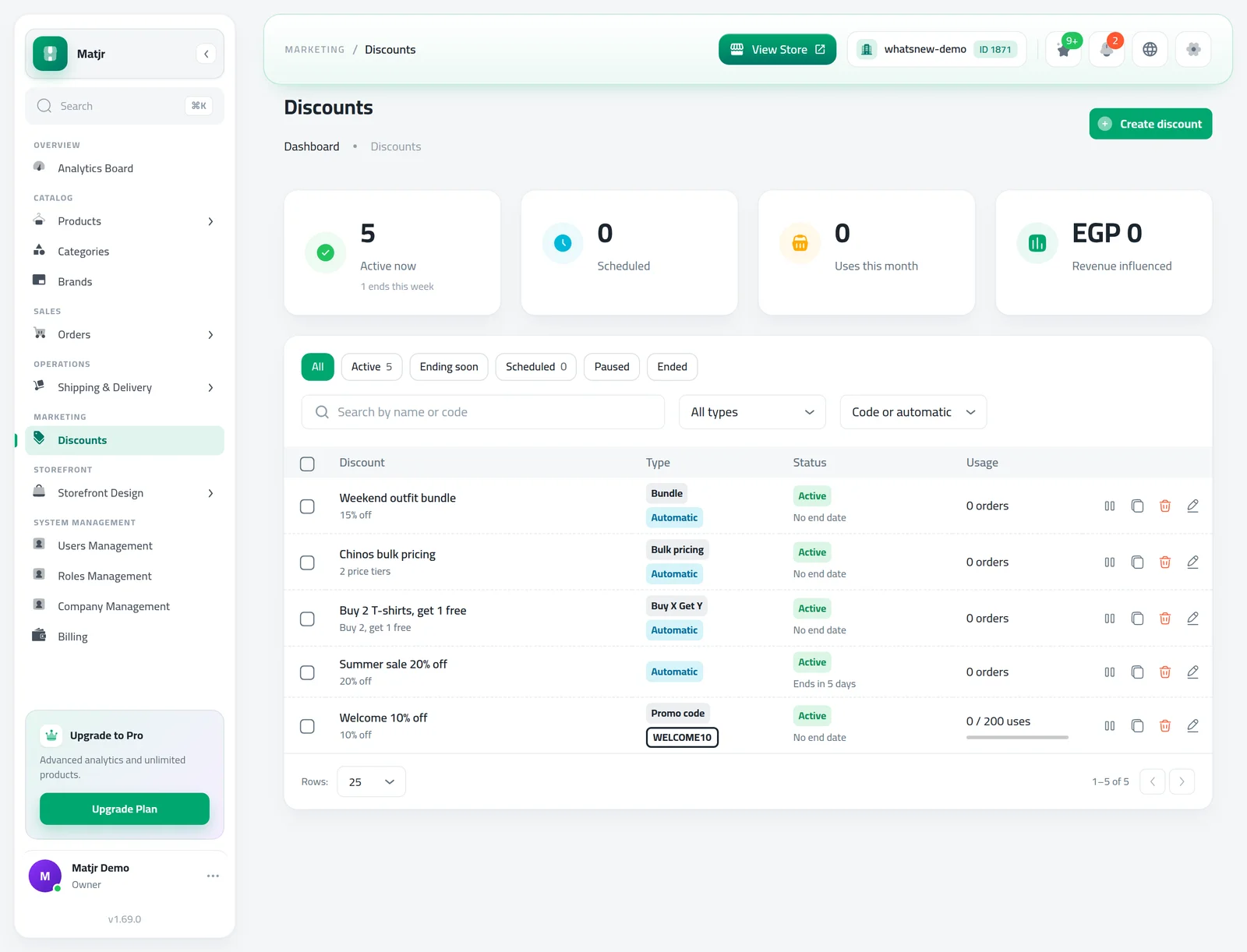
- One list for every offer. See what is active now, what is scheduled, uses this month and the sales of discounted orders. Pause and resume an offer in one click.
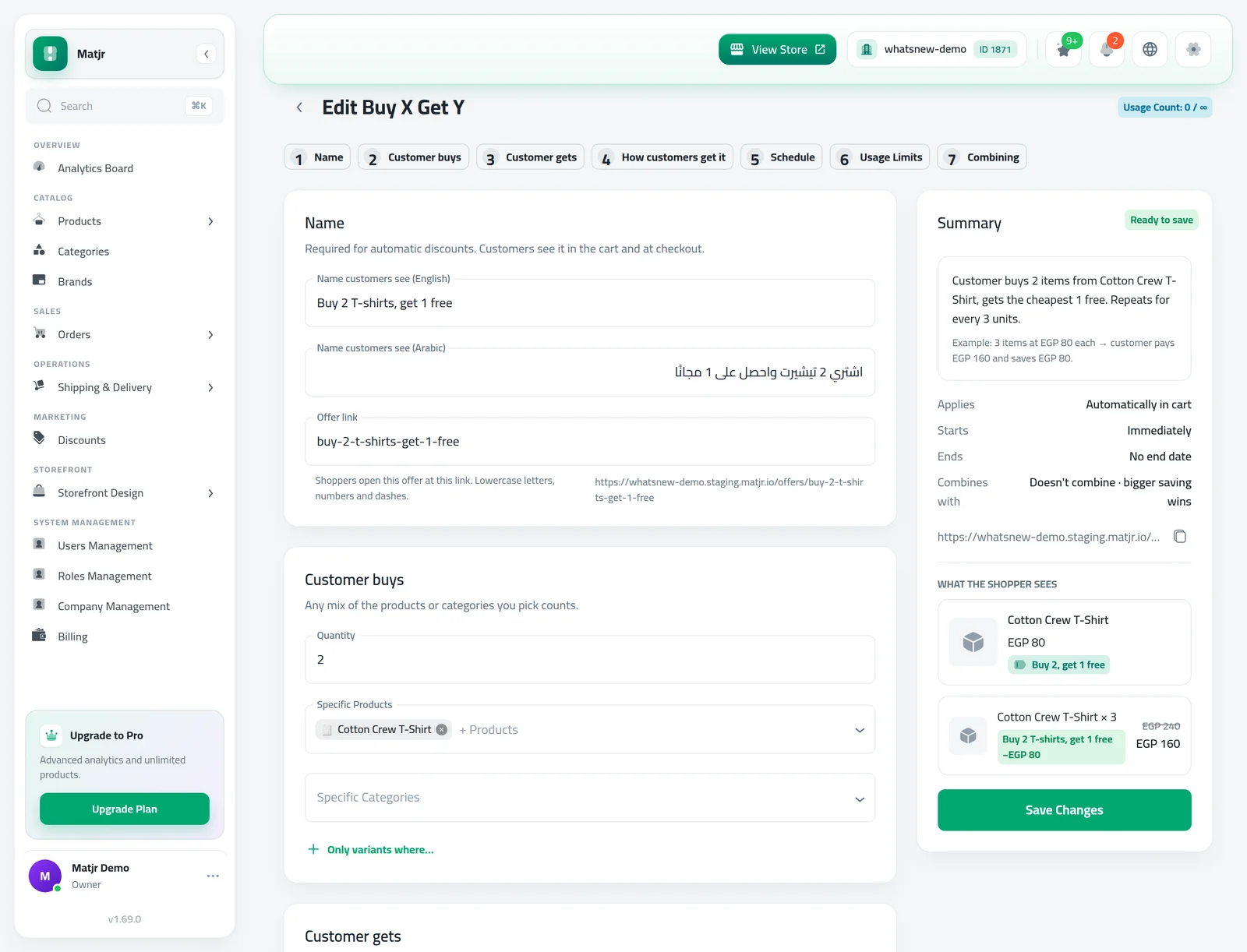
- See it before you save. The editor shows a summary and what the shopper sees. Bulk pricing has a calculator to try quantities.
- Clear rules when offers overlap. Choose if an offer combines with others, or if the customer gets the bigger saving.
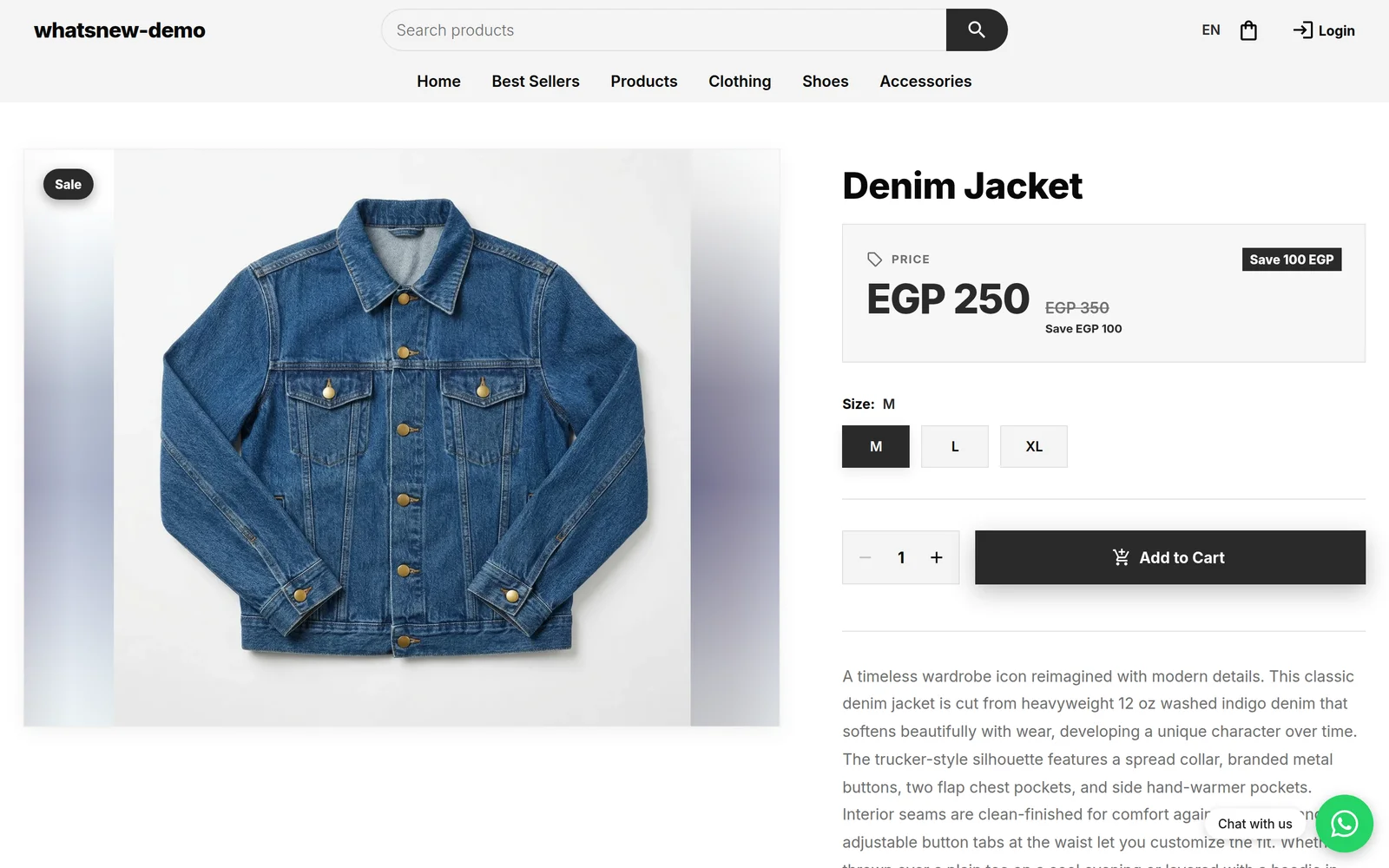
- Your store shows the deal. Product pages list the offers, a quantity price table and bundle cards. The cart shows one "You save" line.
- No surprises at checkout. If a code is used up or does not fit the cart, the customer sees why in the code box before ordering.
- Order details show the discount that was used and how much it took off.
How to use it
Open Marketing › Discounts to see all your offers and how they perform.
Click Create discount and choose what you want to offer.
Fill in the offer. The Summary and What the shopper sees update as you type. Then save.
Good to know
- Step-by-step help for each type is in how to create a discount code and other offers.
- To promote your offers on the home page, see how to show offers on your store home page.
- Your existing promo codes and free shipping offers keep working.
Frequently asked questions
Do my existing promo codes still work?
Yes. They appear in the same Discounts list and keep working as before.
Can a customer use two offers on one order?
Only if both offers are set to combine. Otherwise the customer gets the offer that saves them more, or the one you set to go first.
What happens when a code reaches its usage limit?
The customer sees a message in the code box and can order without it. The order is never placed with a discount the code no longer gives.
Can I stop an offer for a while?
Yes. Select it in the list and click Pause. Click Resume when you want it back.
Try it on your own store
Start your free trial. No credit card required.