Store design
Let shoppers pick size and colour right on the product card
Show sizes and colours on the card, or open a quick-add window, so shoppers add to the cart without opening every product.
- Where
- Design › Builder › Products page
- Also on
- Home page Products sections
- Choices
- Off, On the card, Quick-add sheet
Shoppers buy faster when they can choose colour or size without leaving the list. You can now show the options right on the product card, or open a small window with them.
What changed
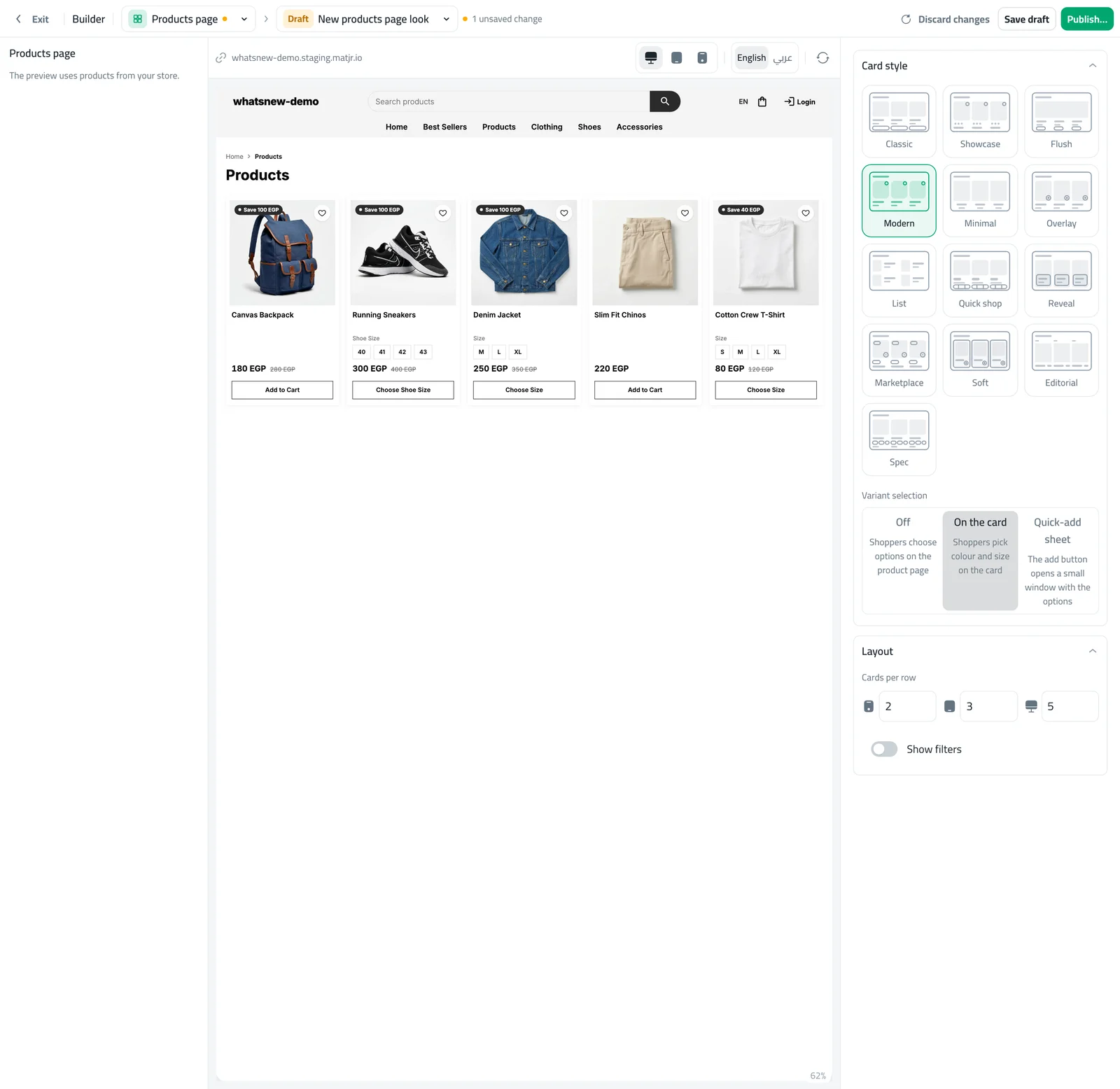
The builder has a new Variant selection setting with three choices: Off, On the card and Quick-add sheet. You find it on the Products page and in each Products section of your home page. With On the card, shoppers tap a size or colour and the price, photo and button follow their choice.
How to use it
In the builder, open Products page (or a Products section on your home page).
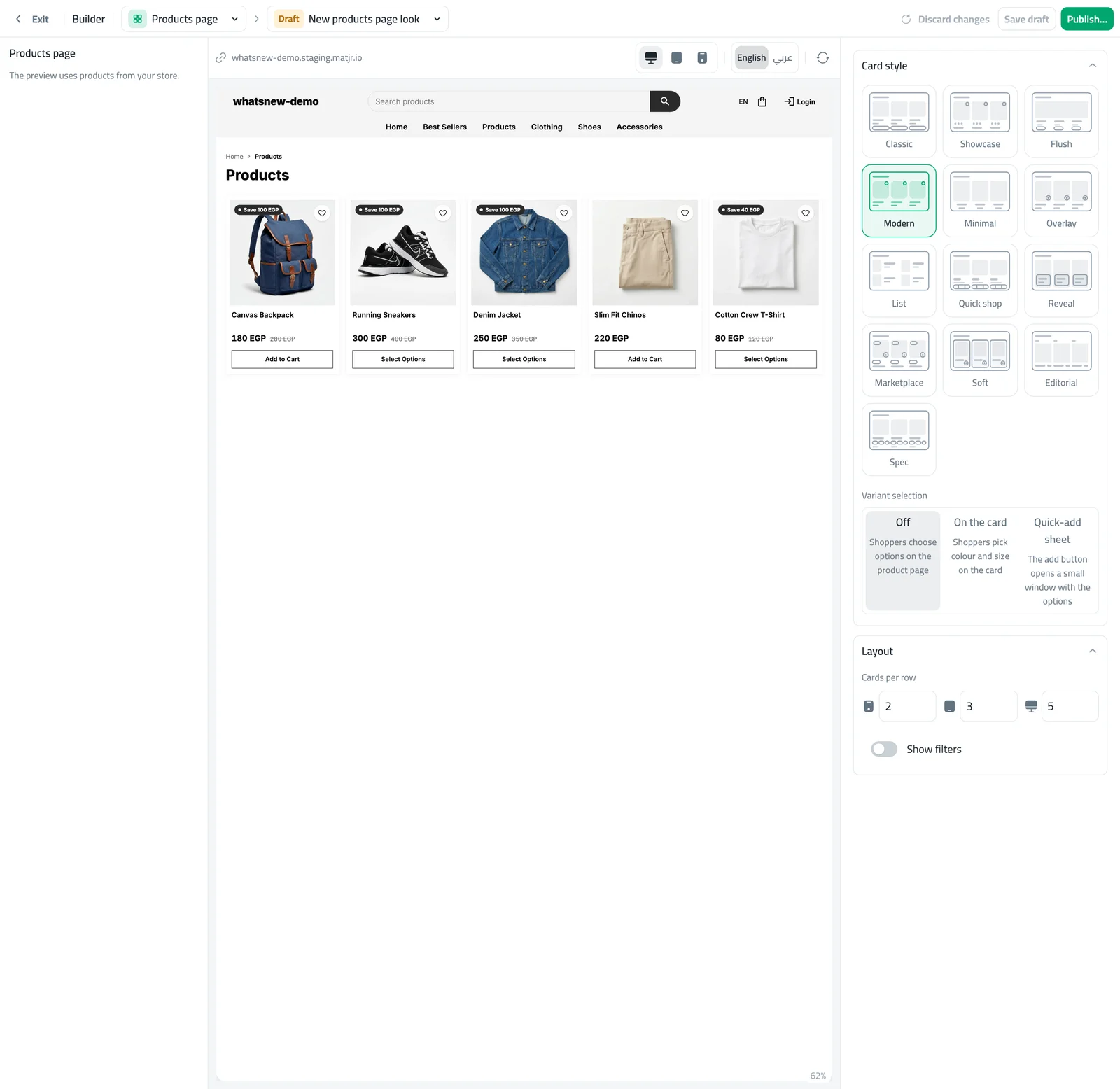
Under Variant selection, choose On the card or Quick-add sheet. The preview now shows sizes on the cards.
Good to know
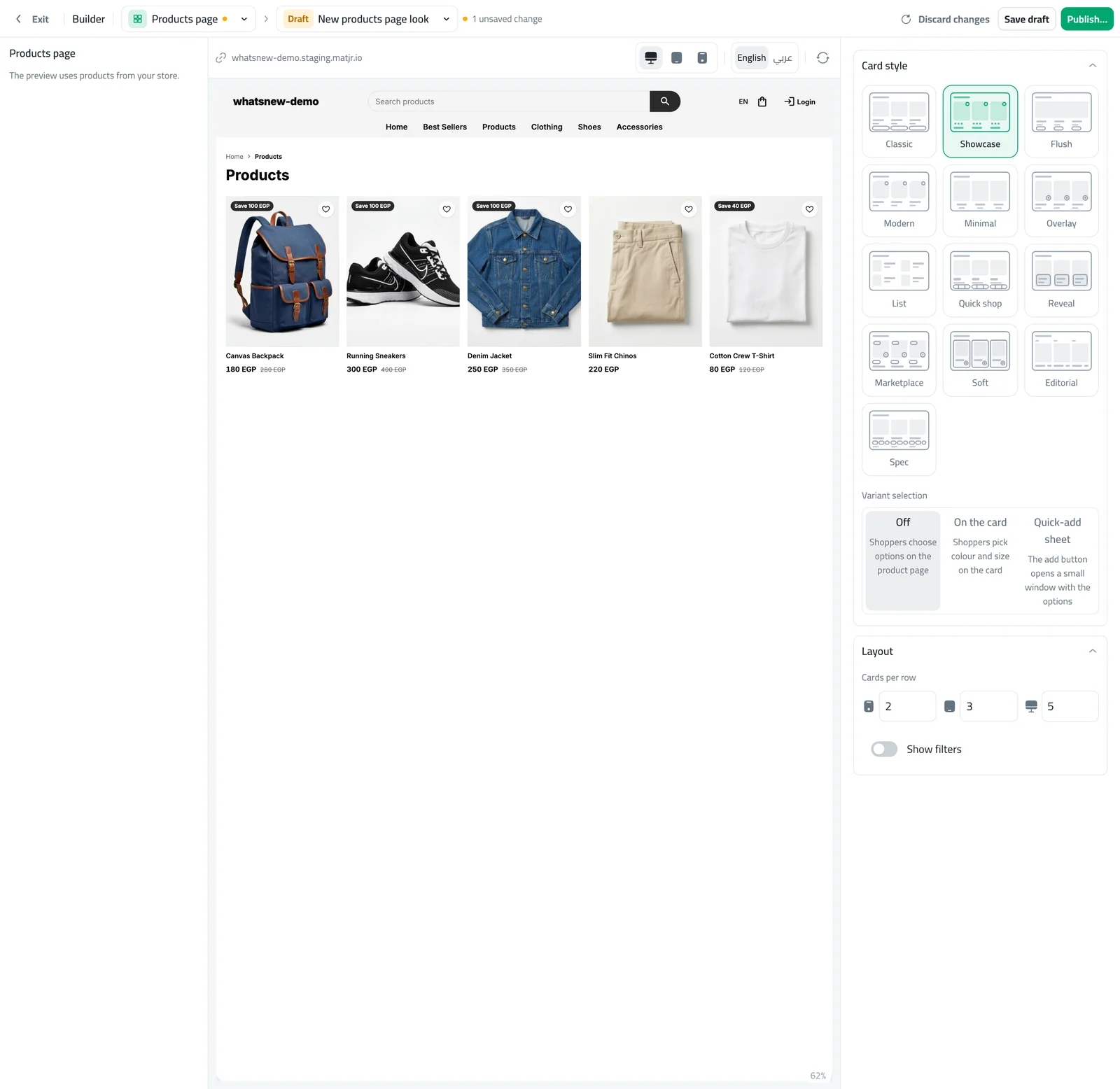
- The Minimal card style has no add button, so this setting is hidden for it.
- Products with three or more options use the small window, so the card stays tidy.
- Options a shopper cannot buy are dimmed, so nobody picks something sold out.
Want the full walkthrough? Read how to let shoppers choose options on product cards.
Frequently asked questions
Does this work for products without options?
Those products keep their normal add button. The setting only changes products that have options.
What if a product has many options?
Products with three or more options open a small window, so the card stays tidy.
Can shoppers pick a sold-out option?
Sold-out options are dimmed, so shoppers cannot choose them by mistake.
Try it on your own store
Start your free trial. No credit card required.