Store design
Design your products page and category pages in the builder
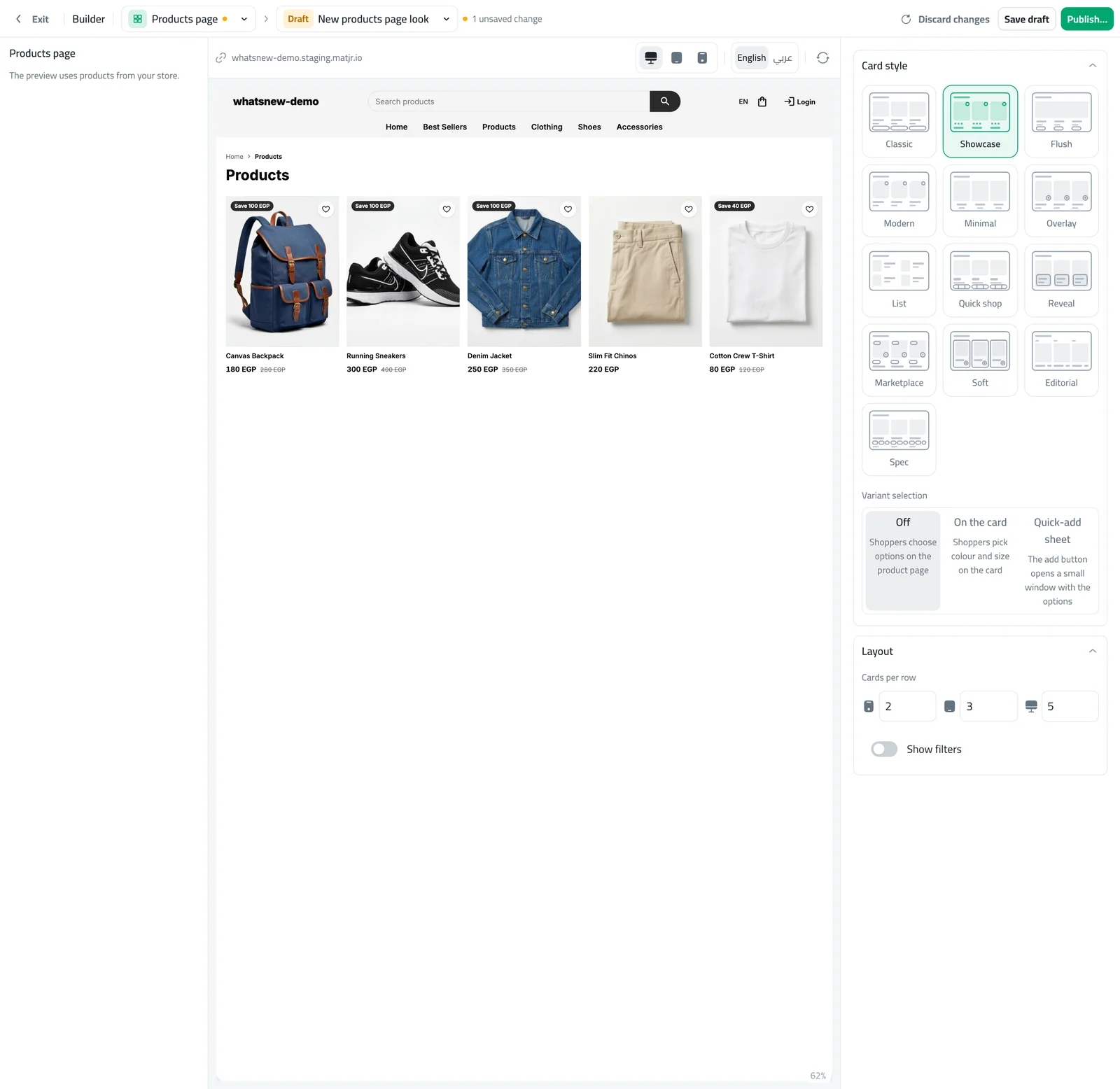
Choose from 13 card styles, set cards per row and add filters, with a live preview. Every category now has its own page too.
- Where
- Design › Builder › Products page
- Goes live
- When you press Publish
- Card styles
- 13 to choose from
- Works on
- Phone, tablet and computer
Your products page and your category pages are the shelves of your store. You can now design them yourself in the builder, see every change next to you and publish only when you are happy.
What changed
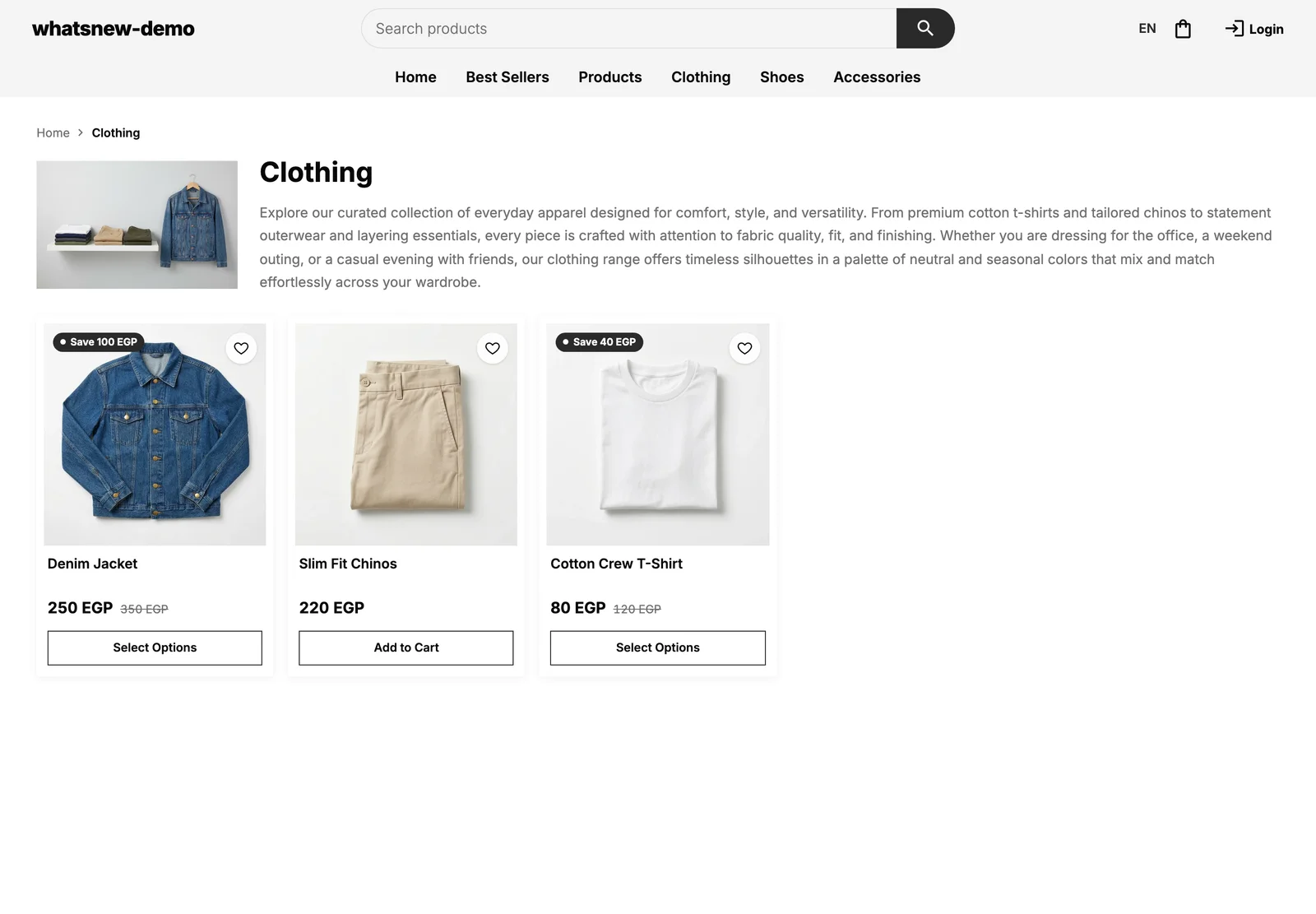
The builder has a new Products page. Pick one of 13 card styles, choose how many cards sit in a row on phone, tablet and computer, and decide whether shoppers get a filters panel. Every category also has its own page now, with its photo, description, a trail back to Home and buttons for its sub-categories.
Card style and the filters switch used to live in Storefront settings and on the Filters page. They now point you to the builder, so there is one place to design the page.
How to use it
In the builder, choose Products page. On the right you see Card style and Layout; the preview shows your real products.
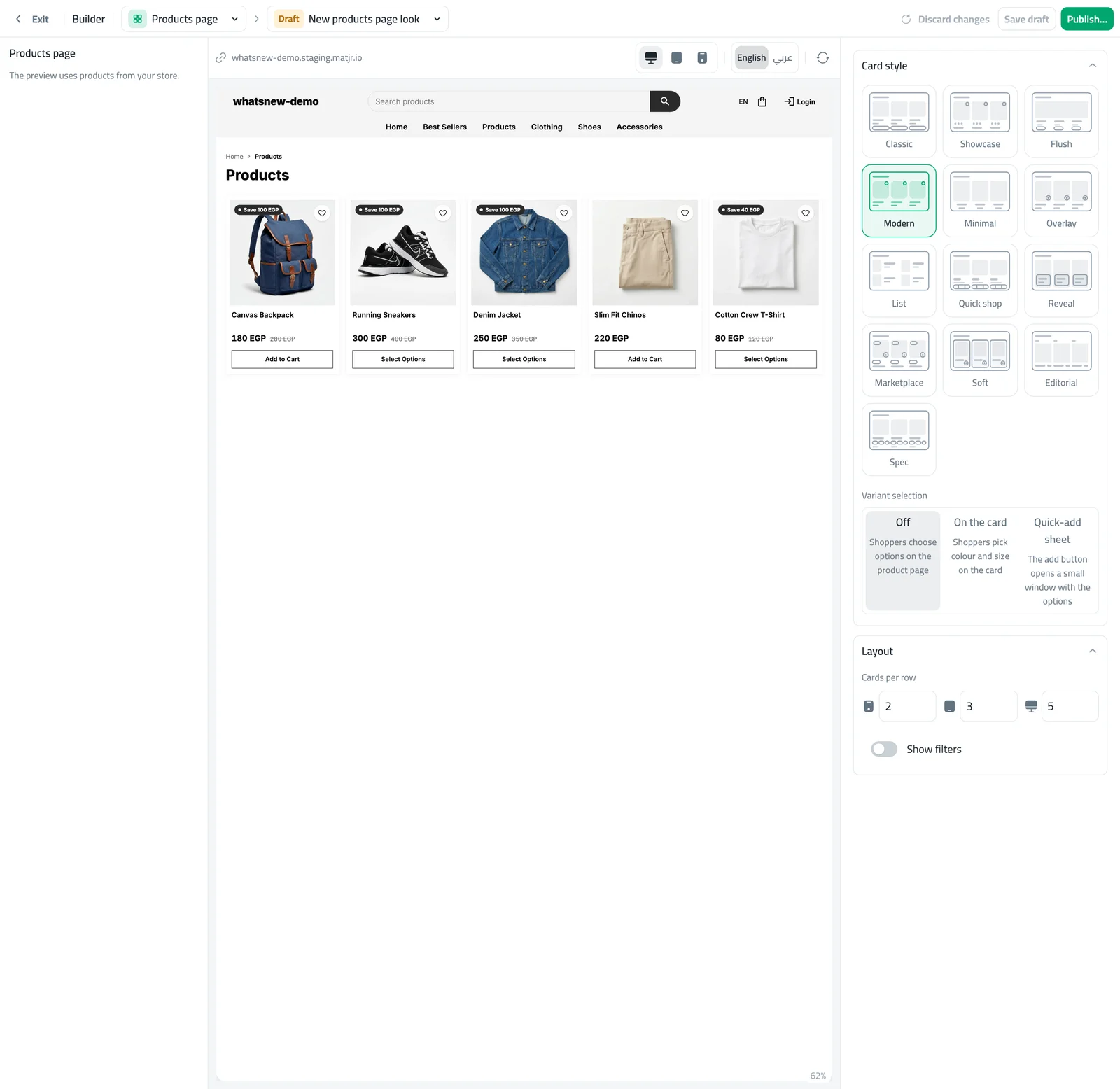
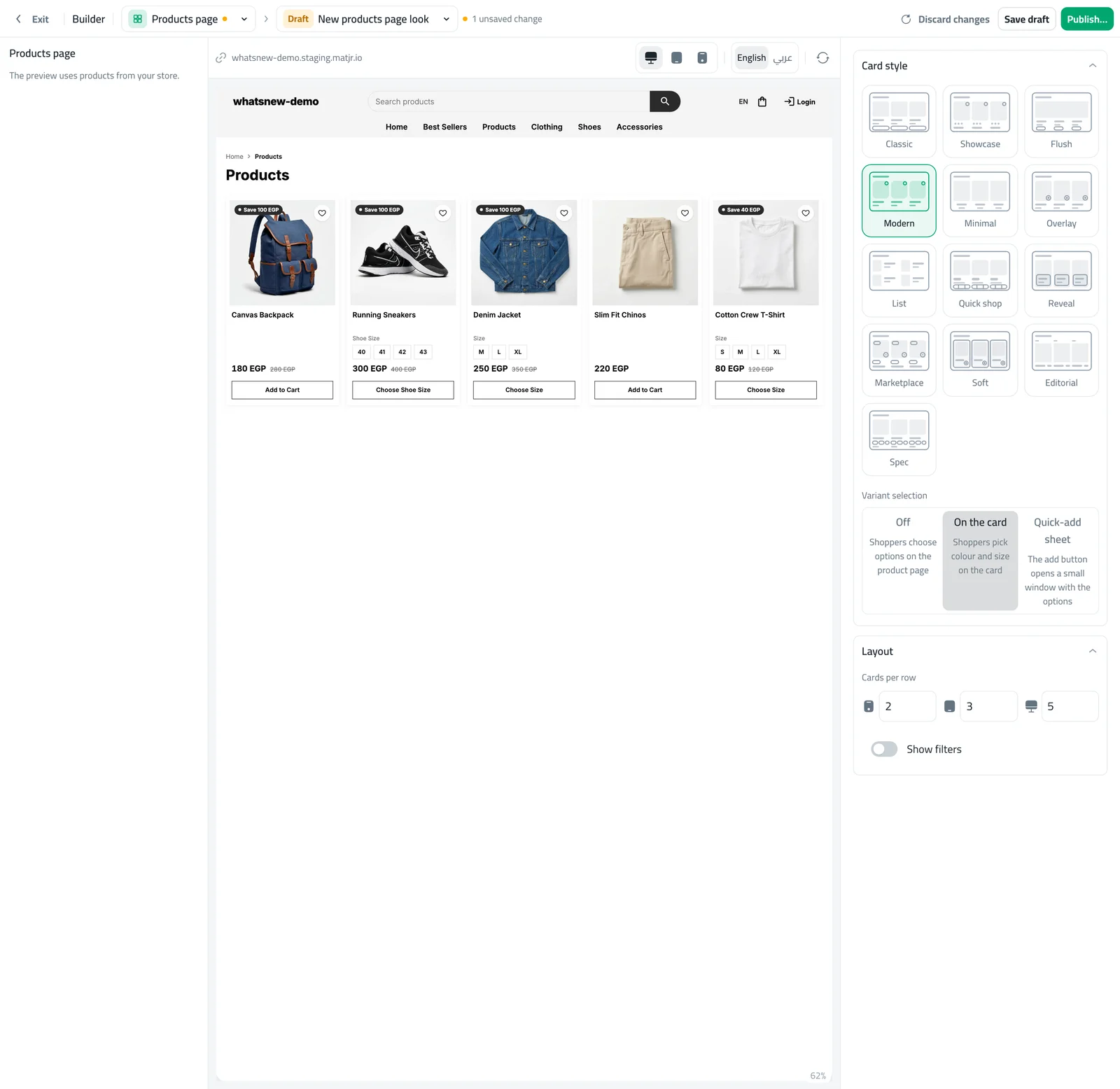
Pick a card style, for example Showcase. The preview changes at once. Then set Cards per row and switch Show filters on or off.
Open any category in your store to see its new page. When you like the result, press Publish.
Good to know
- Nothing reaches shoppers until you publish. Until then you work in a draft, and the live page stays as it is.
- Your old card choice is used as the starting point, so the page does not change by surprise.
- Categories you have switched off do not get a page.
Want the full walkthrough? Read how to design your products page.
Frequently asked questions
Will my store change as soon as I pick a style?
No. You work in a draft and shoppers see the change only after you press Publish.
Where did the card style in Storefront settings go?
It moved to the Products page in the builder, so all the design is in one place. Your earlier choice is used as the starting point.
Do my categories get their own pages?
Yes. Each active category has a page with its photo, description and sub-categories.
Can I undo a change?
Yes. Discard the draft, or go back to an earlier version from the version menu.
Try it on your own store
Start your free trial. No credit card required.