Pazarlama
Track more shopper steps for better ads
Meta and Google now see more of what shoppers do in your store, and your product data is cleaner, so your ads and catalogs work better.
- Where
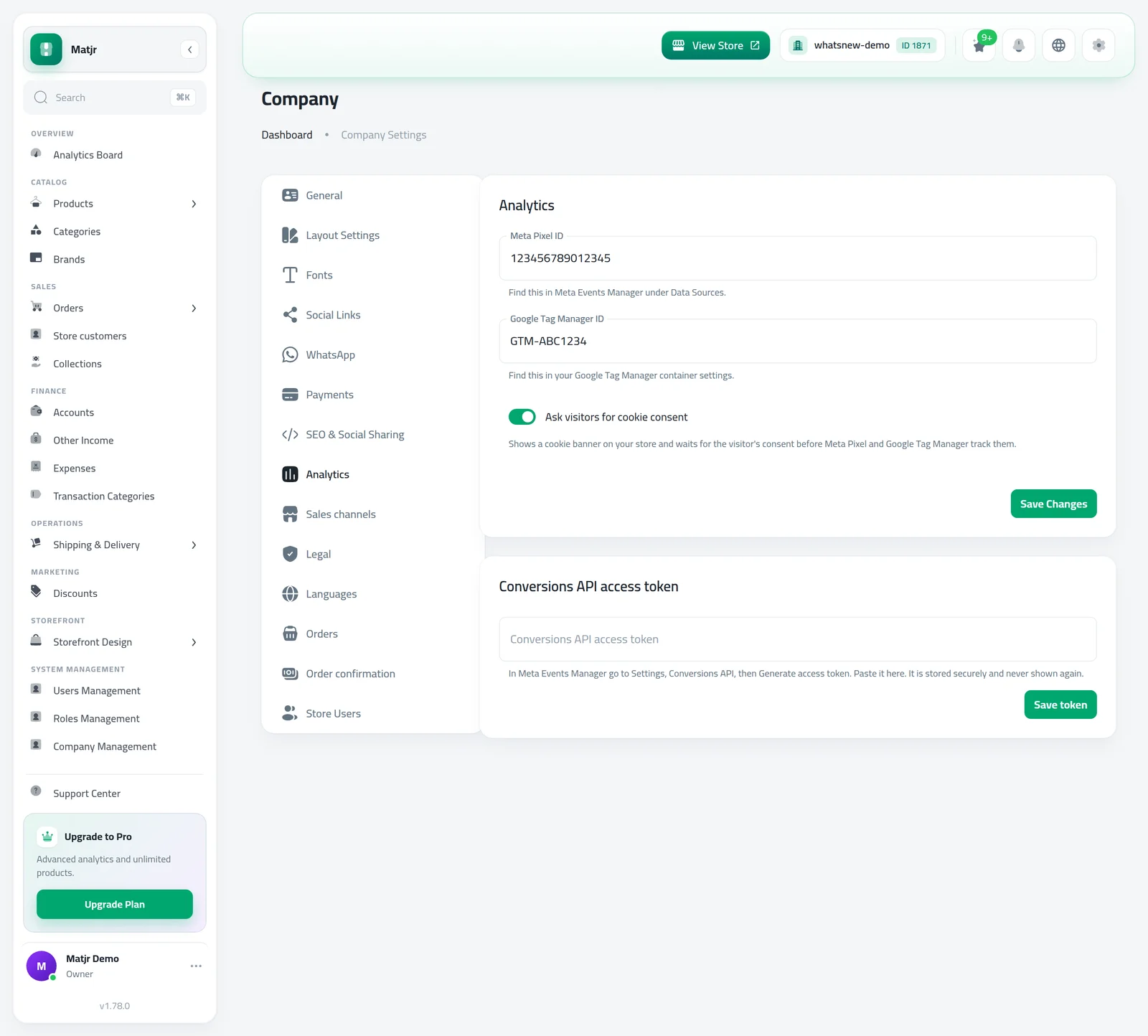
- Company Settings, Analytics
- Who can use it
- Stores with Meta Pixel or Google Tag Manager
- Setup needed
- None if your pixel is connected
The more steps Meta and Google can see, the better they find shoppers likely to buy. Your store now shares more of those steps, and your product data is cleaner for Google and Meta catalogs. There is nothing to change if your pixel is already connected.
What changed
- More Meta Pixel events. Searches in your store, new sign-ups, the moment a shopper adds payment details, and adding a product to the wishlist.
- Add to cart and start of checkout sent twice, safely. They go to Meta from the shopper's browser and also from your store directly, and Meta counts each only once. This needs the Meta access token saved in your analytics settings.
- Google Analytics 4 shopping events through Google Tag Manager. Viewing a product list, selecting a product, viewing the cart, removing an item, choosing a delivery area, adding payment details, adding to the wishlist and purchases.
- Cleaner product data. Meta now reads each product's reference number, price and availability from your product pages, and the Google product feed uses your store name as the brand and the short description as the description when a product has none.
How to use it
Open Company Settings and the Analytics tab. Check that your Meta Pixel and Google Tag Manager fields are filled, and add your Meta access token so your store can send its own copy.
Then check your numbers in Meta Events Manager and in Google Tag Manager preview mode after a few hours. To sell your products in Google and Meta shops, read How to list your products on Google and Meta.
Good to know
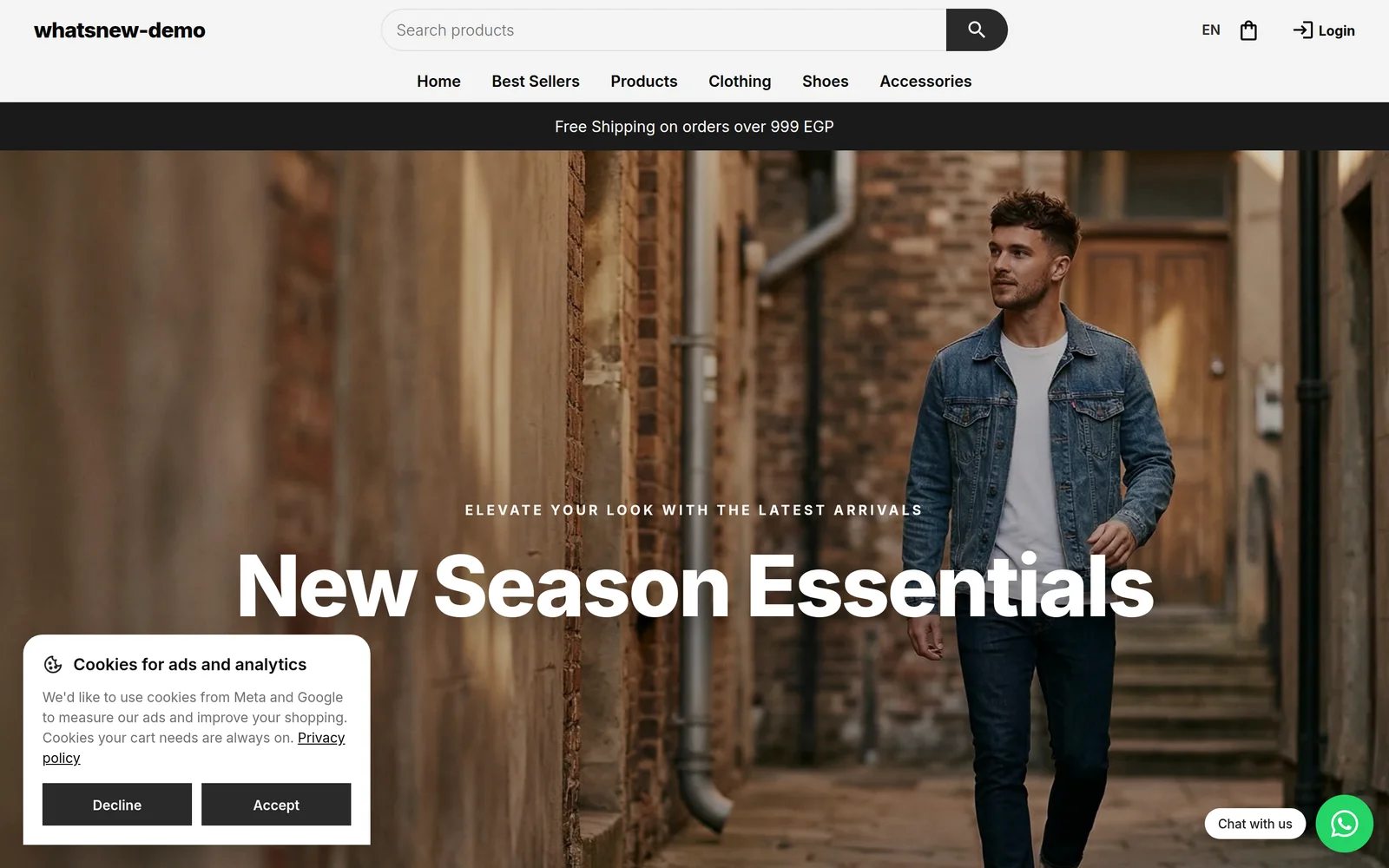
- If you ask visitors for cookie consent, these events start only after a visitor accepts. See Ask visitors for cookie consent.
- Purchases keep working as before.
- Meta catalog warnings about a missing number, price or availability should clear on the next catalog check.
Sık sorulan sorular
Do I need to change my pixel?
No. The new events start with the pixel and tag you already have.
Will Meta count add to cart twice?
No. Each event carries the same reference from the browser and from your store, so Meta counts it once.
Where do the Google events show up?
In your Google Tag Manager container. Use its preview mode to see them and send them on to Google Analytics 4.
Kendi mağazanızda deneyin
Ücretsiz denemeyi başlatın. Kredi kartı gerekmez.