Mağaza tasarımı
Show each product's own FAQ, size chart and tabs
Give each product its own FAQ, size chart and tabs. Products you have not filled in keep showing your shared content.
- Where
- Page builder, product page
- Sections
- FAQ, size chart, tabs, text, features
- Who can use it
- Anyone who can edit the store design
Write a size chart or FAQ per product without building a separate page for each one. Add the section once, and every product shows its own content.
What changed
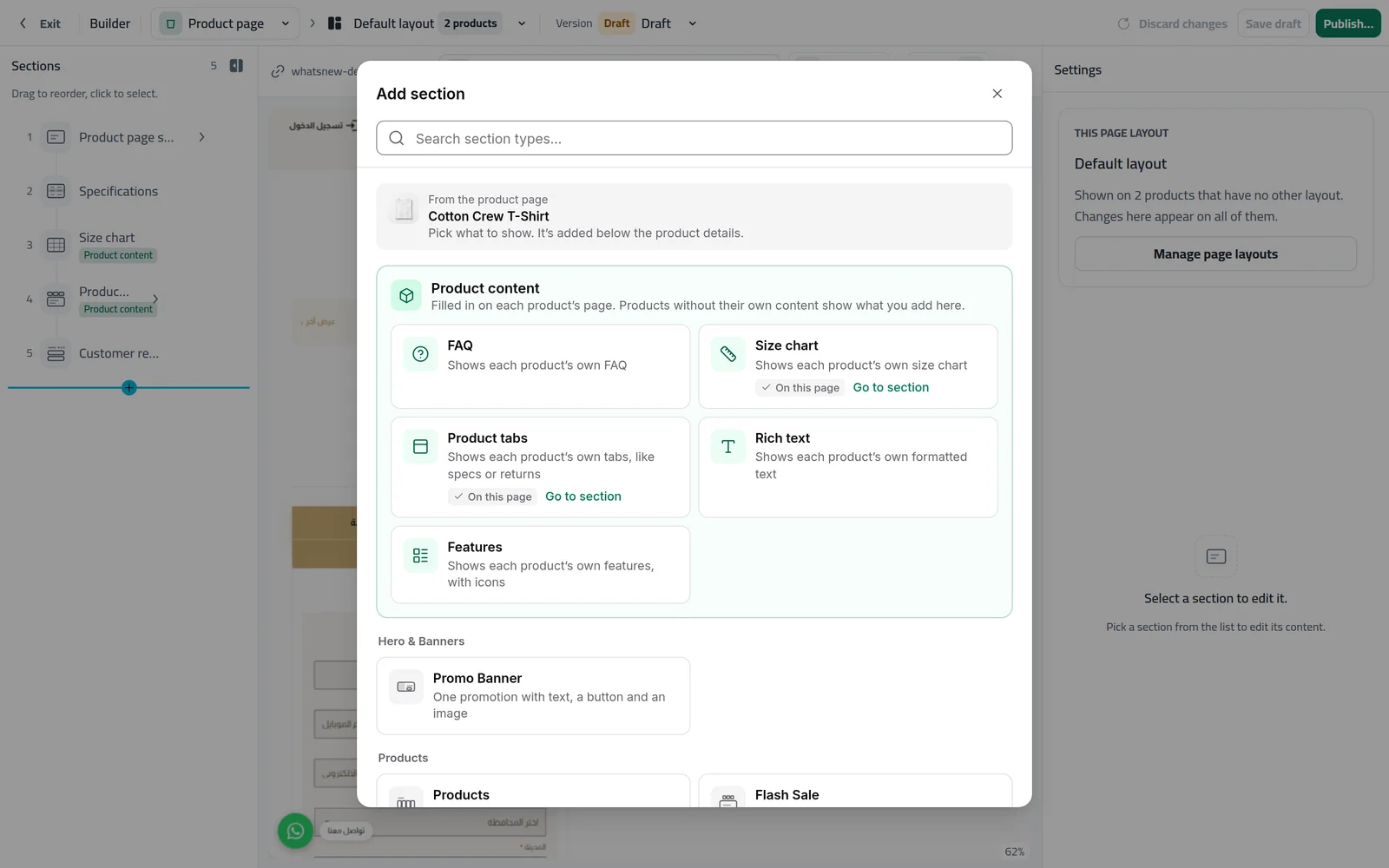
In the page builder, the product page now has a Product content group in Add section: FAQ, Size chart, Product tabs, Rich text and Features (formerly Store highlights). These sections start with Use this product's content on, and a badge shows it.
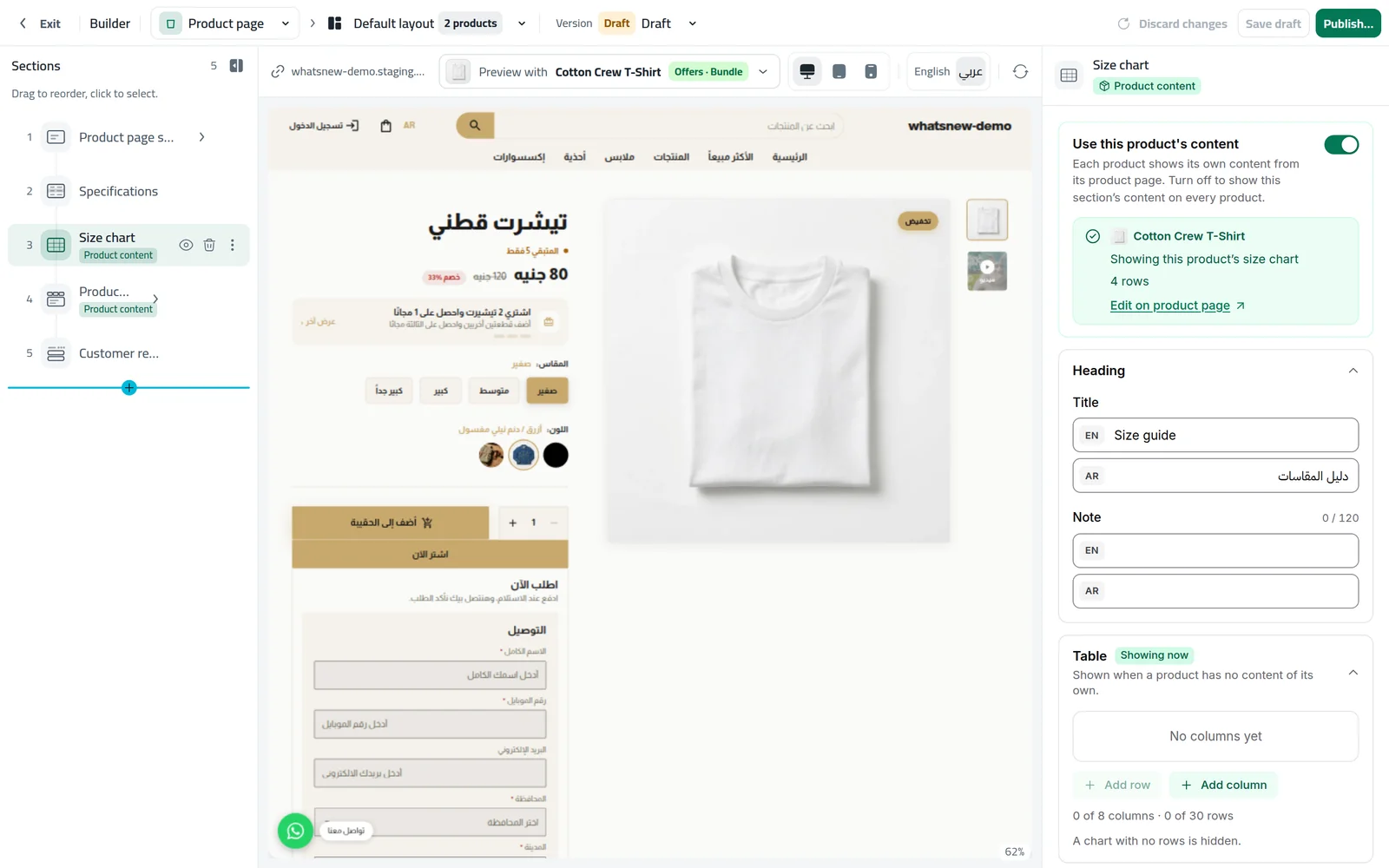
Products without their own content show what you typed in the section, so no page is ever empty. The preview in the builder follows the product you pick.
How to use it
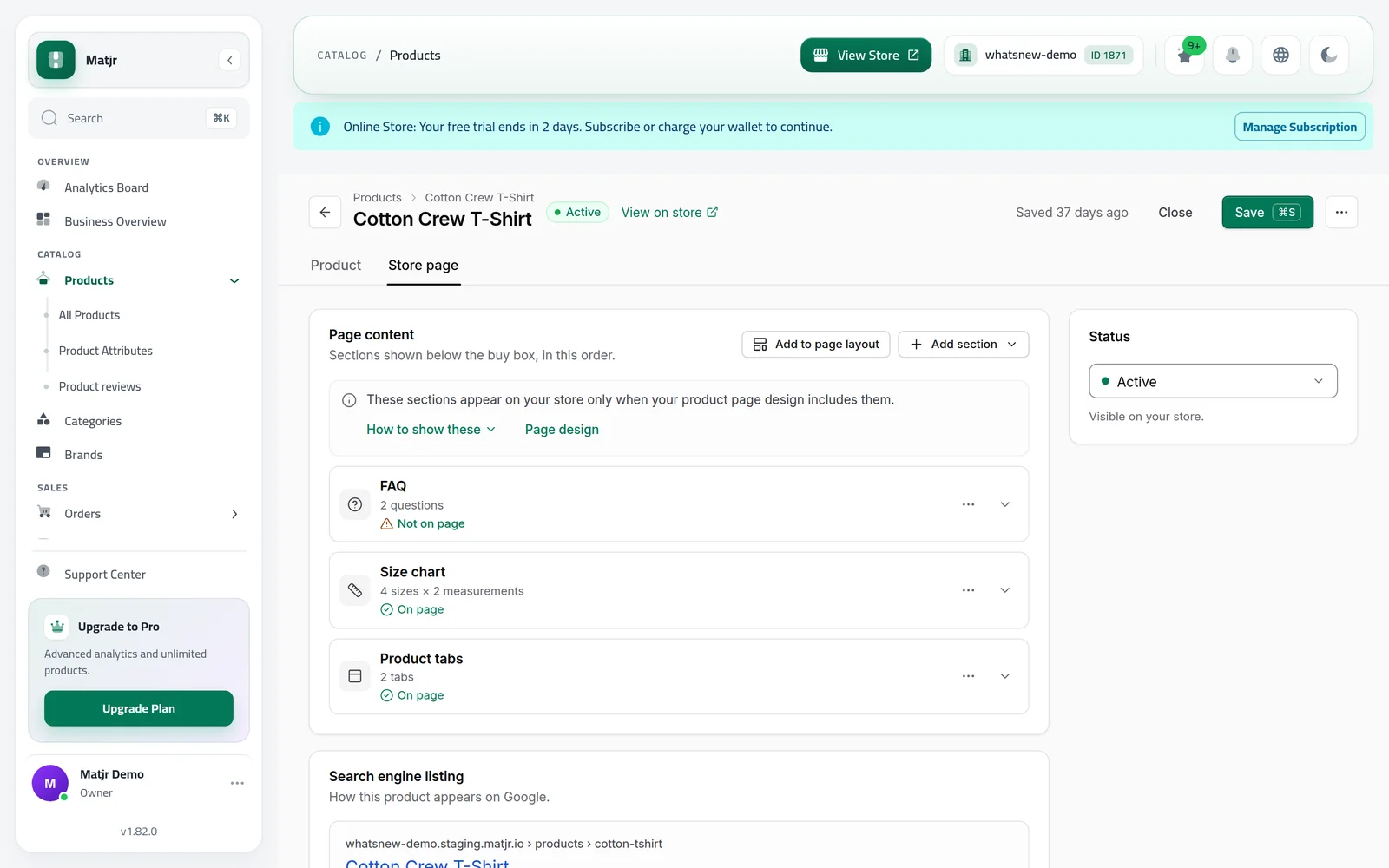
Open a product to edit it. In the page content card, press Add to page layout next to the content you wrote.
In the builder, pick the section from the Product content group in Add section.
Keep Use this product's content on, fill the fallback content, and publish.
Good to know
- The product page shows On page or Not on page for each content row.
- If a section is already on the layout, you get a Go to section link instead of a duplicate.
- Content in one language only still shows; the other language uses the fallback.
Sık sorulan sorular
What do products without their own content show?
They show the content you typed in the section, so nothing is left empty.
Do I need a separate page per product?
No. One section on the shared layout serves every product.
Where do I write a product's own FAQ?
On the product's edit page, in the page content card.
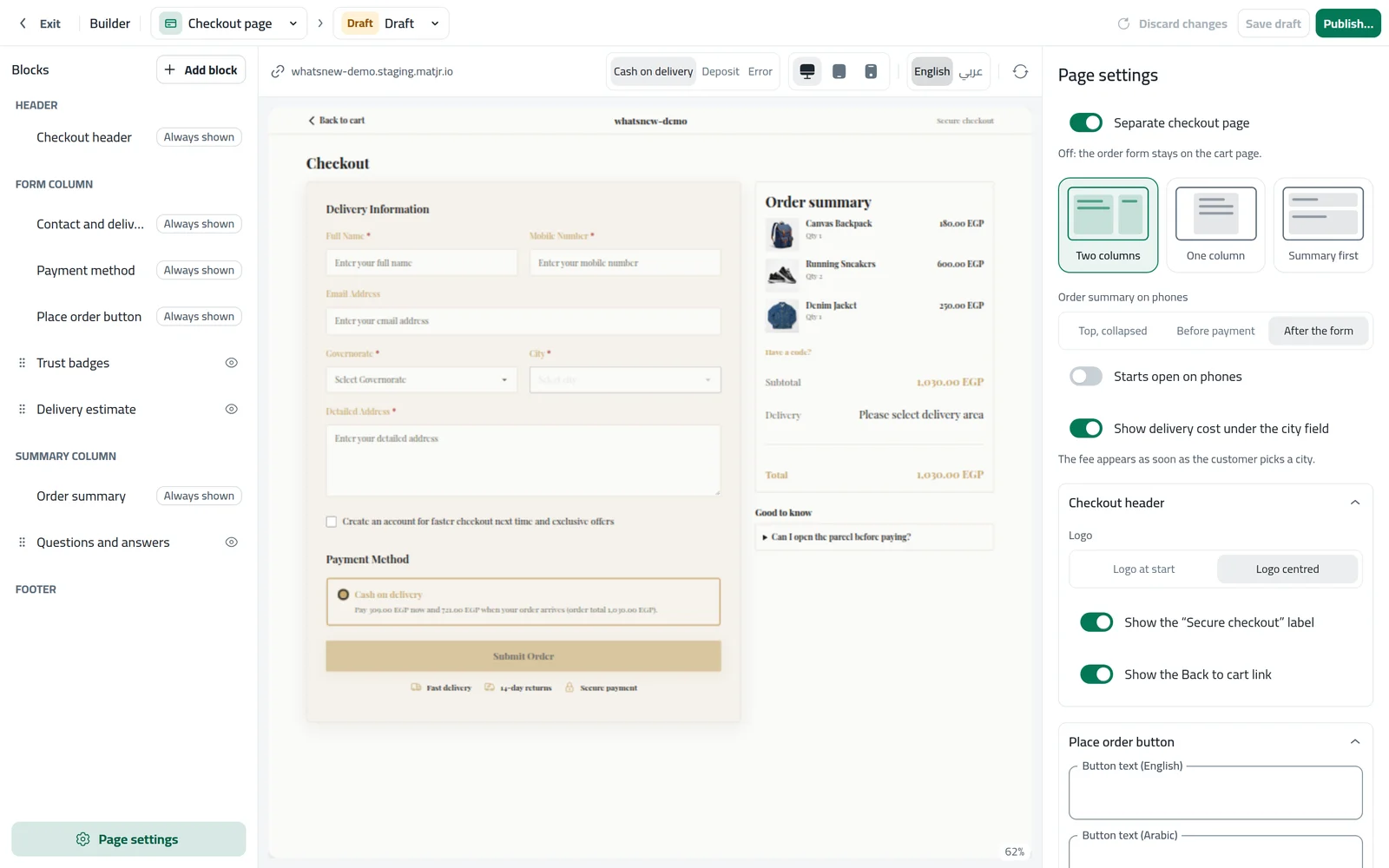
Kendi mağazanızda deneyin
Ücretsiz denemeyi başlatın. Kredi kartı gerekmez.