Orders
Add WhatsApp and phone orders straight from your dashboard
Orders from WhatsApp, Facebook or a phone call no longer live in a notebook. Add them by hand and they count in your stock, delivery and reports.
- Where
- Orders, then New order
- Who can use it
- Anyone who can create orders
- Payment
- Cash on delivery
- Countries
- Egypt and UAE
Customers who order on WhatsApp, Facebook, Instagram or the phone used to stay outside your store. Now you can enter those orders yourself, so stock, delivery and reports include every sale.
What changed
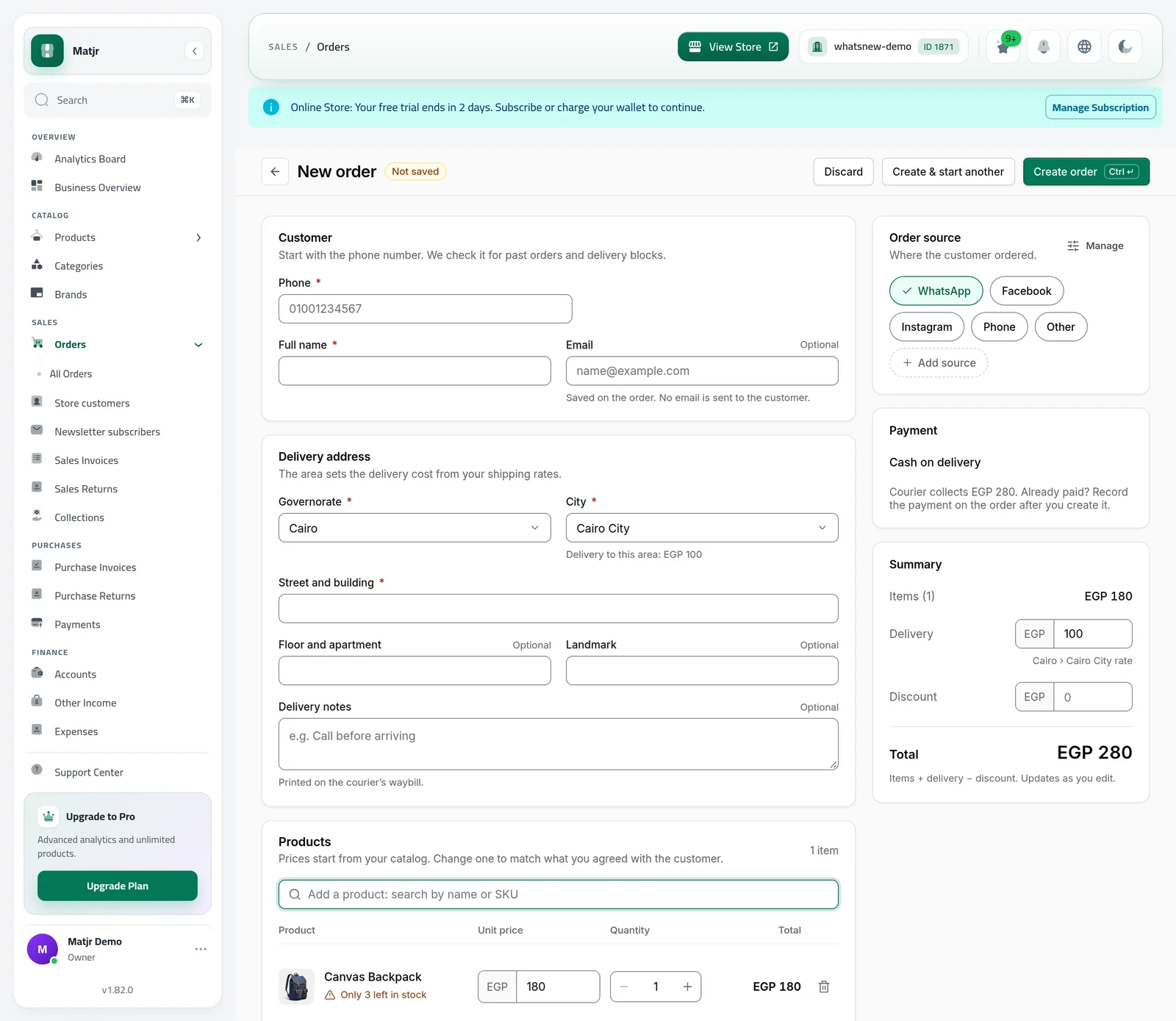
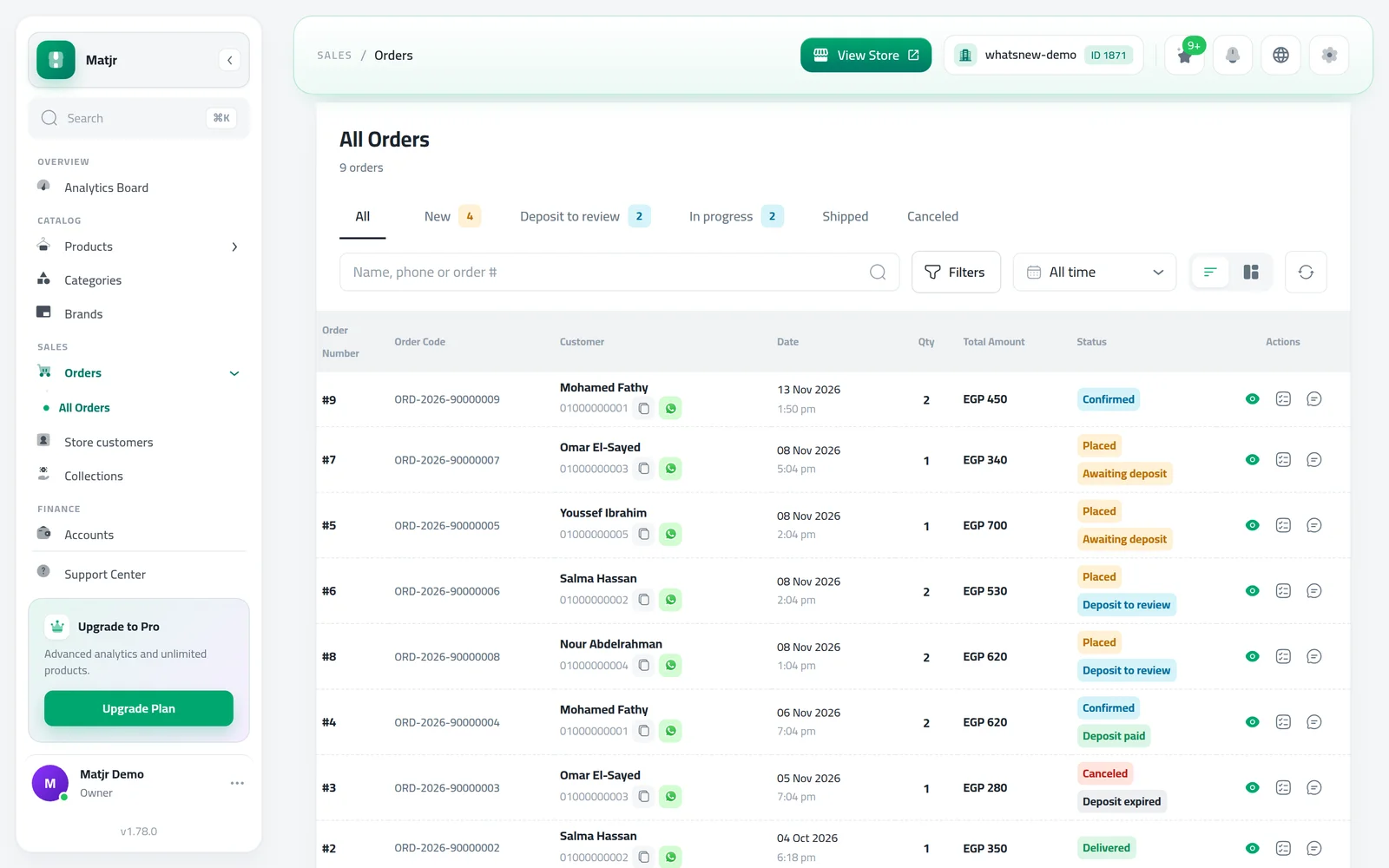
The Orders list has a New order button. Type the customer's phone and Matjr checks for past orders, so you can reuse their name and address. Search products by name or code, pick the exact option, and change the unit price, delivery cost or discount to match what you agreed.
Choose where the order came from, such as WhatsApp or Phone, and add your own sources if you like. The source shows on the orders list and on the order page.
How to use it
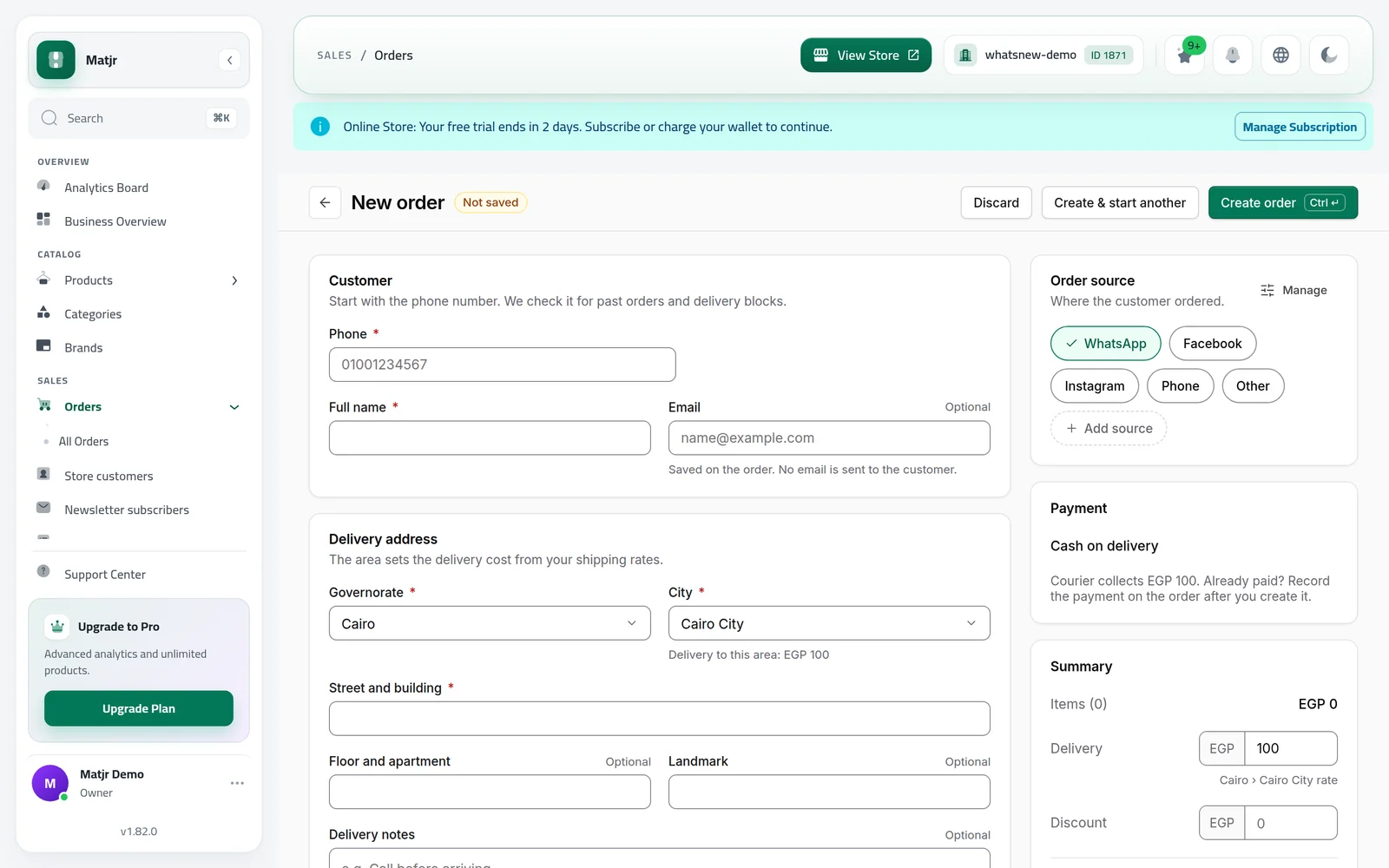
Open Orders and press New order. Enter the phone number and delivery area.
Search for the products, pick the option and adjust the price or quantity.
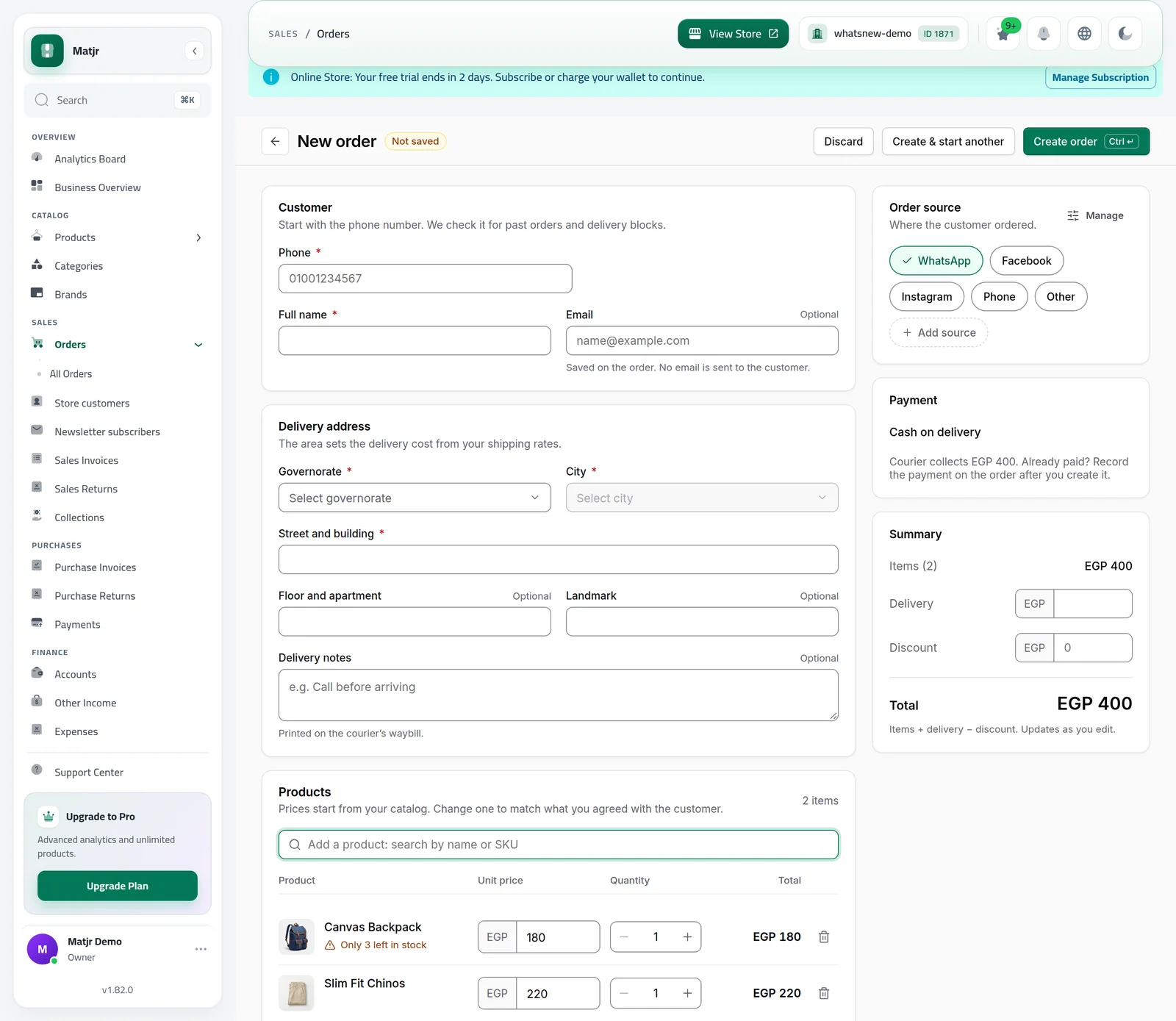
Choose the Order source and press Create order, or Create & start another.
Good to know
- Payment is cash on delivery. Record any payment you already received on the order afterwards.
- The customer gets no email, and you can still create an order for a customer who is blocked from cash on delivery.
- Phone and amount fields accept Arabic digits.
- You need permission to create orders to see the button.
Frequently asked questions
Does this reduce my stock?
Yes. A manual order is handled like a store order, so stock and delivery include it.
Does the customer get an email?
No. Nothing is sent to the customer when you add an order.
Can I give a special price?
Yes. Edit the unit price, delivery cost or discount before you create the order.
Can I track which channel orders came from?
Yes. Each order keeps its source, shown on the orders list.
Try it on your own store
Start your free trial. No credit card required.