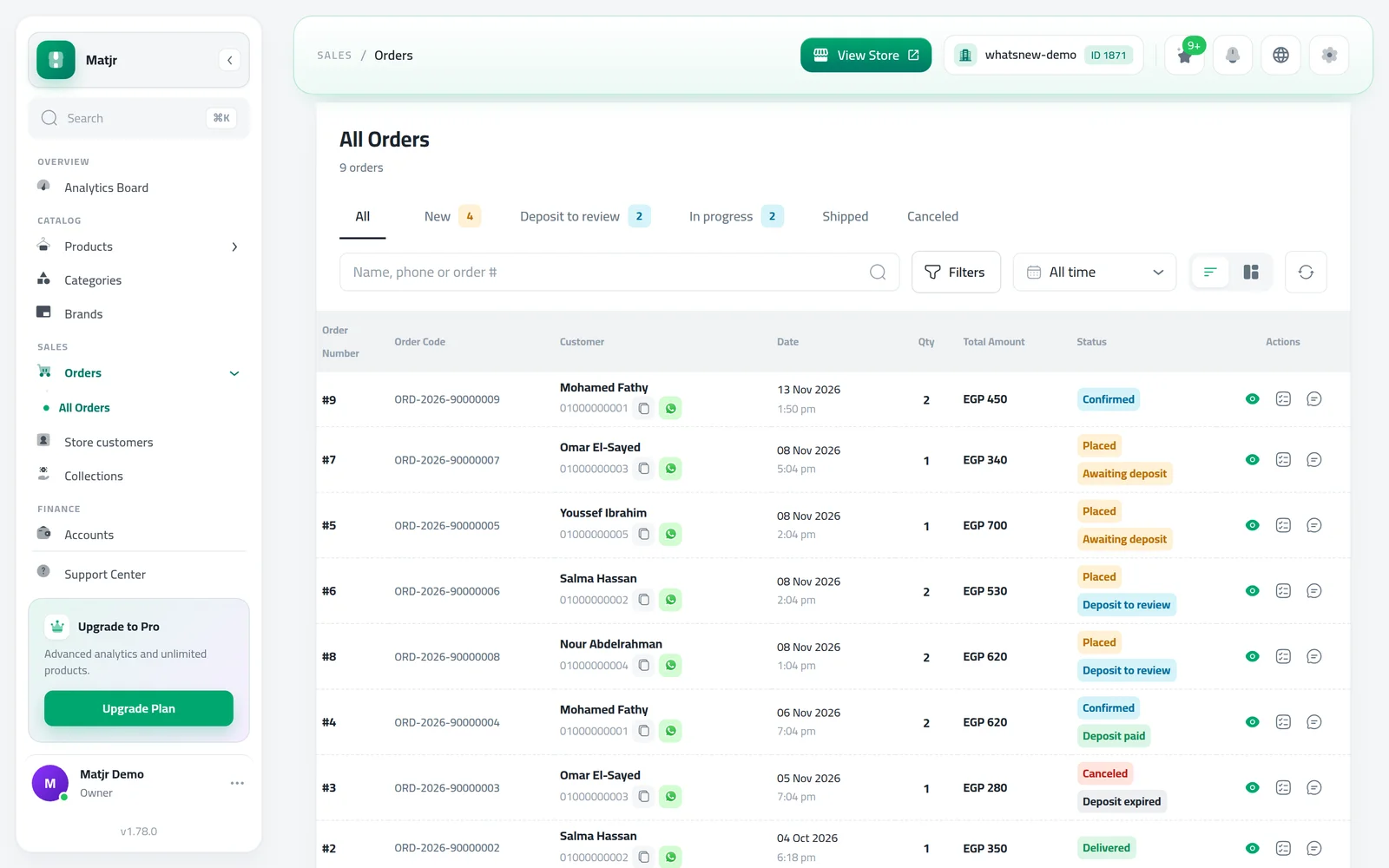
Orders
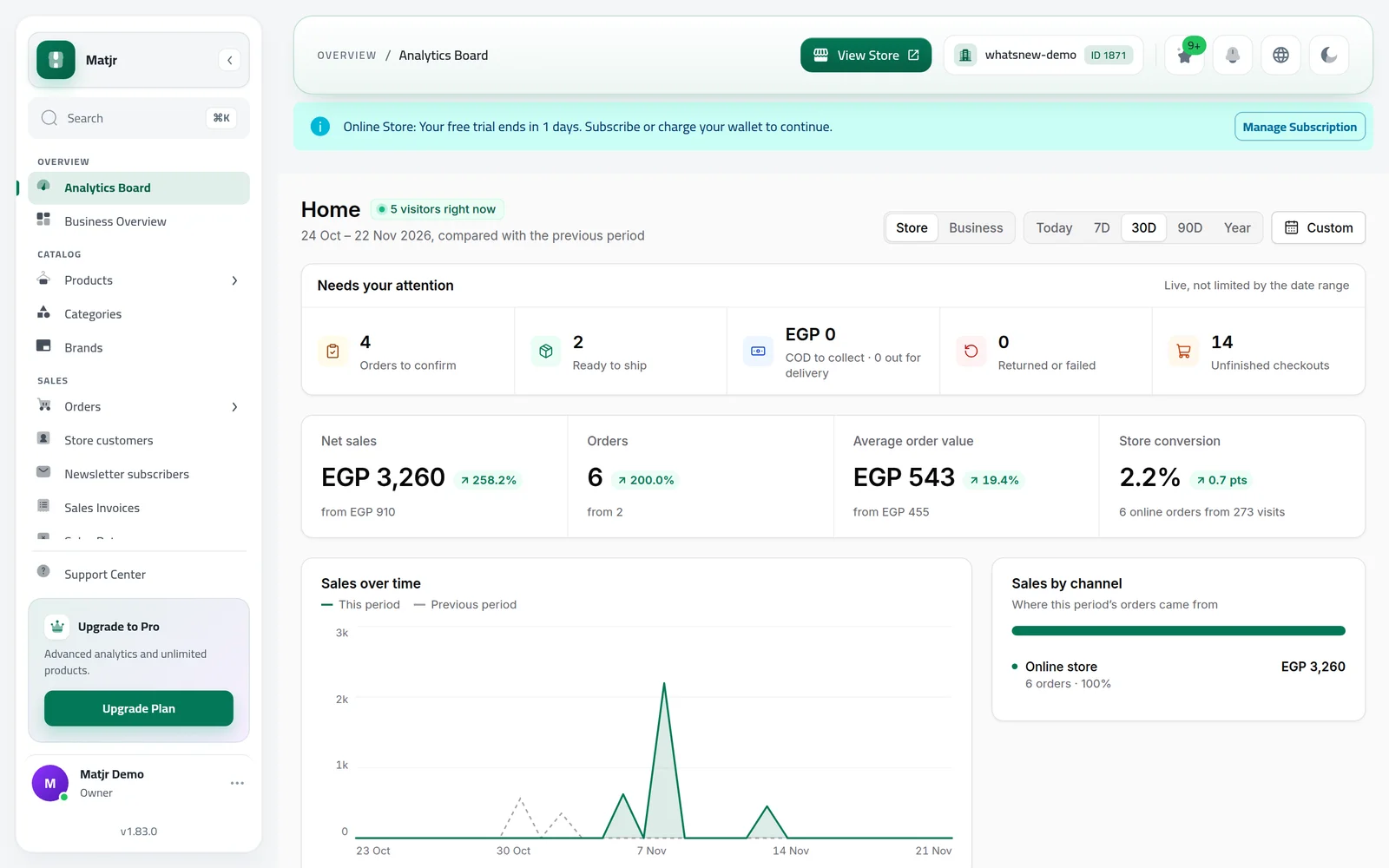
A new home page that shows what needs you today
See orders to confirm, sales against the last period, live visitors and stock running low the moment you open your dashboard.
- Where
- Dashboard home page
- Date ranges
- Today, 7, 30 or 90 days, month, quarter, year, custom
- Business overview
- For stores that also use the business tools
Open your dashboard and know in seconds what to do first and how your store is doing. The home page now puts the work waiting for you at the top, followed by the numbers that matter.
What changed
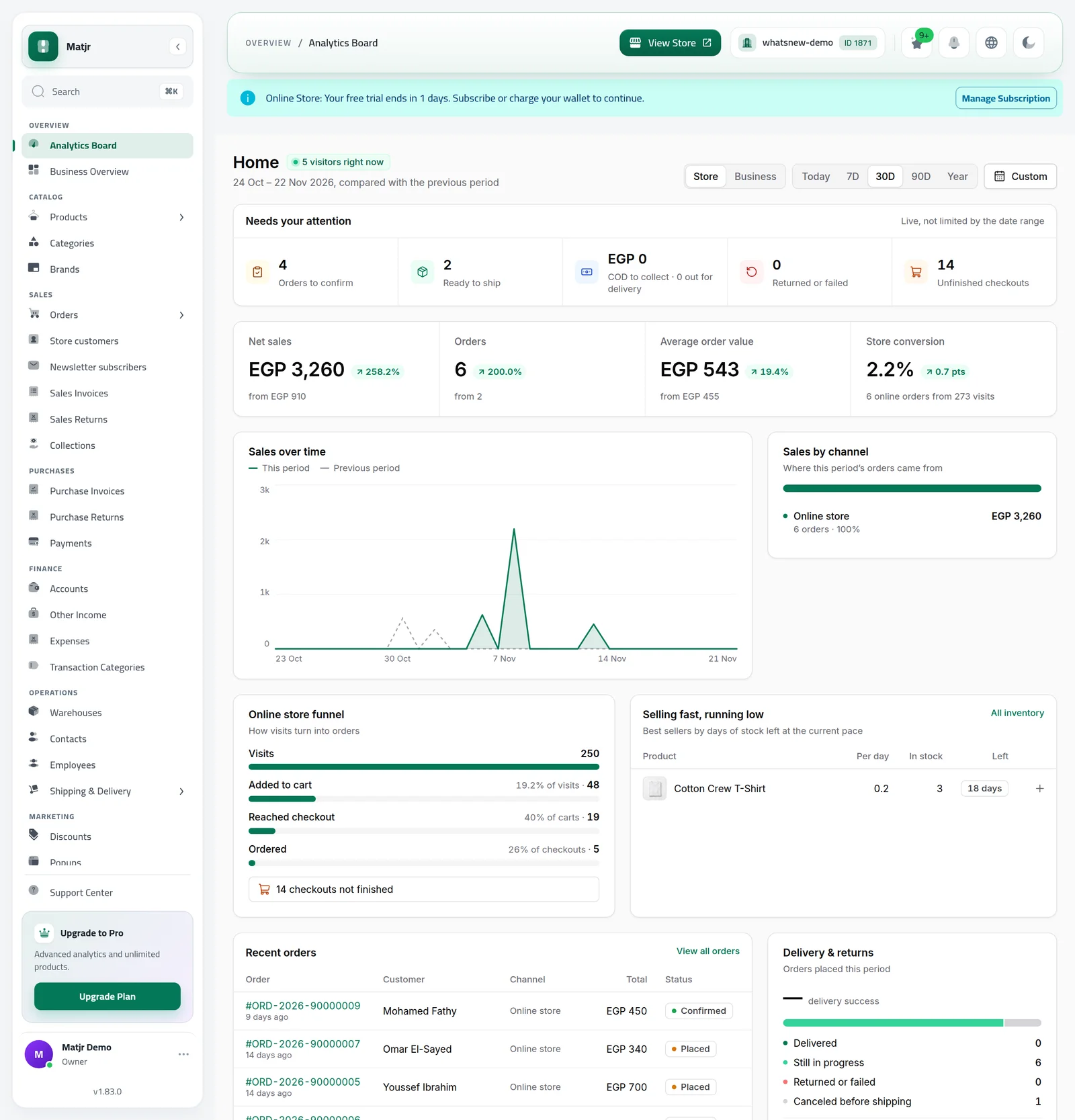
Needs your attention lists orders to confirm, orders ready to ship, returned or failed orders, cash on delivery still to collect and unfinished checkouts. Under it you see net sales, orders, average order value and store conversion for the dates you pick, with a sales chart against the previous period and your sales by channel.
The Online store funnel shows how visits turn into carts, checkouts and orders, and how many people are on your store right now. You also see products selling fast and running low, your recent orders and your delivery success rate.
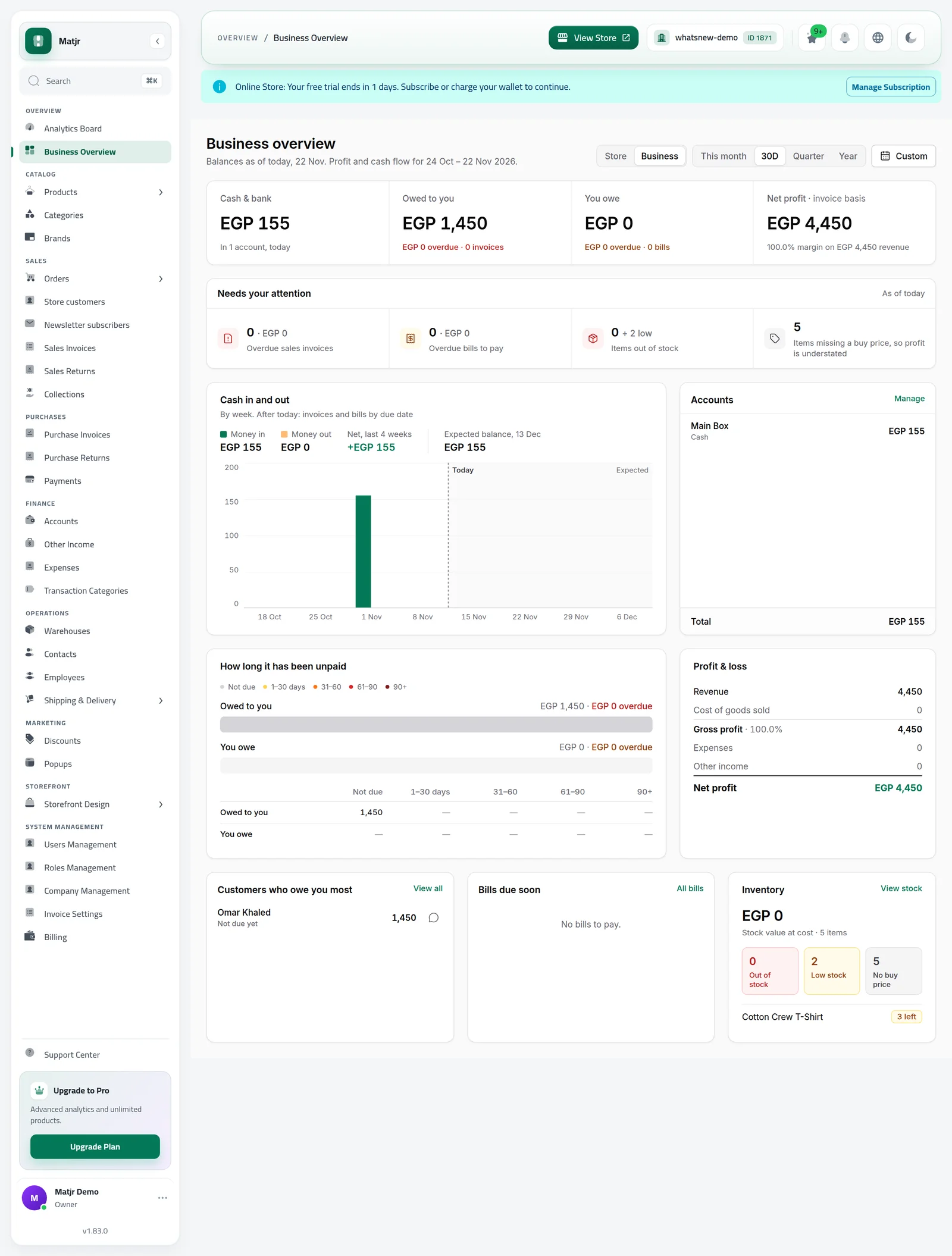
If you use the business tools too, a Store | Business switch at the top opens the Business overview: cash and bank, money owed to you and by you and for how long, profit and loss, and inventory running low. Your dashboard remembers the last one you chose.
How to use it
Open your dashboard. Start with Needs your attention, then pick the dates for the numbers: Today, 7D, 30D, This month and more.
Scroll to the Online store funnel and Sales by channel to see where orders come from and where shoppers drop off.
Use the Store | Business switch to open the Business overview.
Good to know
- Visits, the funnel and unfinished checkouts start counting from this update, so they fill up over the next days.
- Each team member sees only the cards their role allows.
- Dates follow your store's local day in Egypt or the UAE.
Frequently asked questions
Why is my funnel empty?
Visits are counted from this update on. Give it a few days of traffic and the funnel fills up.
Can my employees see my sales?
Only if their role allows it. Each card shows only to people with permission for that area.
Does it collect shoppers' personal data?
No. Visits are counted without names, phones or emails.
Try it on your own store
Start your free trial. No credit card required.