Store design
Shoppers can tap a cart item to go back to it
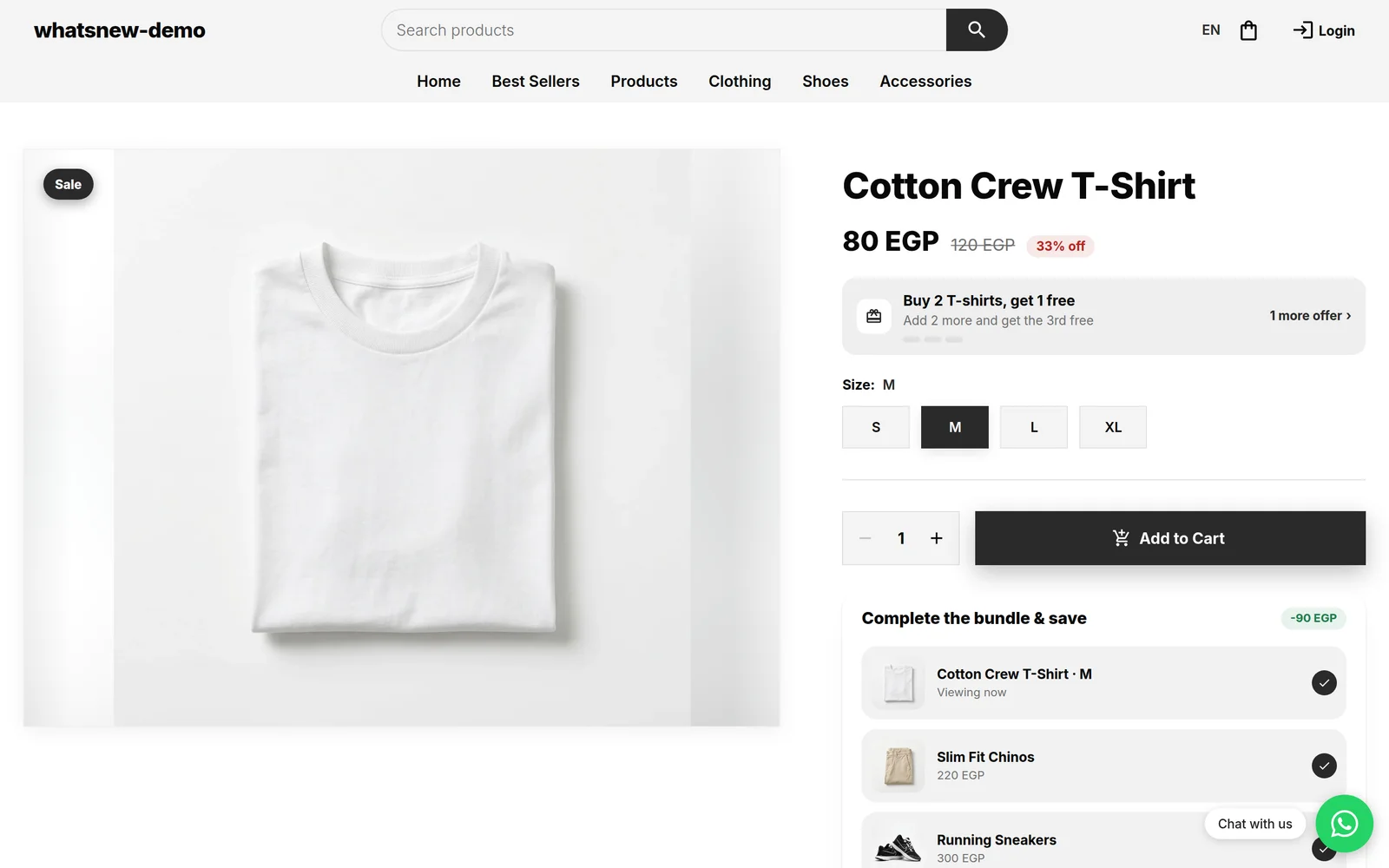
Items in the side cart and the cart page now link to their product, with the size and colour your shopper chose already selected.
- Where
- Side cart and cart page
- Action needed
- None
- Countries
- All countries
Shoppers often want one more look before they pay. Now they tap an item in the cart and land on its product page, ready to change quantity or compare.
What changed
The name and image of each item in the side cart and on the cart page open the product. The size or colour your shopper picked is already selected when the page opens.
How to see it
Add a product with a size or colour to the cart, open the cart and tap the product name.
Good to know
- Quantity and remove buttons work as before and do not open the product.
Frequently asked questions
Does the shopper lose the cart?
No. The cart stays as it is when they come back.
Is the chosen size or colour kept?
Yes. The product page opens with that choice selected.
Do I need to change a setting?
No. It works on every store.
Try it on your own store
Start your free trial. No credit card required.