Settings
Get help faster from the new Support Center
Chat with the Matjr team on WhatsApp in one tap, with your store details already in the message, and find guides and updates in one place.
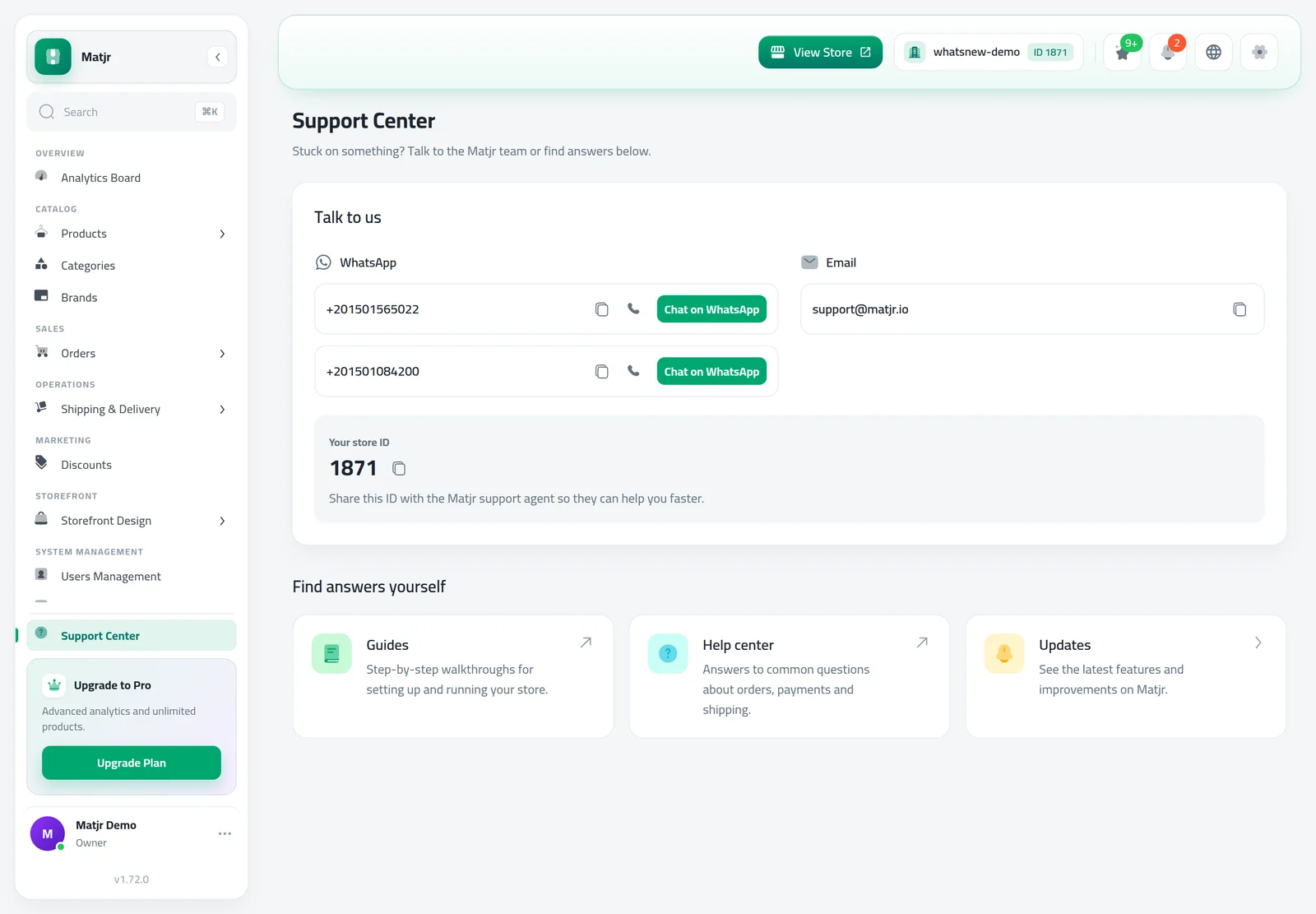
- Where
- Support Center, at the bottom of the menu
- Talk to us
- WhatsApp, phone and email
- Find answers
- Guides, Help center and Updates
When something gets in your way, help is now one click away. Support Center brings the Matjr team, step-by-step guides and the latest updates together on one page, so you spend less time searching and more time selling.
What changed
Support Center sits at the bottom of your dashboard menu. Under Talk to us, Chat on WhatsApp opens a chat with a message that already includes your store name, number and link, so the team knows which store you mean without asking.
Each phone number has Copy and Call next to it, and each email address has a copy button. Your store number is shown in the same card with a copy button. Share it with the support team so they can help you faster.
Under Find answers yourself, open Guides for step-by-step walk-throughs, Help center for common questions about orders, payments and shipping, and Updates to see what's new.
How to use it
Click Support Center at the bottom of the dashboard menu.
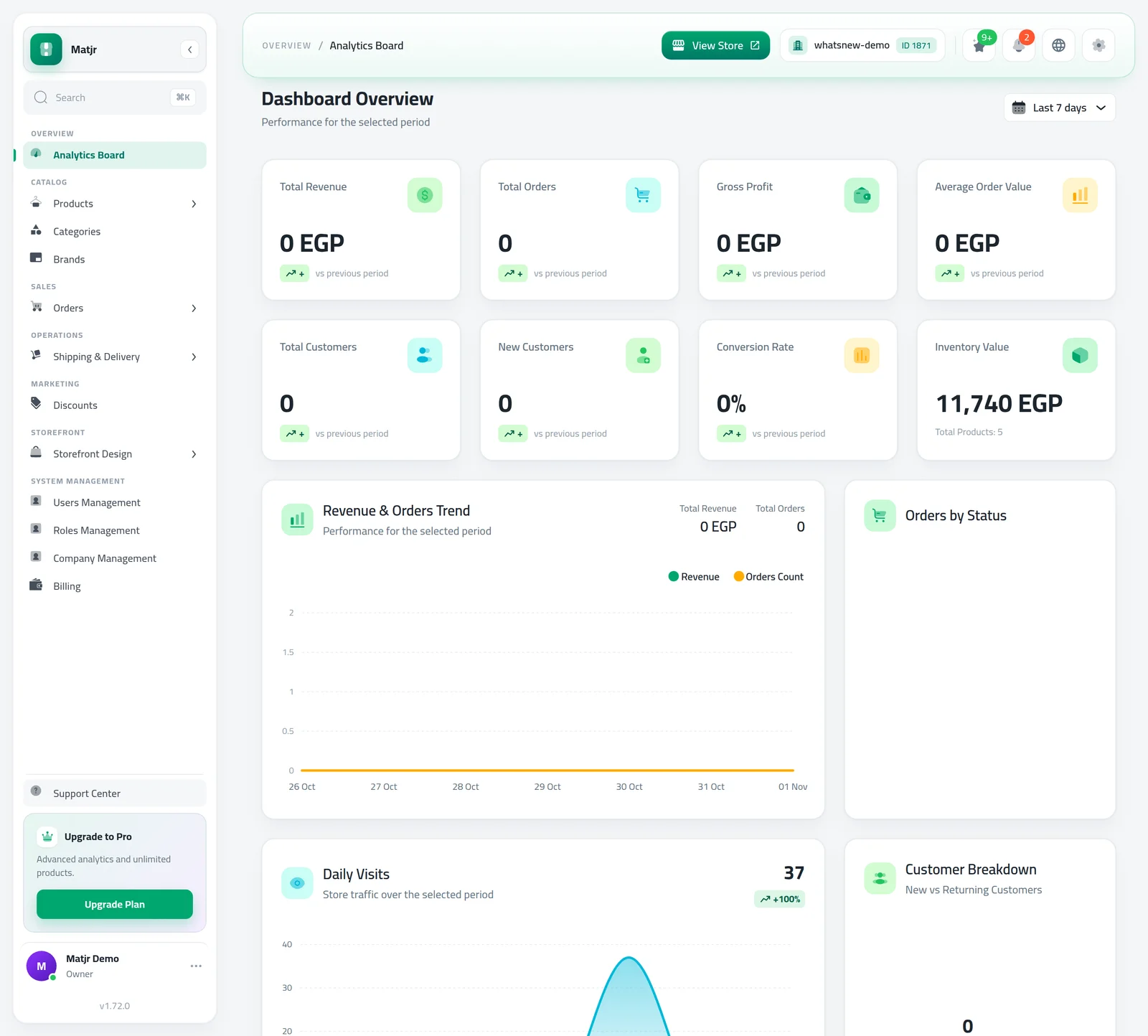
To talk to the team, click Chat on WhatsApp and send the message, or copy the email address. To help yourself, open Guides, Help center or Updates.
Good to know
- You can edit the WhatsApp message before you send it.
- On a phone, you find Support Center in the menu.
- New to Matjr? Start with how to design your online store, then find the rest from the Guides card.
Frequently asked questions
What does the WhatsApp message include?
A short greeting with your store name, number and link. You can change it before you send it.
Why should I share my store number?
It lets the support team find your store straight away, so they can help you faster.
Where is Support Center on my phone?
Open the menu and you will find Support Center there.
Try it on your own store
Start your free trial. No credit card required.