Marketing
Your store can now show up on Google in both languages
Each store language now has its own pages, so Google can find your store in Arabic and English. Nothing to set up. Single-language stores keep their links.
- Action needed
- None, it is automatic
- Two-language stores
- Default language has no prefix, other under /en or /ar
- One-language stores
- Links stay the same
More shoppers can find you on Google, in the language they search in. This works on its own. You do not need to change anything.
What changed
- Each enabled language has its own pages. Your default language has no prefix in the link, and the other language lives under /en or /ar.
- Product pages are no longer treated by Google as copies of your home page.
- A page that does not exist now shows a real "not found" instead of looking like a normal page.
- The sitemap now lists every product and category.
- With a verified custom domain, Google sees one main address for your store.
- Shoppers can share a link straight to a specific size or colour.
If your store uses one language, your links stay exactly the same.
How to check it
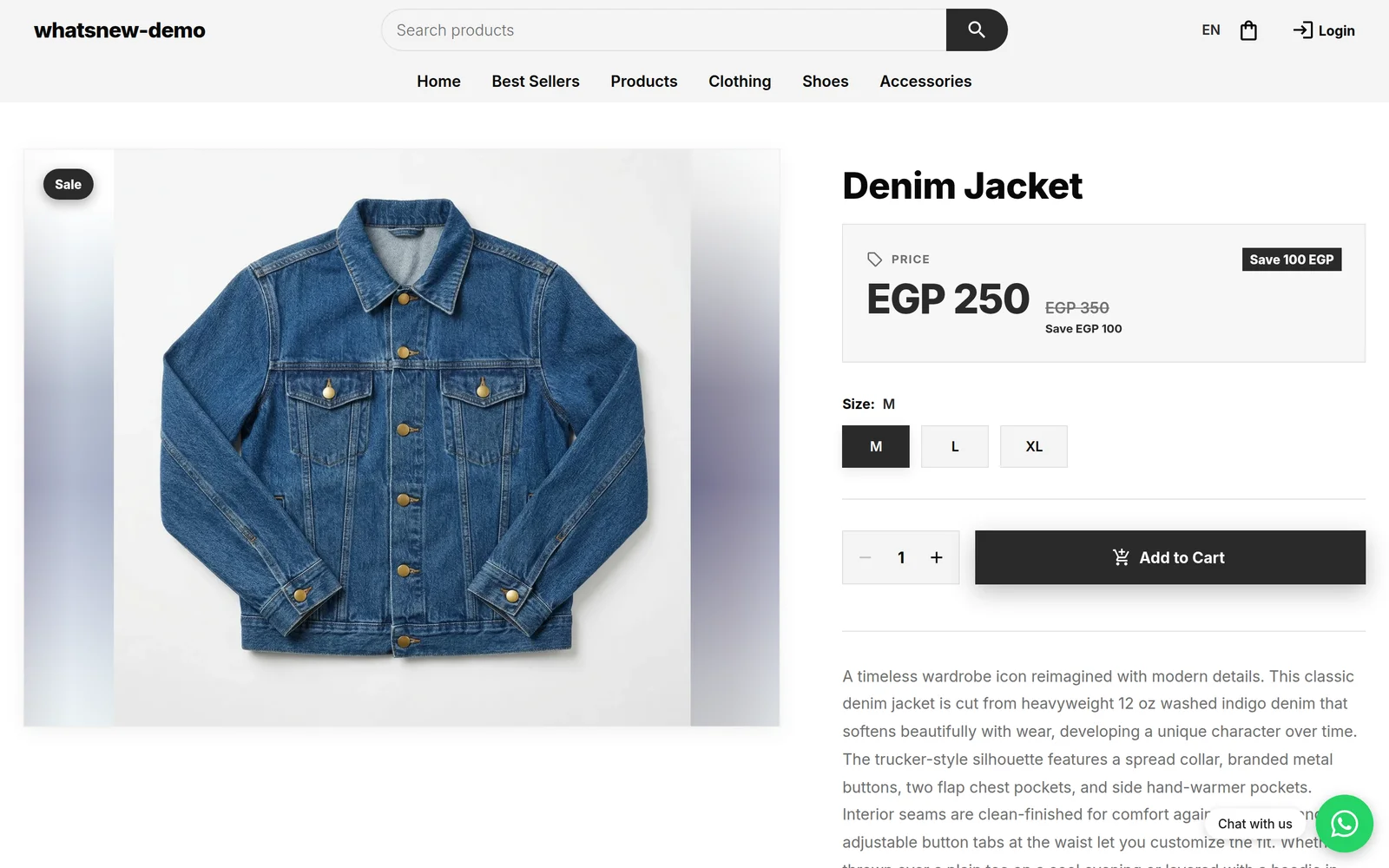
Open your store in the other language by adding /en or /ar after your store address. The product page opens in that language.
Open a product with a size or colour already chosen from a shared link, and check that the choice is selected.
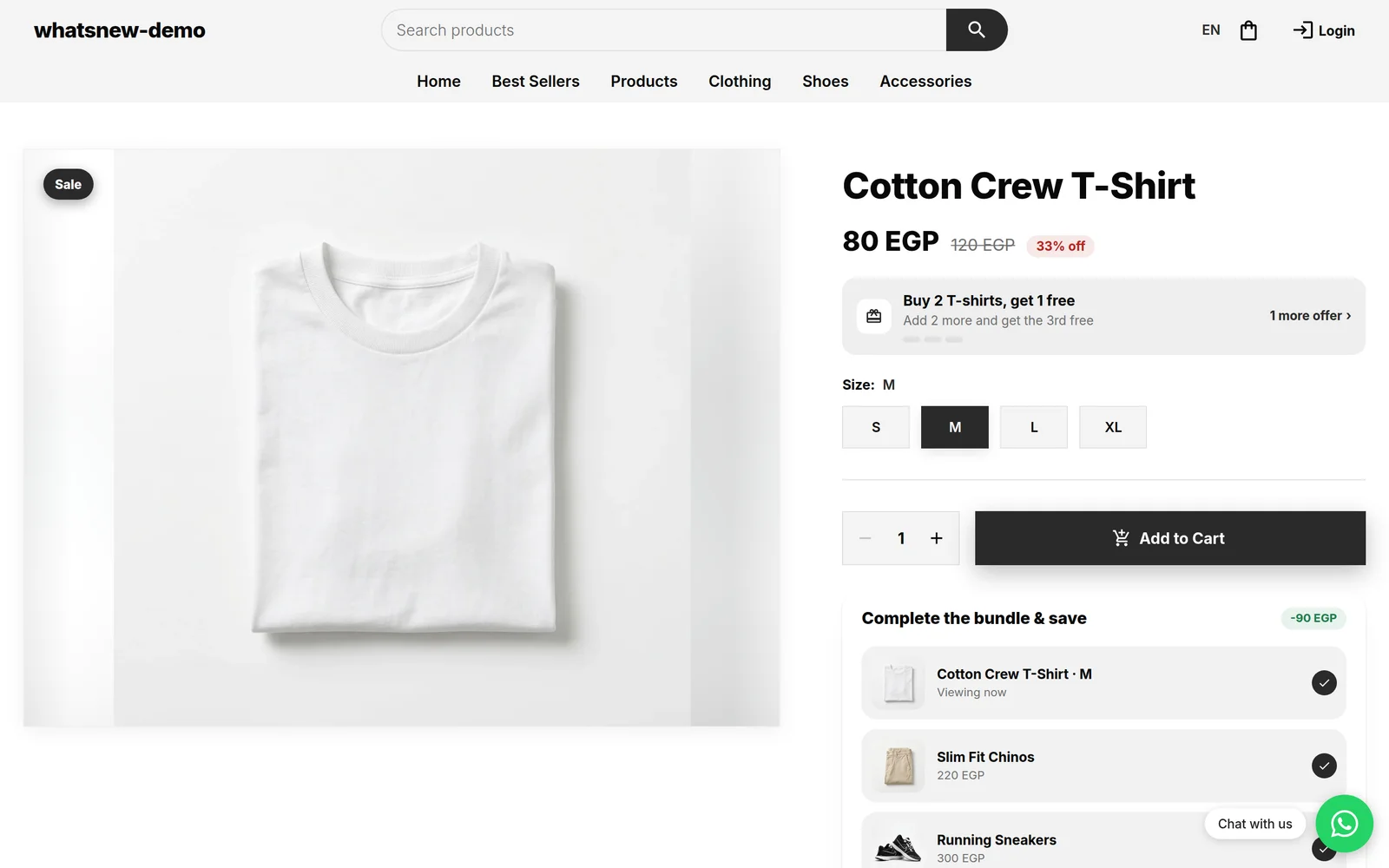
To see the sitemap, add /sitemap.xml after your store address, for example yourstore.mymatjr.store/sitemap.xml, and check that your products appear.
Good to know
- Google can take days or weeks to show the new pages.
- Want more visitors from Google? Read How to make your store easy to find on Google.
Frequently asked questions
Will my old links stop working?
No. Your default language keeps its links, and one-language stores see no change.
Do I have to turn something on?
No. It works for every store as soon as both languages are enabled.
How soon will Google show both languages?
Google decides when to visit. It can take days or weeks.
Try it on your own store
Start your free trial. No credit card required.