Marketing
Cap your percentage discounts: 20% off, up to 100 EGP
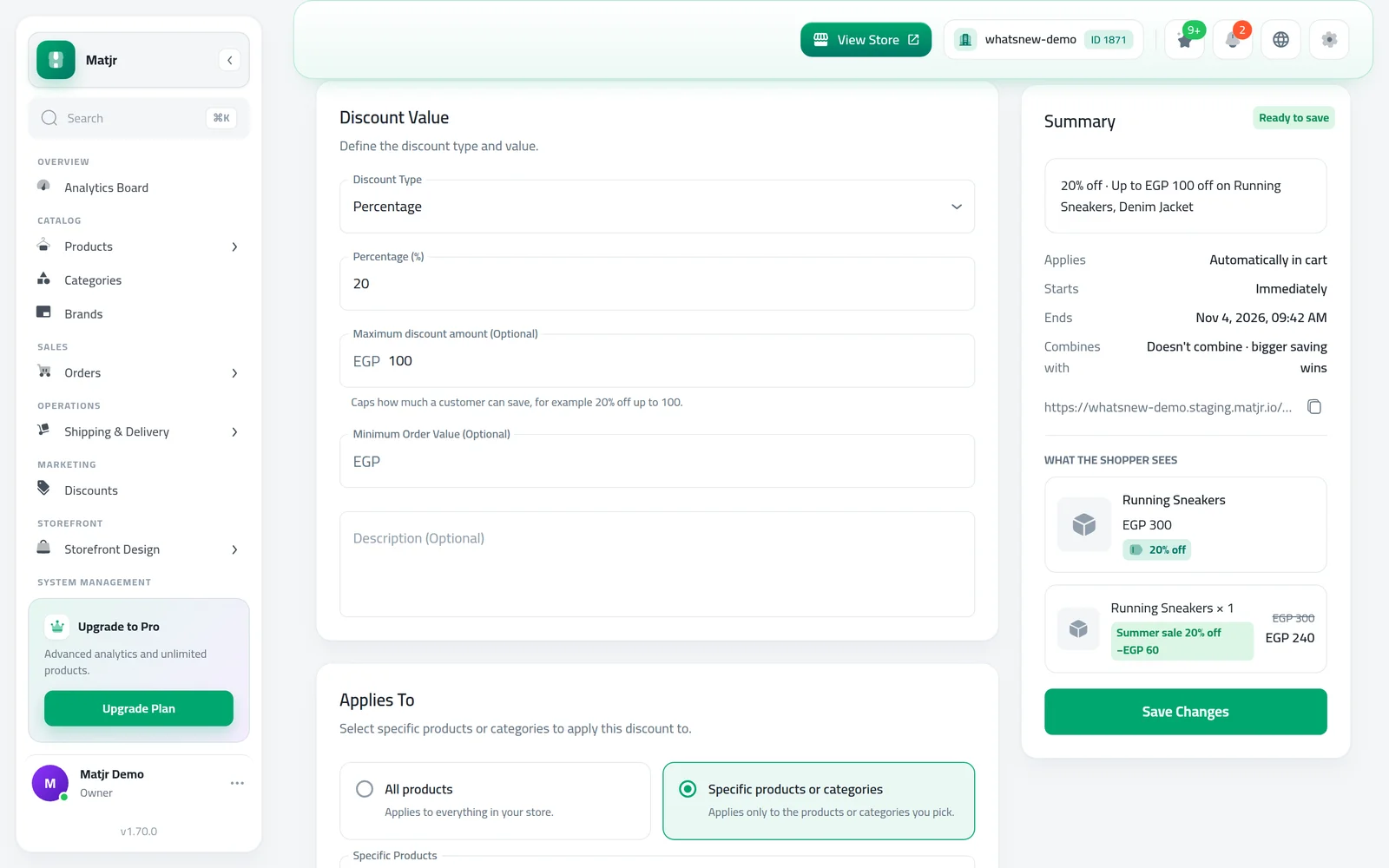
Offer a generous percentage without losing money on big orders. Set a maximum discount amount, and the offer reads “20% off, up to 100 EGP”.
- Where
- Marketing › Discounts › Discount Value
- Works with
- Percentage promo codes and automatic discounts
- Applies to
- The total saving on the whole order
- Required
- No, leave it empty for no cap
A bigger percentage sells more, but on a large order it can cost more than you planned. Now you can promise 20% off and still know the most any order can save.
What changed
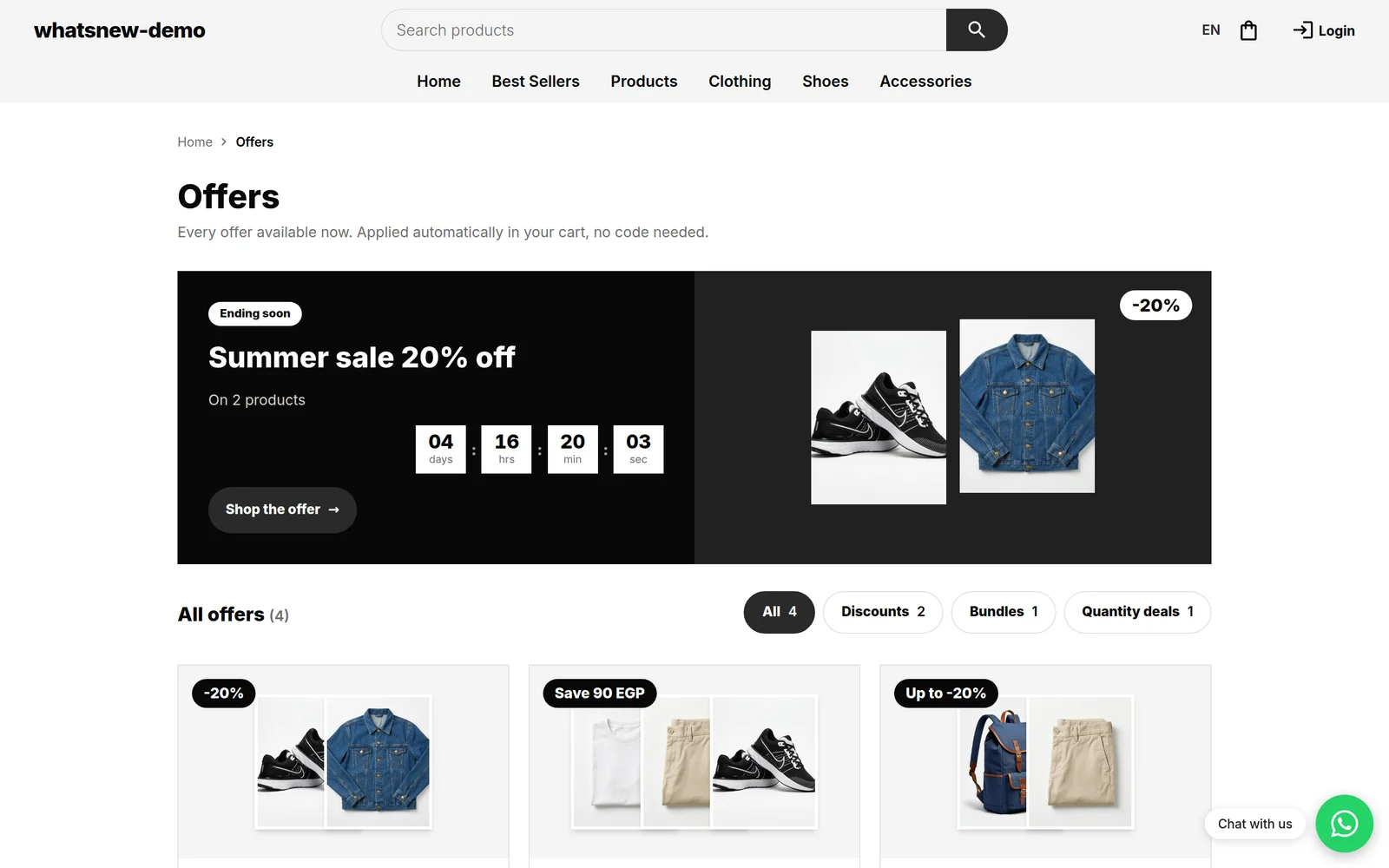
Promo codes and automatic discounts with a Percentage value have a new, optional Maximum discount amount. However big the cart gets, the saving from that discount stops at this amount. Your store shows the cap next to the offer, so shoppers know what to expect before checkout.
How to use it
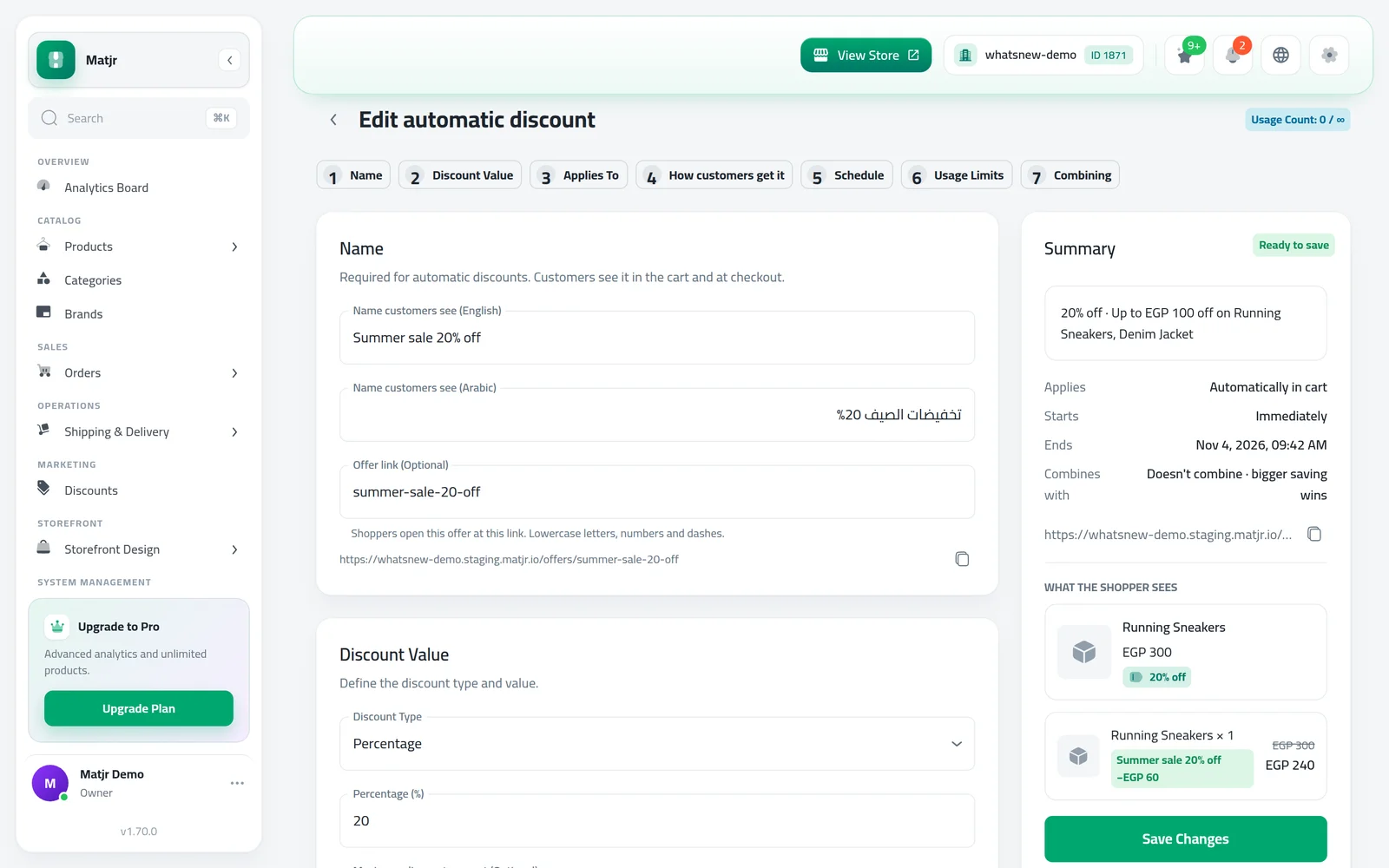
Open Marketing › Discounts and create or open a promo code or automatic discount. Under Discount Value, choose Percentage, enter the value, then enter the cap in Maximum discount amount (Optional).
Check the Summary: it shows the cap next to the percentage, such as “20% off · Up to EGP 100 off”. Then save. The cart applies the cap from then on.
Good to know
- The cap is for the whole order, not for each product.
- Only percentage discounts can have a cap. If you switch a discount to Fixed Amount, the cap is removed.
- Leave the field empty for no cap. Existing discounts are not affected until you add one.
- The cap is available on promo codes and automatic discounts. Bulk pricing and Buy X Get Y do not have the field.
See every step of setting up an offer in how to create a discount code and other offers.
Frequently asked questions
Is the cap per product or per order?
Per order. The total saving from that discount across the whole cart never goes above the amount you set.
What happens if I change the discount to a fixed amount?
The cap is removed, because a fixed amount already sets the saving.
Can I cap bulk pricing or Buy X Get Y?
Not from the discount form. The Maximum discount amount field is on promo codes and automatic discounts.
Do shoppers see the cap?
Yes, wherever your store describes the offer in words, it reads like “20% off, up to 100 EGP”. The cart always applies the cap.
Try it on your own store
Start your free trial. No credit card required.