Store design
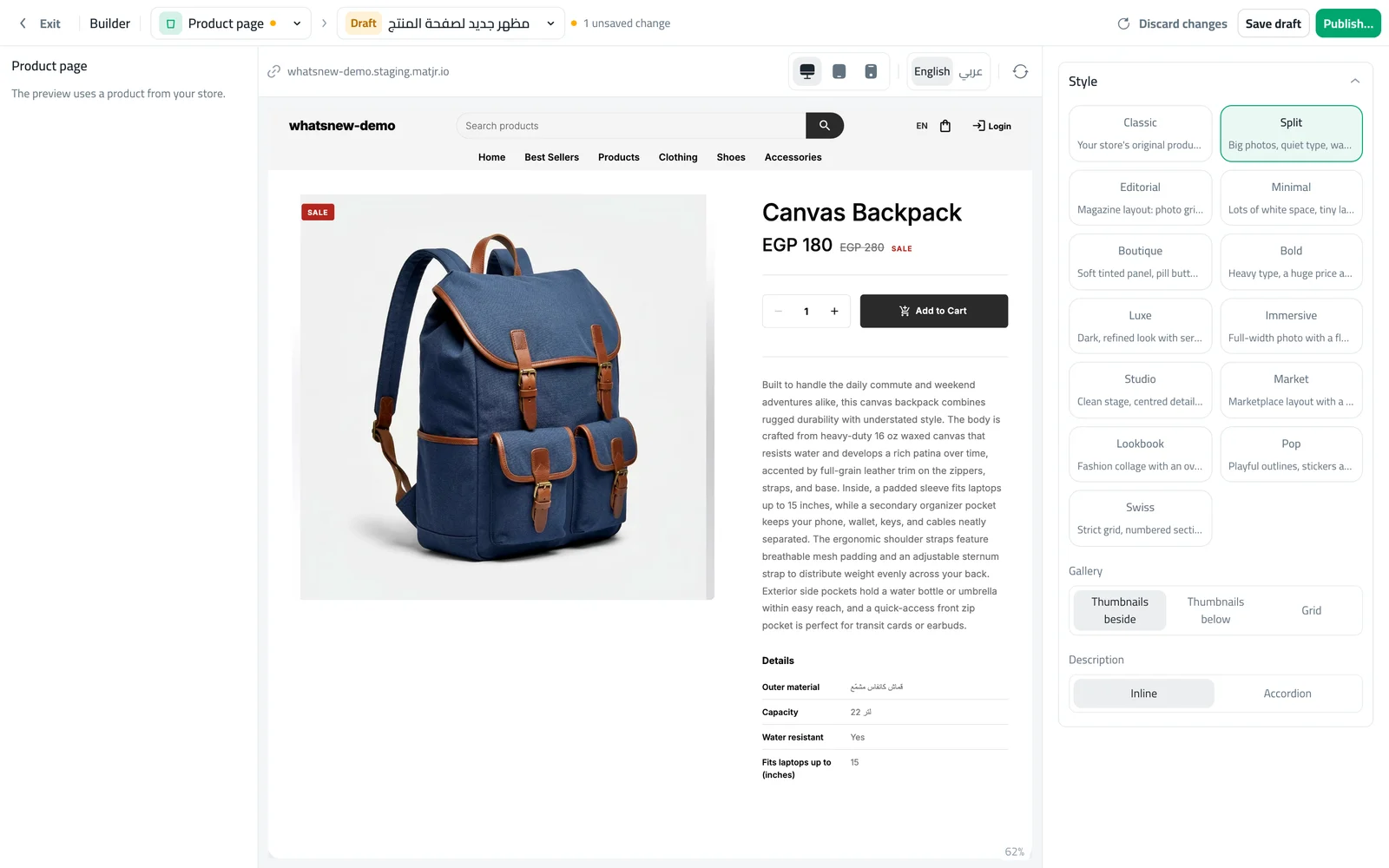
Choose from 13 product page styles that fit your brand
Give every product page a look that suits what you sell, from clean and minimal to bold and playful, plus a Buy now button.
- Where
- Design › Product page
- Styles
- 13
- Extras
- Buy now button, You may also like row
The product page is where shoppers decide to buy. Now you can pick a style for it that matches your products and your brand, and see it with a real product from your store before you publish.
What changed
The Product page in the builder offers 13 styles: Classic, Split, Editorial, Minimal, Boutique, Bold, Luxe, Immersive, Studio, Market, Lookbook, Pop and Swiss. You can also place the small photos beside or below the main photo or show them in a grid, and show the description on the page or in a fold-out section.
Some styles add a Buy now button that adds the product and takes the shopper straight to the cart. Product pages also show a "You may also like" row with other products from your store.
How to use it
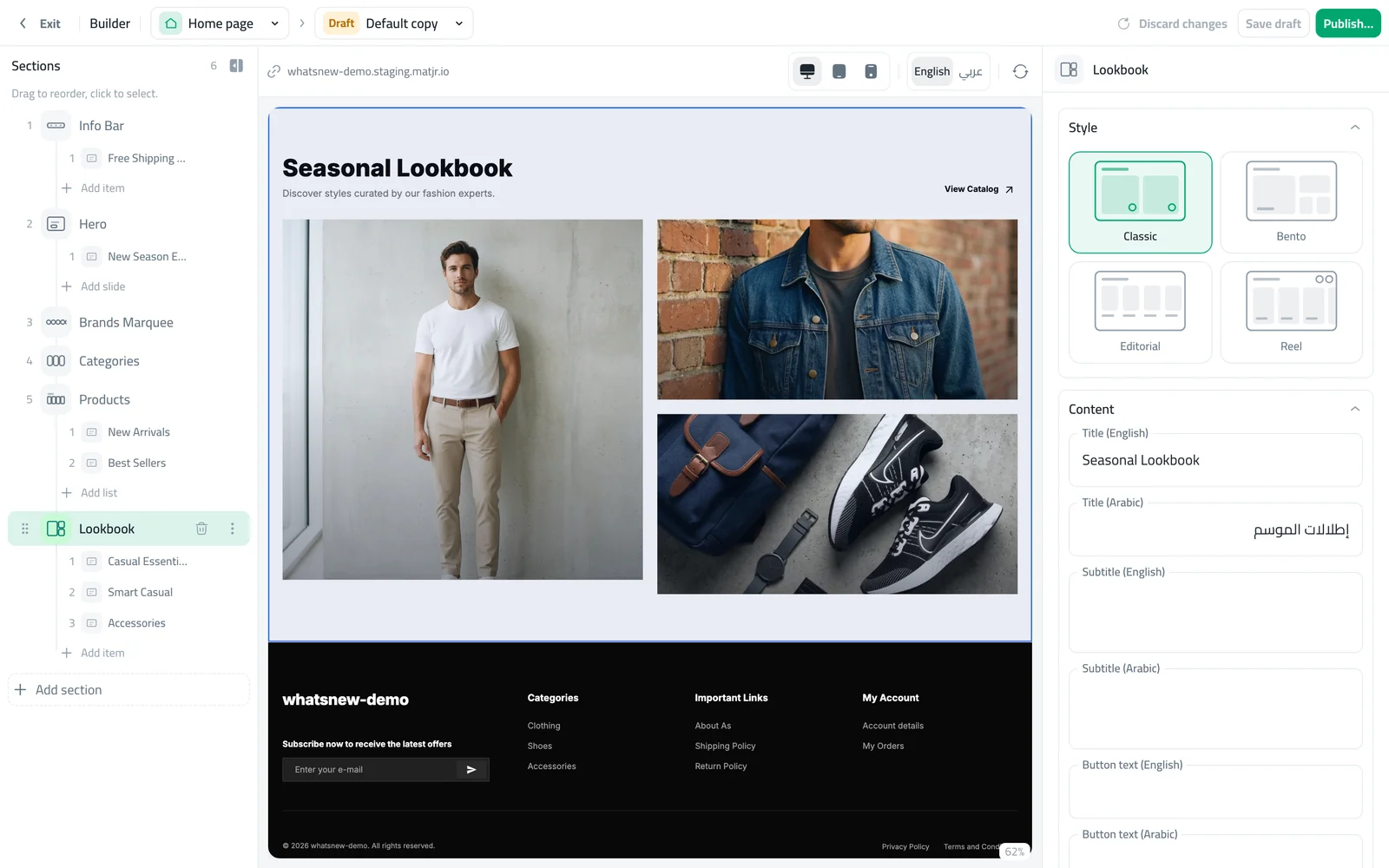
Open the builder and choose Product page. The preview uses a product from your store.
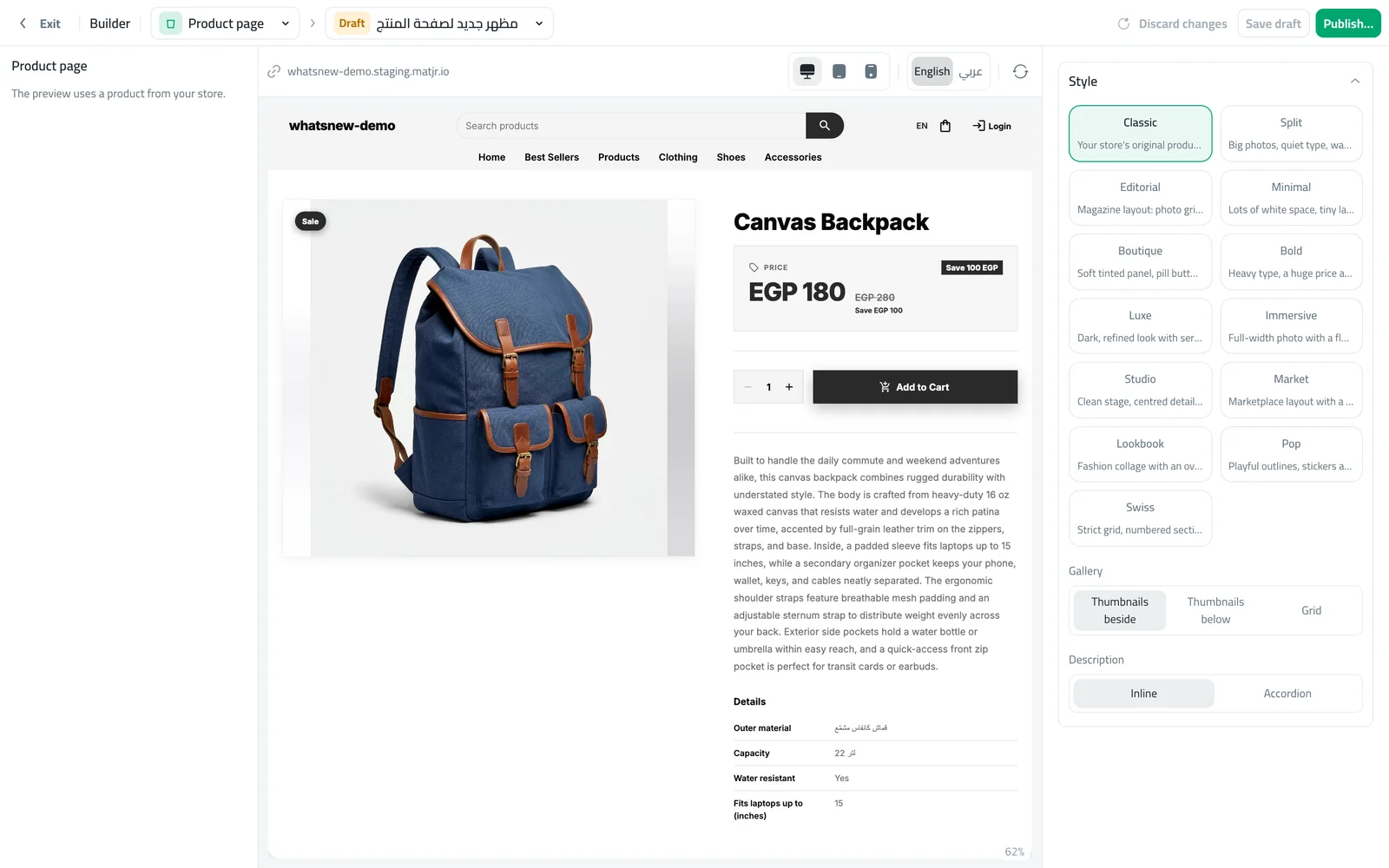
Click a style card. The preview changes straight away. Click Publish to apply it to every product page.
Good to know
- One style applies to all your product pages.
- Prices, options and stock work the same in every style.
Frequently asked questions
Can I use a different style for each product?
Not yet. The style you publish applies to all product pages.
Will changing the style affect my orders?
No. Only the look changes. Prices, options and add to cart keep working as before.
Can I go back to my old product page?
Yes. Choose Classic, which is your store’s original product page.
Try it on your own store
Start your free trial. No credit card required.