Marketing
Show popups with a discount or a sign-up on your store
Turn visitors into buyers with a popup: offer a discount code, collect phone numbers or announce a sale. Pick a template and preview it live.
- Where
- Marketing, then Popups
- Templates
- 8, from Welcome offer to Ramadan and Eid
- Who can use it
- Anyone who can edit the store design
- Countries
- Egypt and UAE
Most visitors leave without buying and you never hear from them again. A popup gives them a reason to stay: a welcome discount, a seasonal sale or a free delivery day, and it can collect their phone number so you can reach them later.
What changed
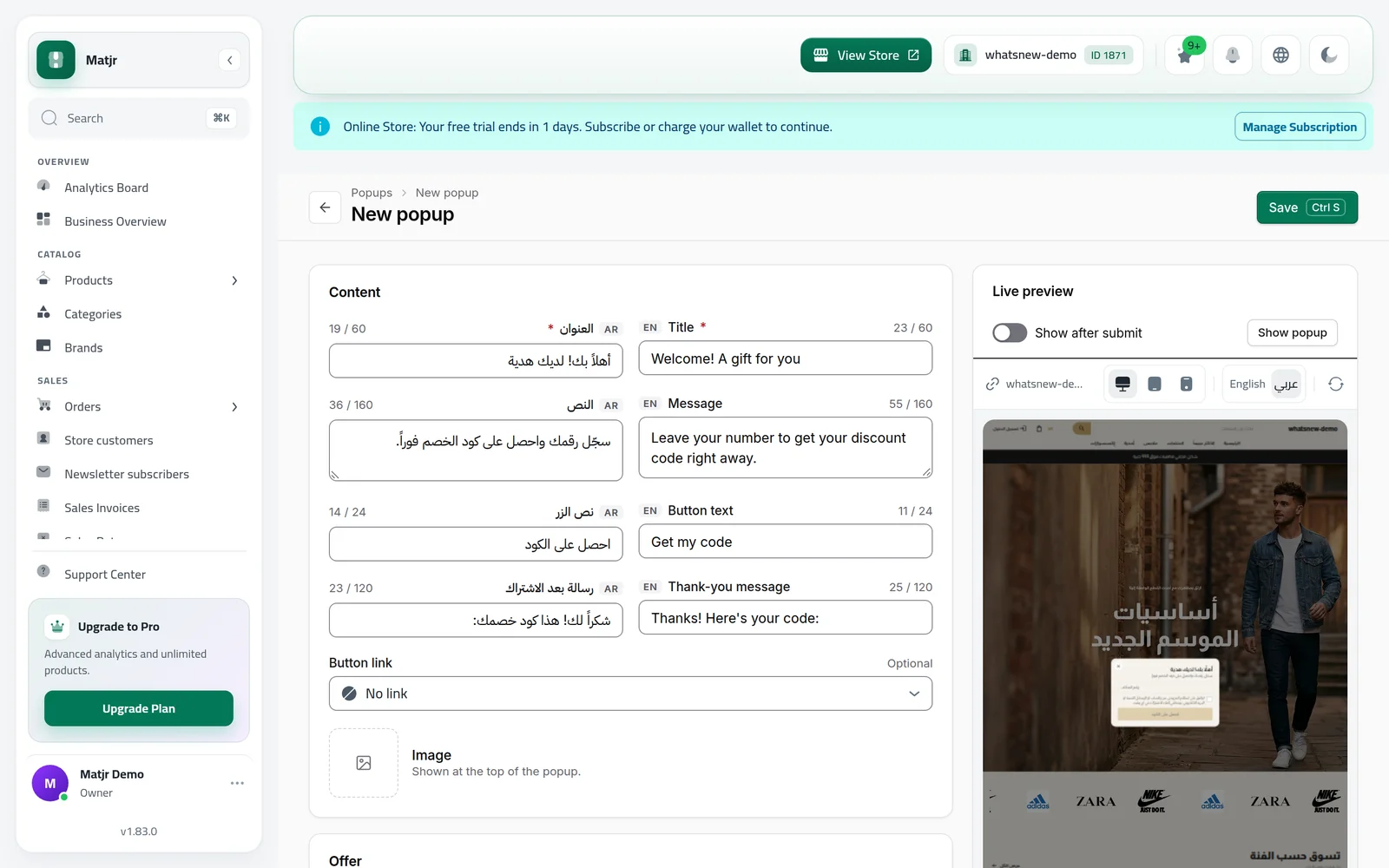
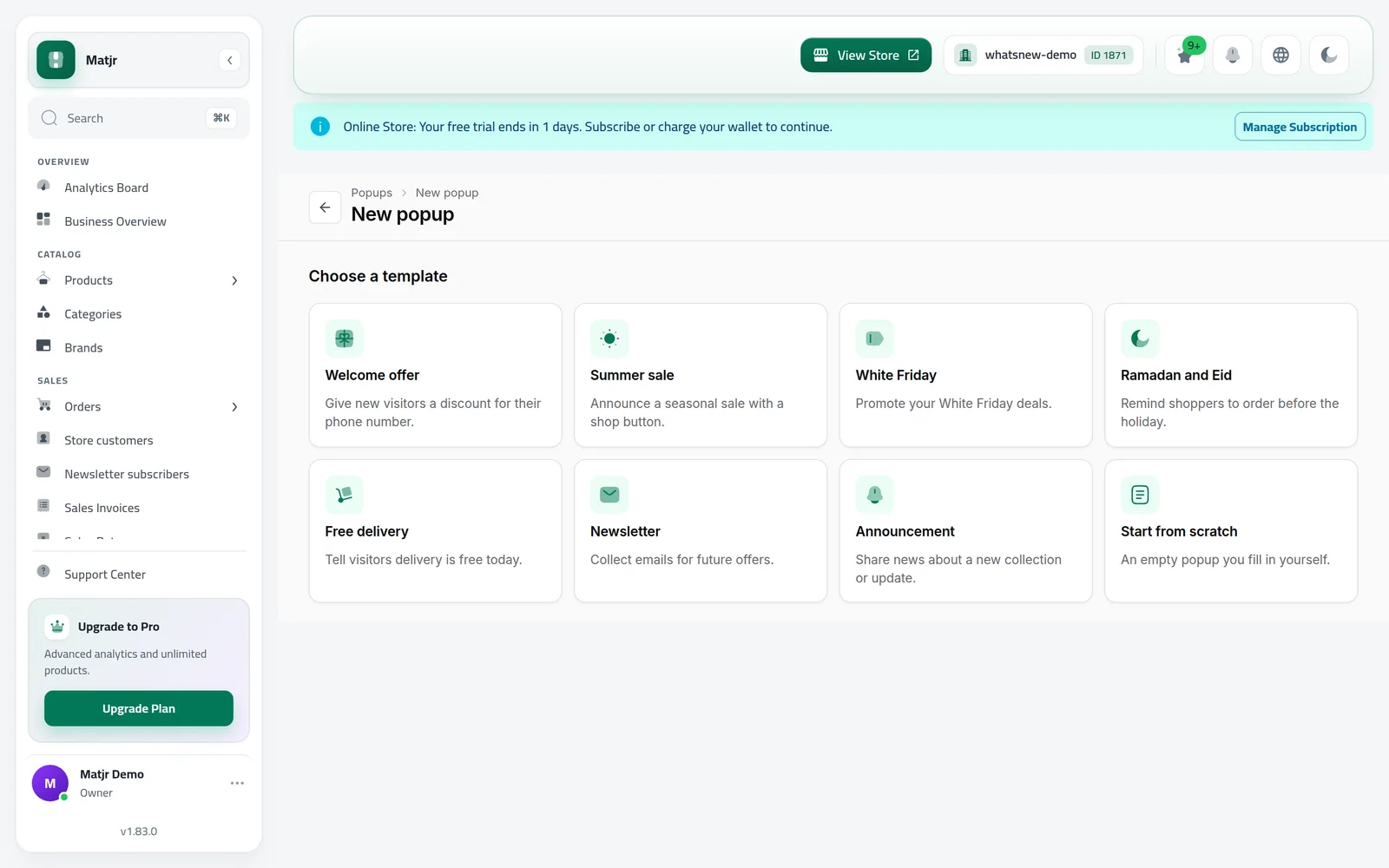
There is a new Popups page under Marketing. Start from a template: Welcome offer, Summer sale, White Friday, Ramadan and Eid, Free delivery, Newsletter, Announcement, or Start from scratch. Each one comes with ready Arabic and English text that you can change.
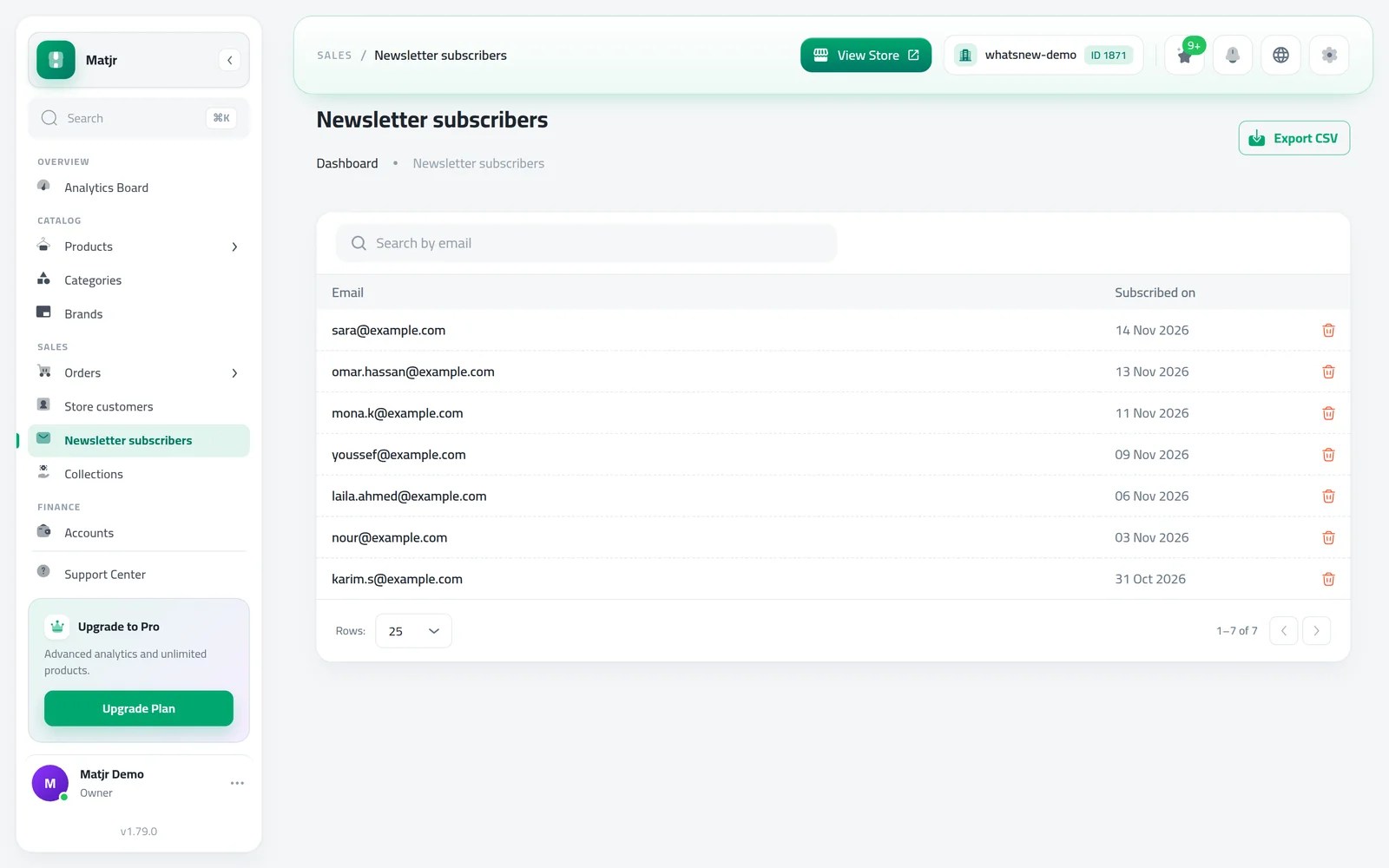
Link one of your discount codes and the code is applied in the cart when the shopper signs up or presses the button. Ask for a phone number, an email or either one, with your own consent text. Sign-ups go to Newsletter subscribers with the source Popup.
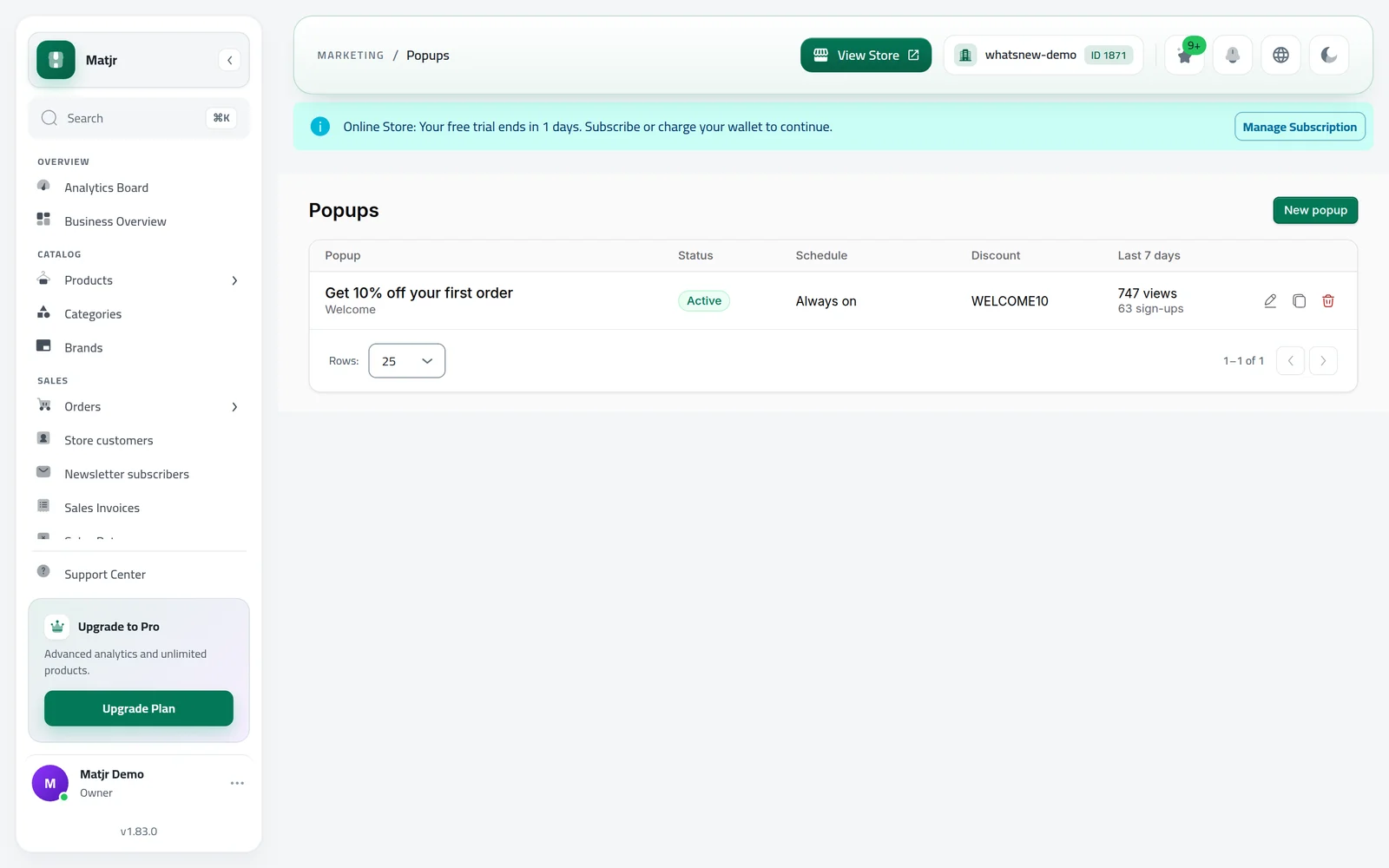
The Live preview shows the popup on your real store, on a phone or a computer, in Arabic or English. The popups list shows each popup's status and its views and sign-ups for the Last 7 days.
How to use it
Open Marketing › Popups, press New popup and choose a template.
Edit the text, pick a Discount code and choose what to collect from visitors. Check the Live preview next to the form.
Press Save, then Activate. Follow views and sign-ups in the popups list, and press Pause when the offer ends.
Good to know
- Shoppers see one popup at a time, never on the cart, checkout, Buy now, account or order pages, and never again after they sign up.
- If the linked discount ends or runs out, the popup stops showing by itself.
- You choose when it appears (after some seconds, pages or scrolling), on which pages, for new visitors only, and how many days before it shows again.
- Read the full steps in how to add a popup to your online store.
Frequently asked questions
Will the popup annoy shoppers who are about to pay?
No. It never shows on the cart, checkout, Buy now, account or order pages, and only one popup shows at a time.
Do I need a discount code?
No. The offer is optional. You can use a popup only to collect phone numbers or to announce news.
Where do the phone numbers go?
To Newsletter subscribers, with the source Popup and the consent the shopper gave.
Can I stop a popup quickly?
Yes. Press Pause on the popup. It disappears from your store and keeps its settings and stats.
Try it on your own store
Start your free trial. No credit card required.