Marketing
Collect email subscribers from your store footer
Visitors who sign up in your footer now land in a list you can search and export. Build your own email audience without extra tools.
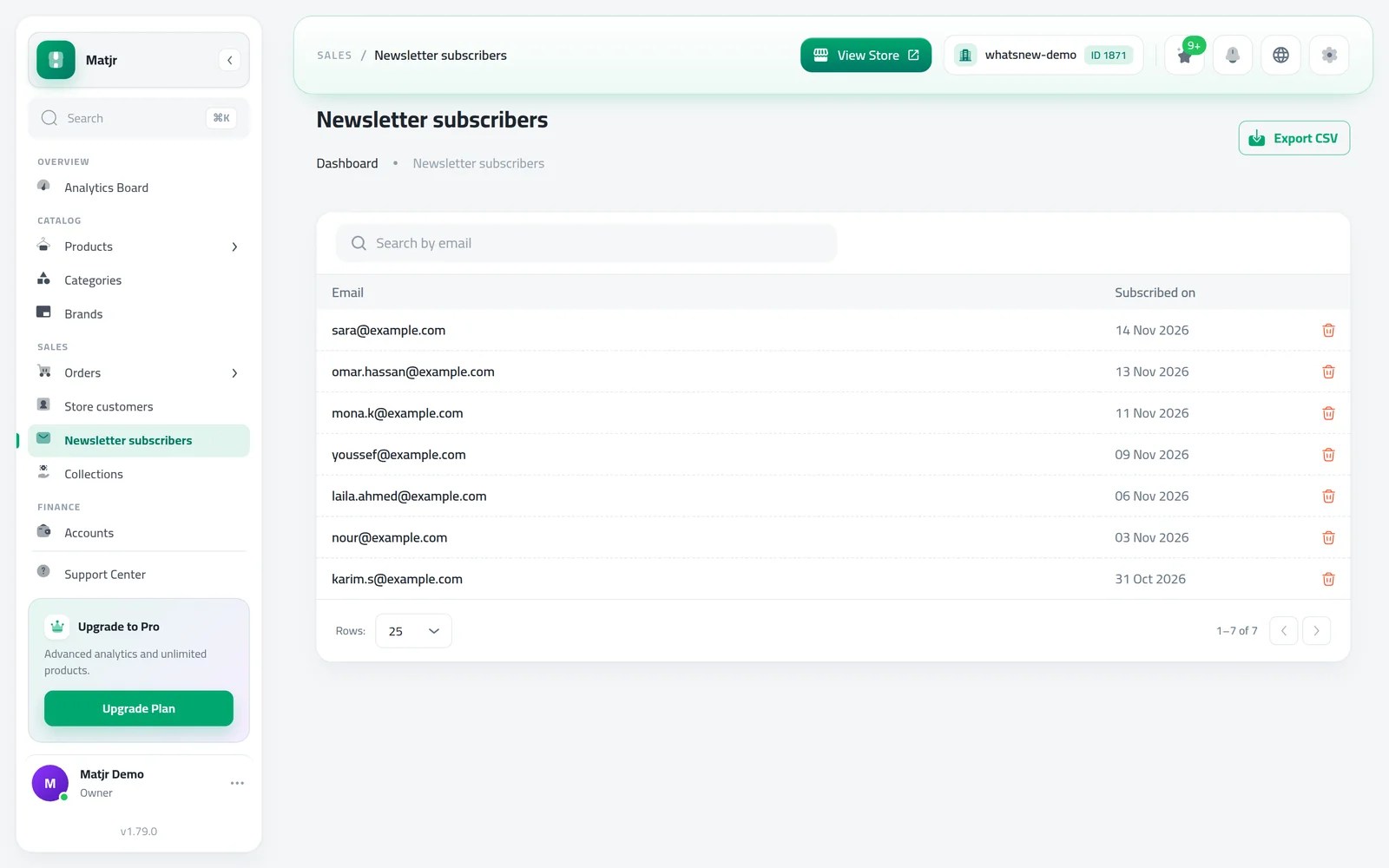
- Where
- Sales > Newsletter subscribers
- What you can do
- Search, remove, Export CSV
- Who can use it
- Team members who can see customer contact details
- Tracking
- Meta pixel and Google Analytics when set up
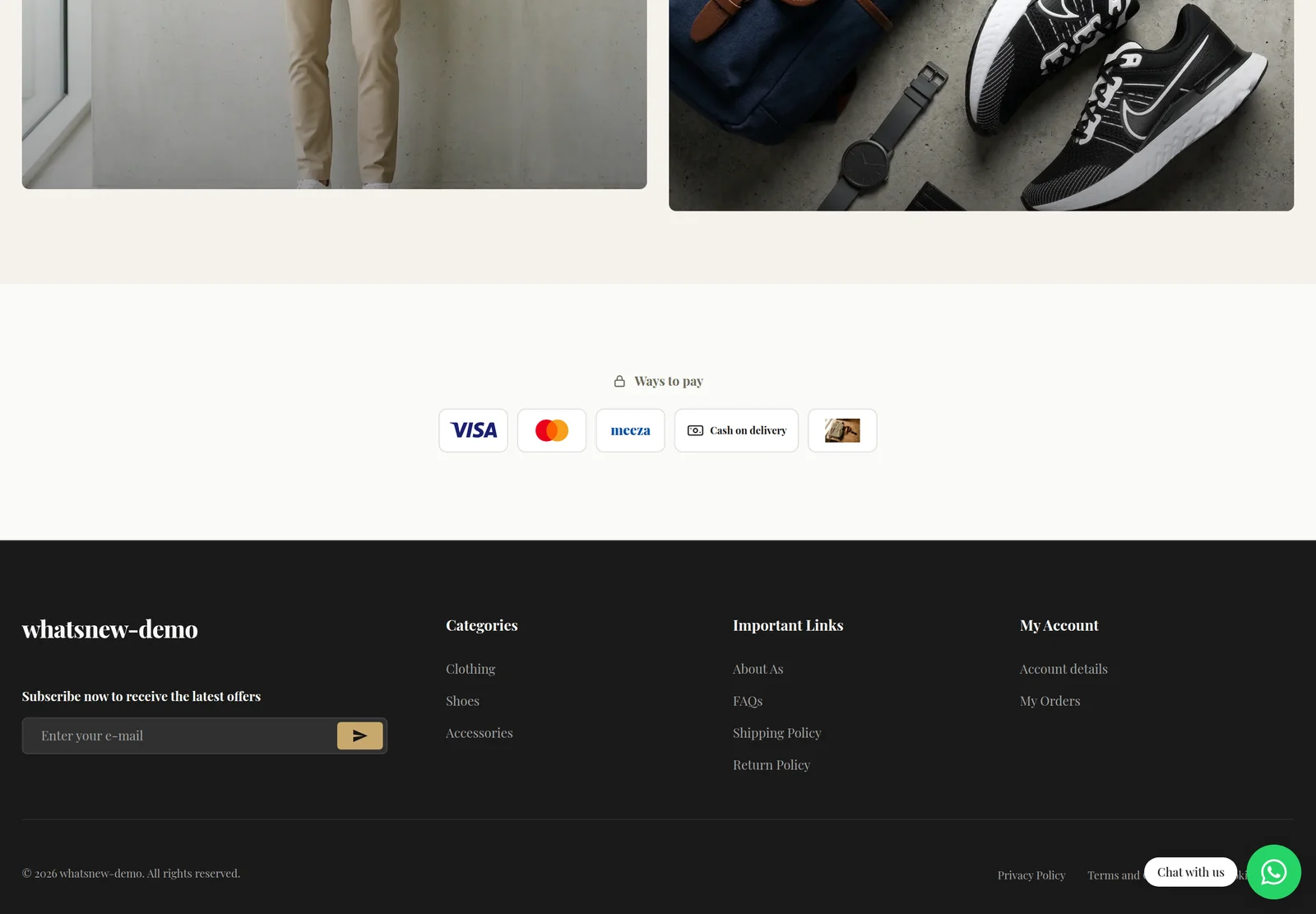
The newsletter form in your store footer now works. Every email a visitor types in is saved for you, so you can reach them again with offers and new arrivals.
What changed
Subscribers appear on a new Newsletter subscribers page under Sales, right next to Store customers. You can search by email, remove a subscriber, or download the whole list with Export CSV.
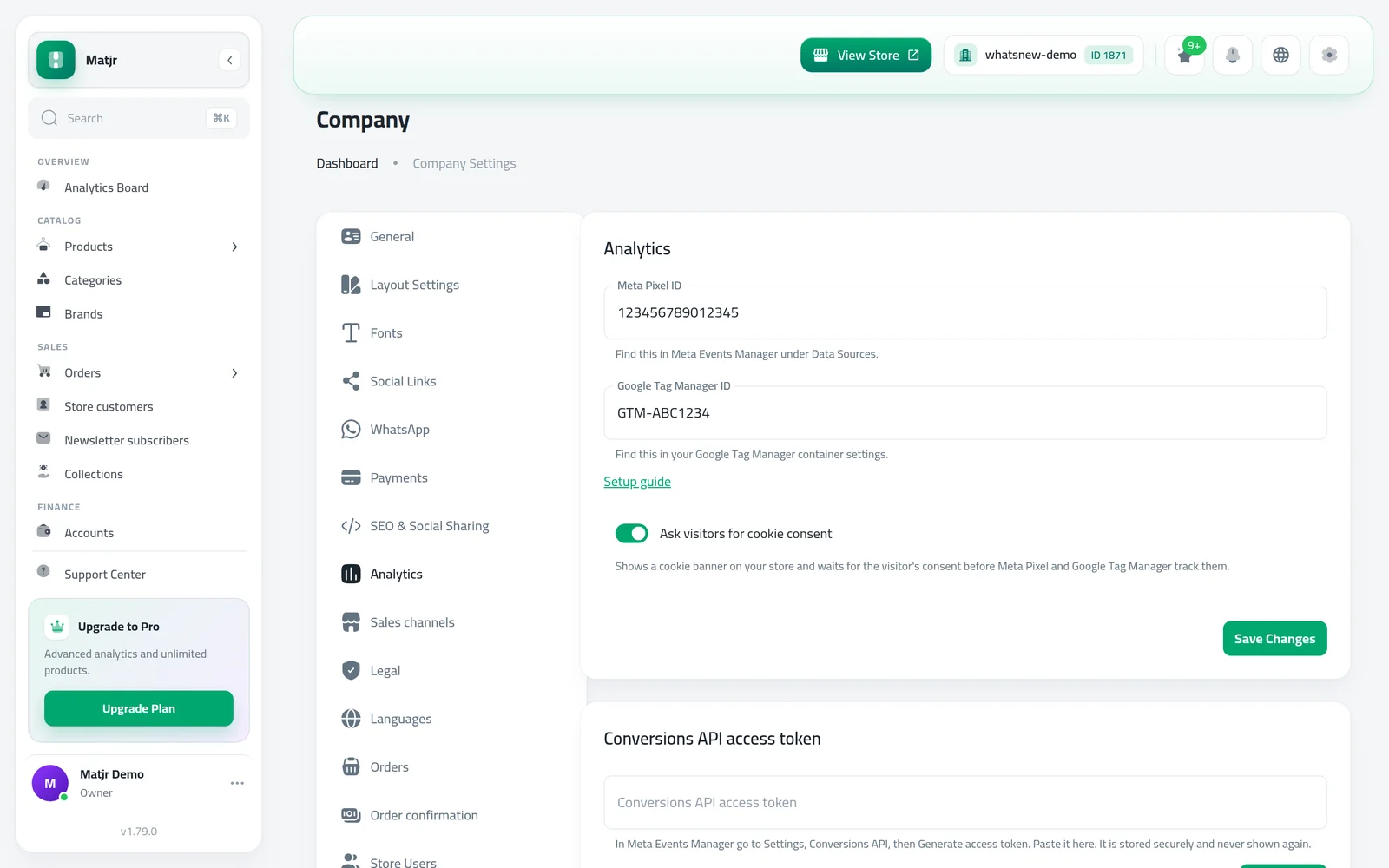
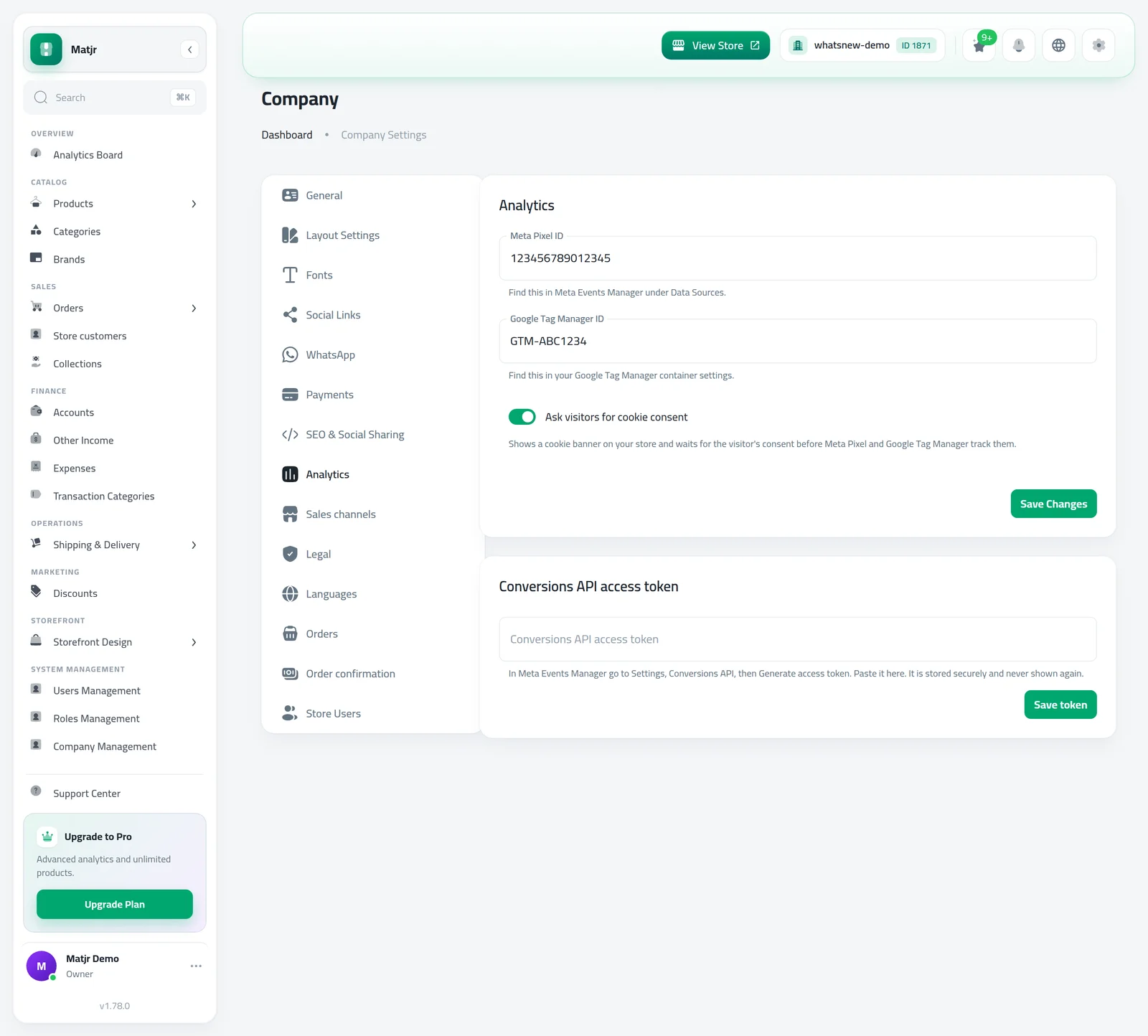
Each signup also reports a Lead to Meta and a generate_lead event to Google Analytics, so you can see which campaigns bring subscribers. This only happens when your store has a Meta pixel and the visitor has agreed to tracking. We also added a Setup guide link under the Google Tag Manager field to help you connect it.
How to use it
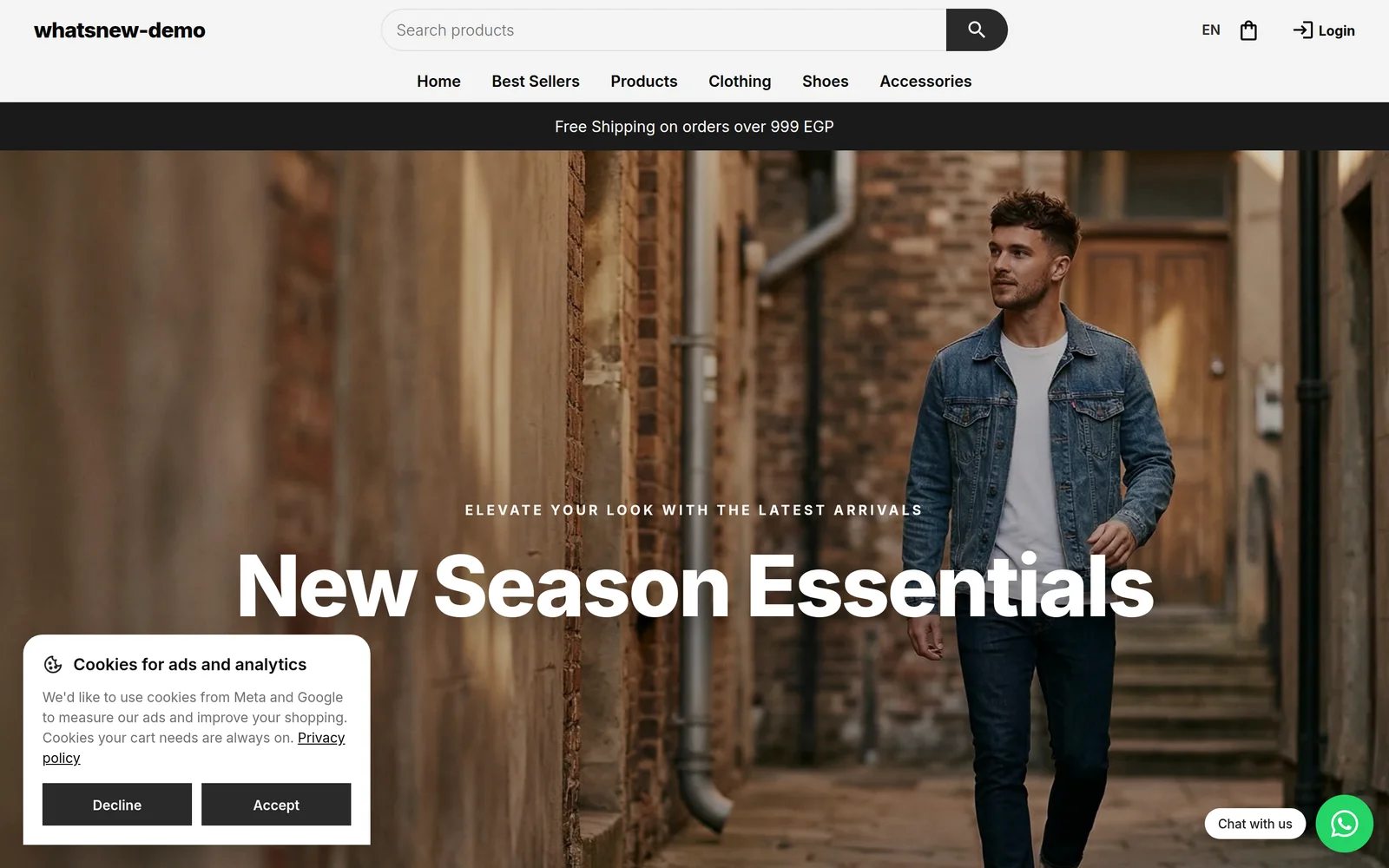
Open your store and scroll to the footer. Visitors type their email in the newsletter form.
In the dashboard, open Sales then Newsletter subscribers to see the list. Search by email or click Export CSV.
To track signups, go to Settings then Analytics and add your Meta pixel or Google Tag Manager. Use the Setup guide link under the Tag Manager field.
Good to know
- The same email signing up twice is saved once.
- Removing a subscriber only removes them from this list. Files you already exported are not changed.
- You need the permission to see customer contact details to open the page.
Step-by-step: How to collect newsletter subscribers in your online store.
Frequently asked questions
Where do the emails come from?
From the newsletter form in your store footer. Visitors type their email and it is saved to your list.
Can I download the list?
Yes. Click Export CSV on the Newsletter subscribers page. It includes up to 50,000 emails.
Do I need a Meta pixel to collect subscribers?
No. Subscribers are always saved. The pixel and Google Tag Manager are only needed to track signups in your ad accounts.
What if someone signs up twice?
They appear once in your list.
Try it on your own store
Start your free trial. No credit card required.