Business management
Export your invoices for any period, one row per invoice or per item
Send your accountant exactly the invoices they need: pick the dates, which invoices, and whether each row is an invoice or a line item.
- Where
- Invoices list, then Export
- Formats
- One row per invoice or per line item
- Dates
- All time, this month, last 30 days or your own
- Limit
- Up to 2,000 invoices per file
Month-end and tax time go faster when you can hand over a clean file. Exporting invoices now lets you choose the period and the level of detail before you download.
What changed
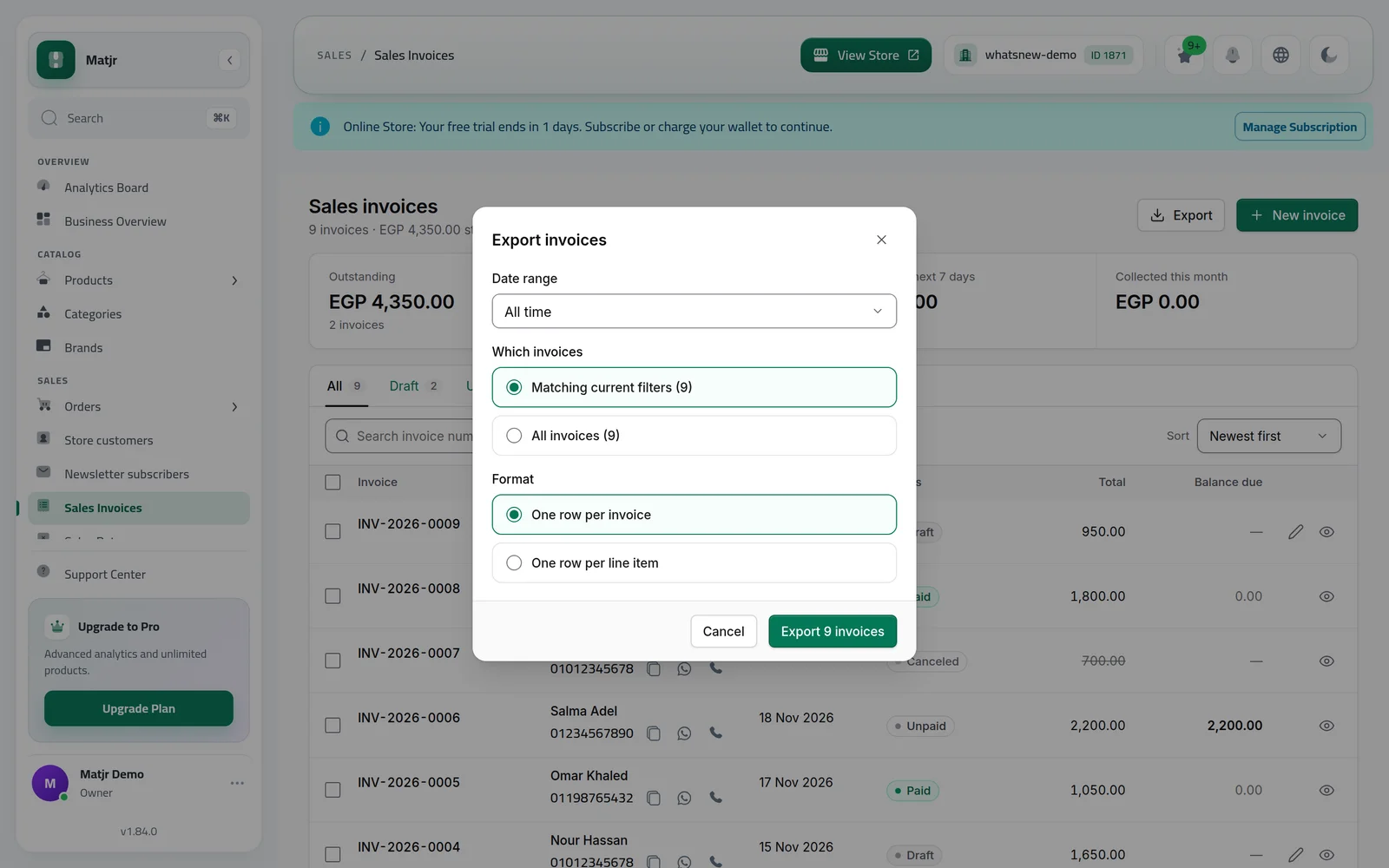
The Export button on the invoices list now opens an Export invoices window first. Choose a Date range: all time, this month, the last 30 days or your own dates. Then choose Which invoices: only the ones matching your current filters and search, or all invoices in that range. The window shows how many invoices each choice includes.
Under Format, pick One row per invoice for totals and balances, or One row per line item to get each product with its quantity, price, tax rate, tax amount and line total.
How to use it
Open Sales Invoices (or purchases or returns) and press Export.
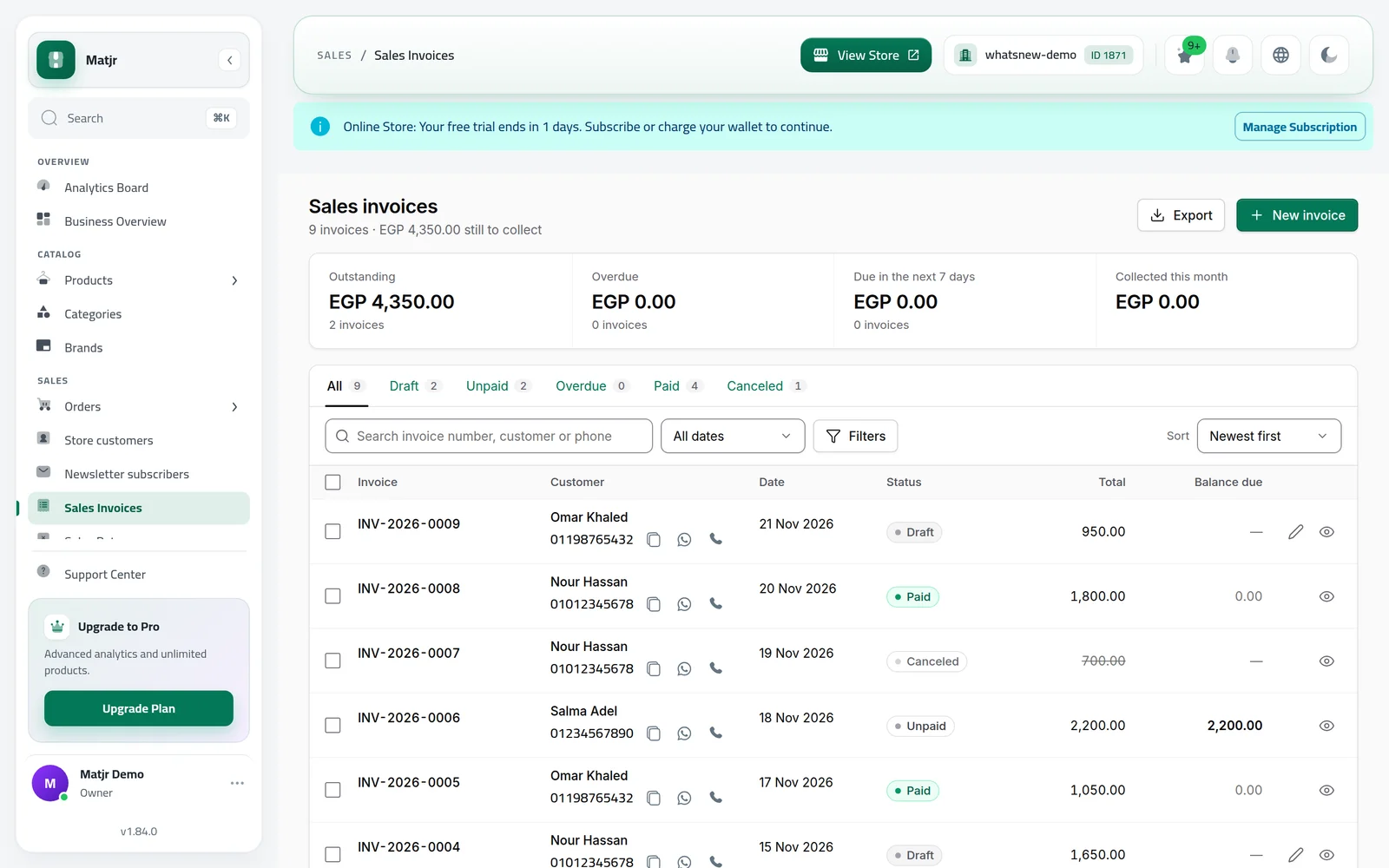
Pick the date range, which invoices and the format, then press Export to download the file.
Good to know
- The file opens in Excel or Google Sheets.
- Changing the dates in the window does not change your invoices list.
- One export holds up to 2,000 invoices. For more, export a shorter period at a time.
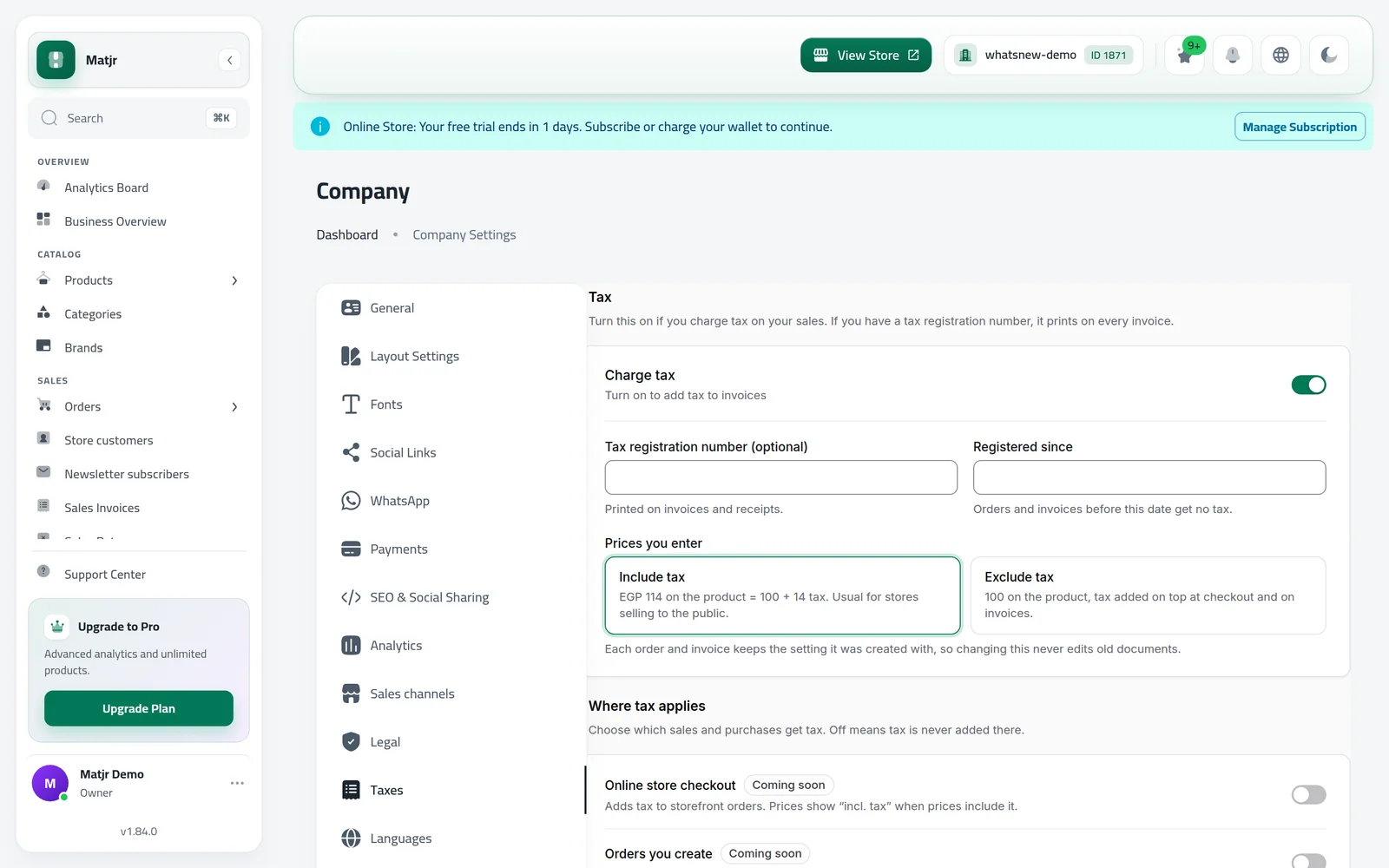
- The line item file includes tax per line, which helps when you prepare your tax return. See charging tax on invoices.
Frequently asked questions
Can I export purchase invoices and returns too?
Yes. Every invoices list (sales, purchases and their returns) has the same Export window.
Which file type do I get?
A CSV file, which opens in Excel, Google Sheets or your accounting software.
Does the export follow my filters?
If you choose Matching current filters, yes. Choose All invoices to ignore them and export everything in the date range.
Try it on your own store
Start your free trial. No credit card required.