Store design
New home page sections and fresh looks for every section
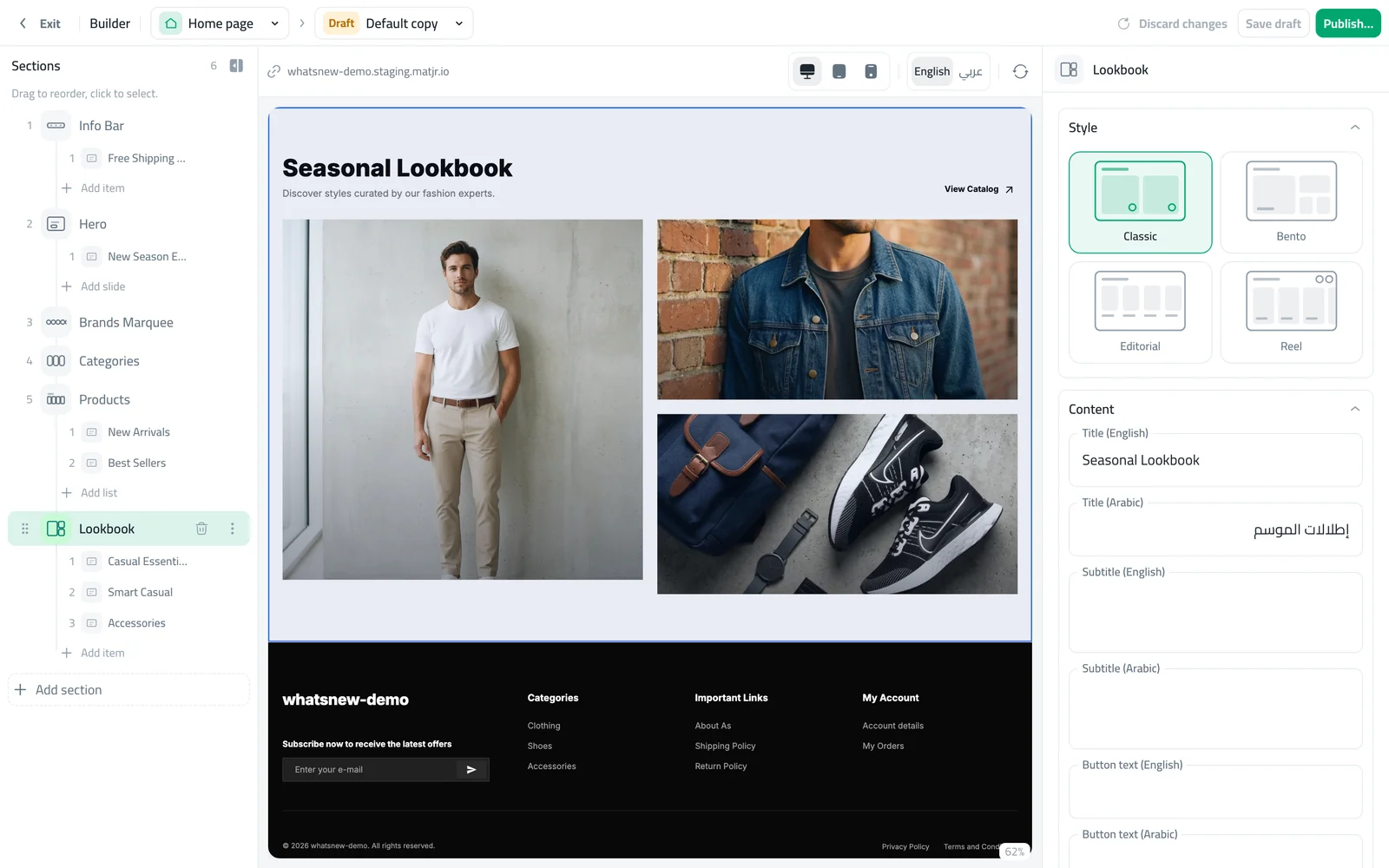
Tell your story with a slideshow, lookbook, featured product, store highlights and more. Each section comes in several looks.
- Where
- Design › Home page
- New sections
- Slideshow, Featured product, Hand-picked Products, Store highlights, Flash Sale
- Cost
- Included in every plan
Your home page is your shop window. You now have more ways to fill it, and every section comes in several looks, so your store does not look like everyone else’s.
What changed
- New sections: Slideshow, Featured product with a buy button, Hand-picked Products in your own order, Store highlights to show why shoppers should buy from you, and Flash Sale.
- New looks: Hero, Categories, Products, Promo Banner, Info Bar, Brands Marquee and Lookbook each have new styles to choose from. Product sections offer many product card styles.
- Easier links: buttons and slides let you choose a product, category or page instead of typing a web address.
How to use it
In the builder, open the Home page and click Add section. The window groups sections by type.
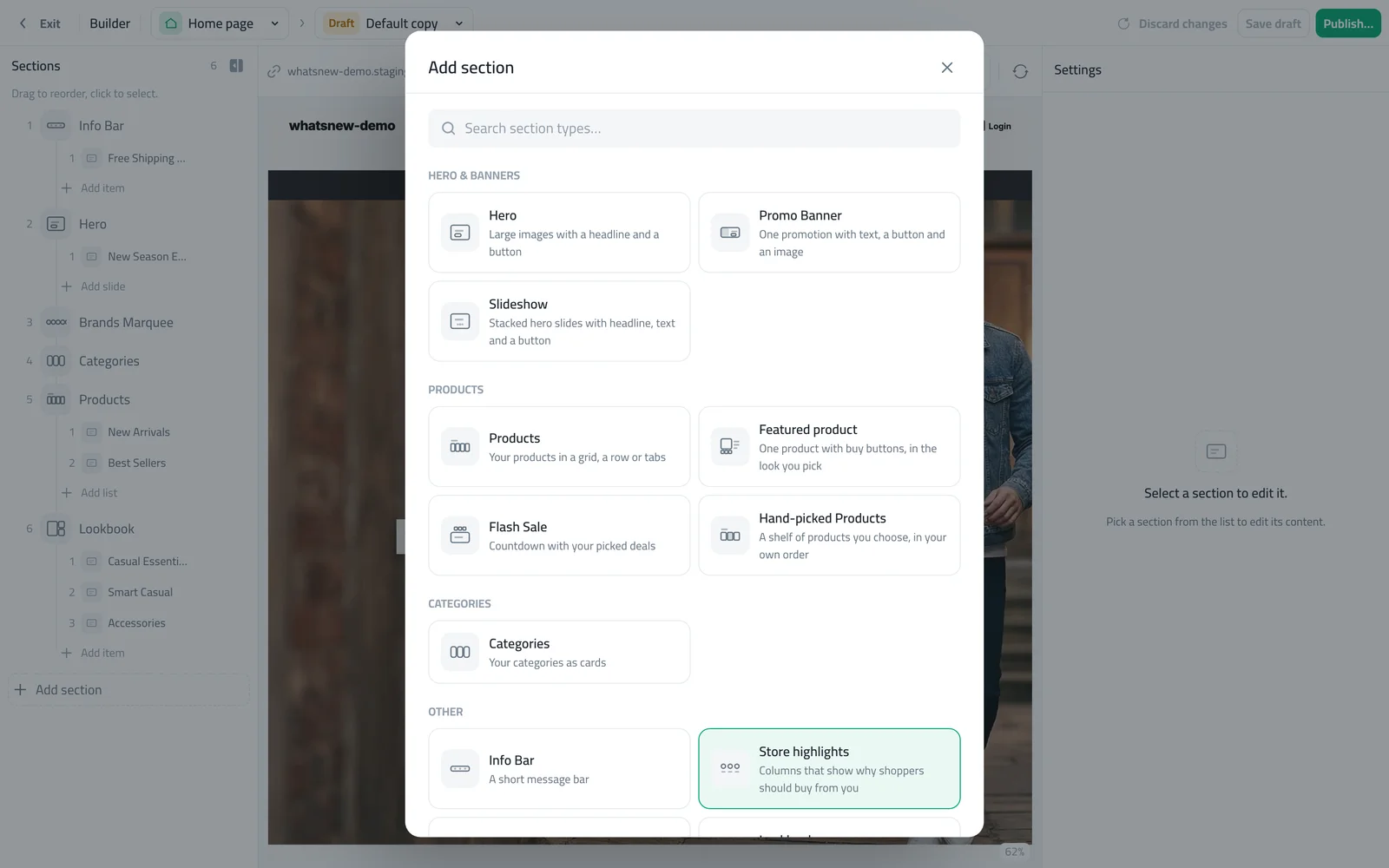
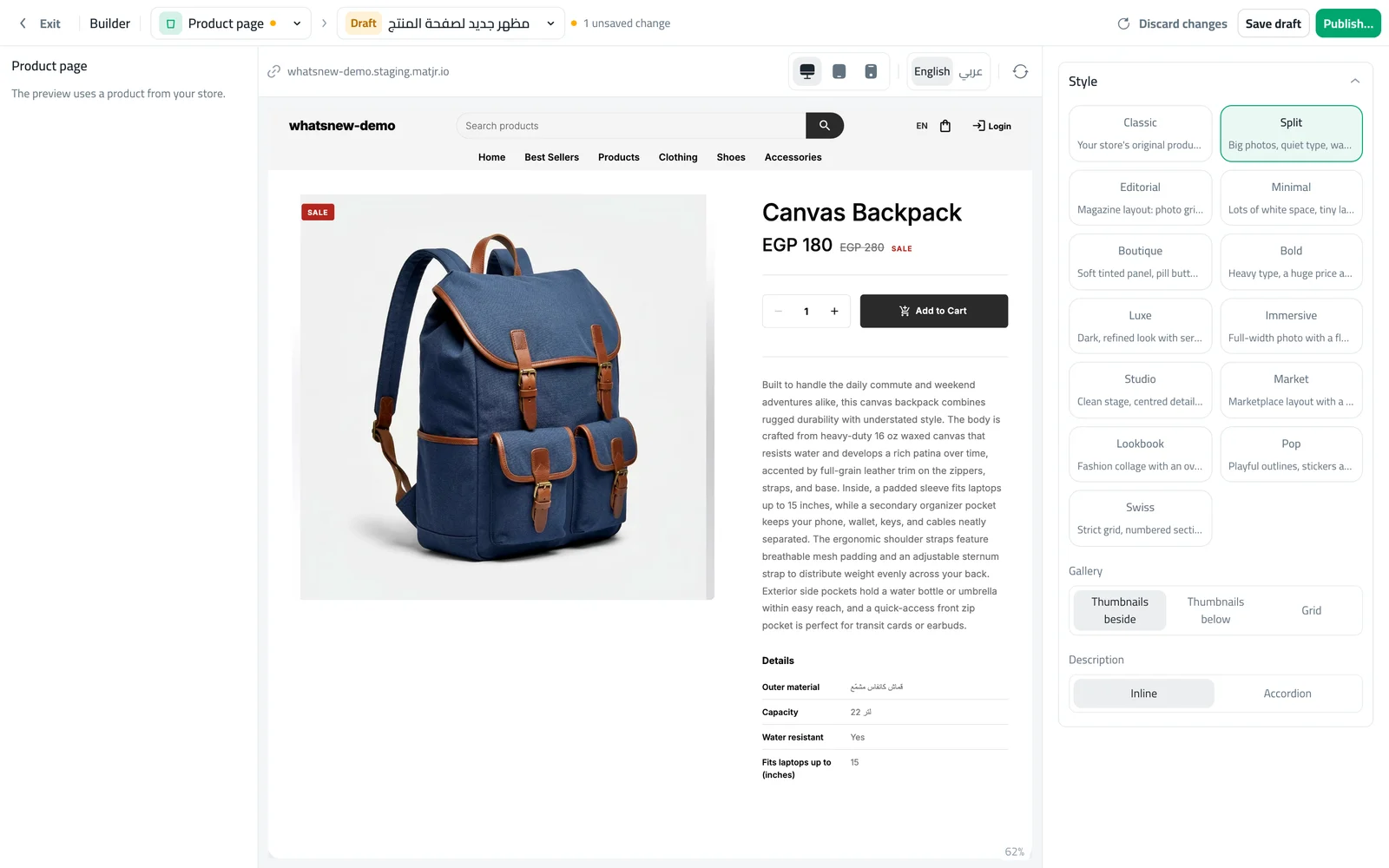
Click any section in the list to edit it. Pick a look under Style and fill in the content.
Good to know
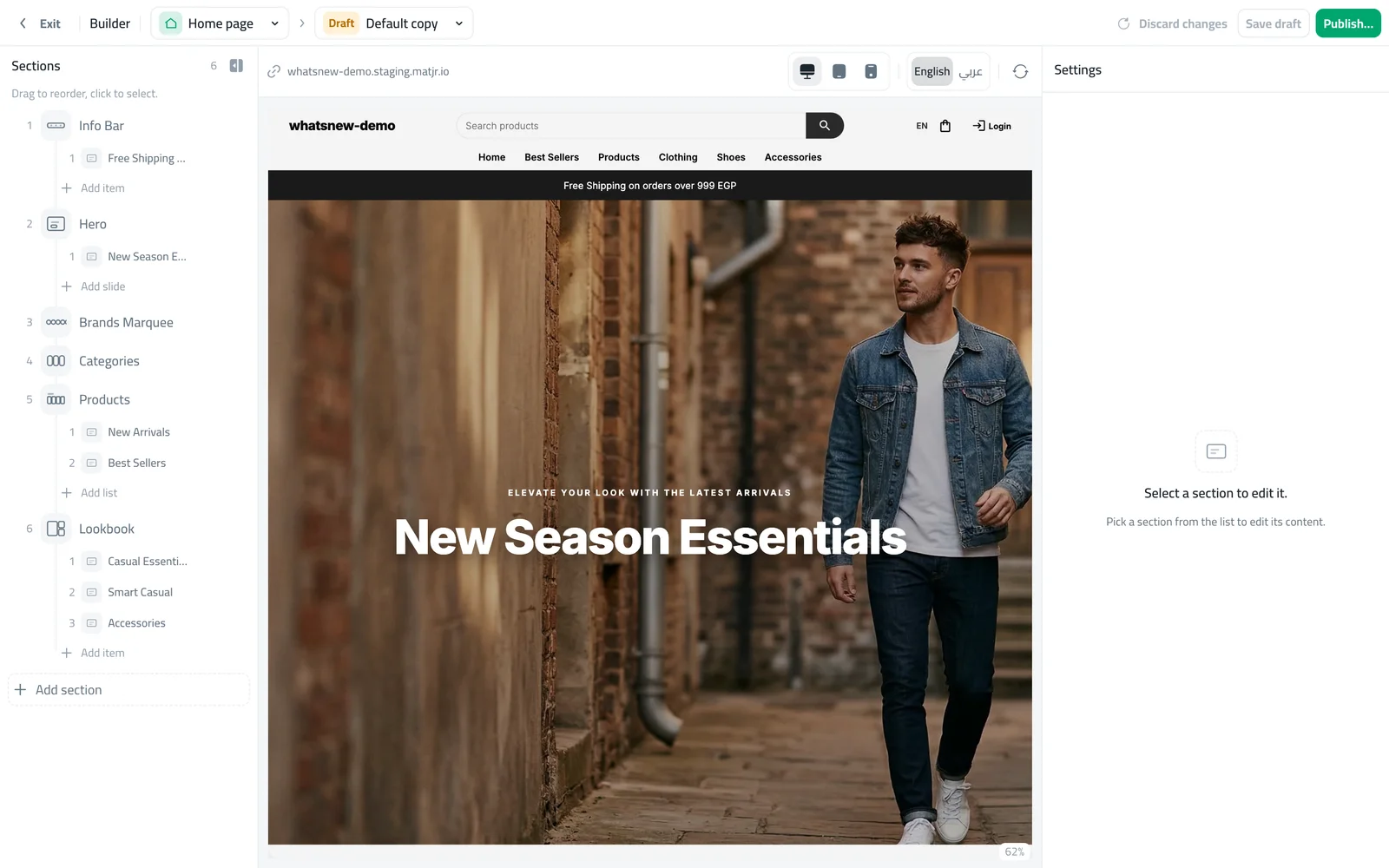
- Until you add your own photos and products, the preview shows sample content so you can judge the look.
- Each section can have its own colour scheme and spacing.
Frequently asked questions
Did my existing sections change?
No. They keep the look they had. You can switch to a new look whenever you like.
How many sections can I add?
Add as many as your page needs, and drag them into the order you want.
Will shoppers see the sample photos?
No. Sample content only appears in the preview until you add your own.
Try it on your own store
Start your free trial. No credit card required.