Marketing
Better previews on Google and when your links are shared
Your products and categories look better on Google and when shared: the right photo, the product's own description, and no empty pages.
- Where
- Product, category and store pages
- Setup
- None needed
- Works best with
- A Social Image and short descriptions
- Shows on
- Google, X, WhatsApp and Facebook
When a shopper finds your product on Google or a friend shares it, the preview decides whether they click. Your store now sends better previews, with nothing to set up.
What changed
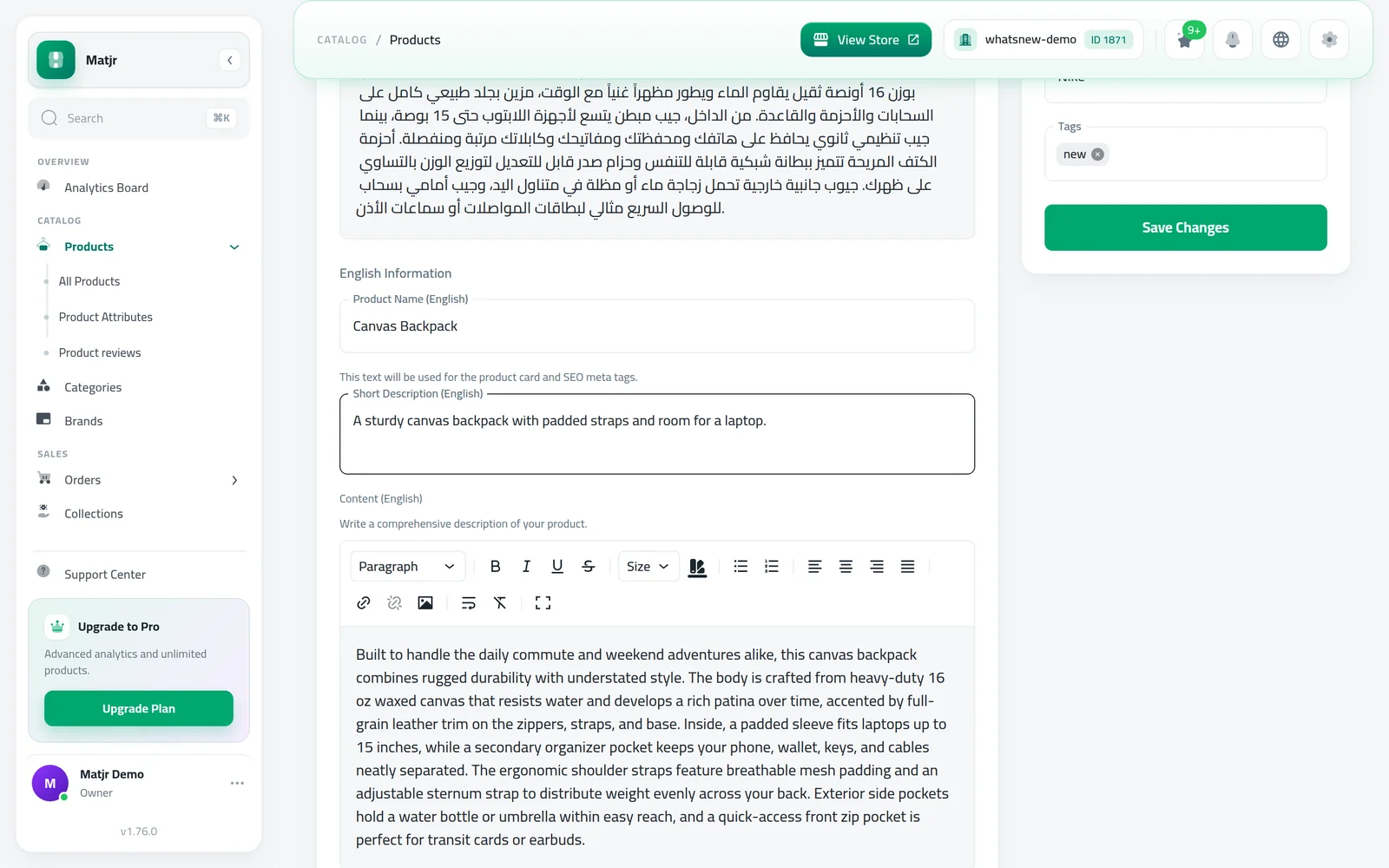
Product descriptions: Google and shared links now show the product's own short description in the page language. If it has none, its full description is used, shortened. Your store description is only used when the product has no description at all.
Links shared on X (Twitter): links to your store, categories and products now show your Social Image or the product photo instead of the small site icon.
Category pages: Google now gets each category's place in your store and the list of its products, which helps it understand and show these pages.
No empty pages: pages past the last page of a category, and search results pages, are kept out of Google, so it focuses on your real pages.
How to use it
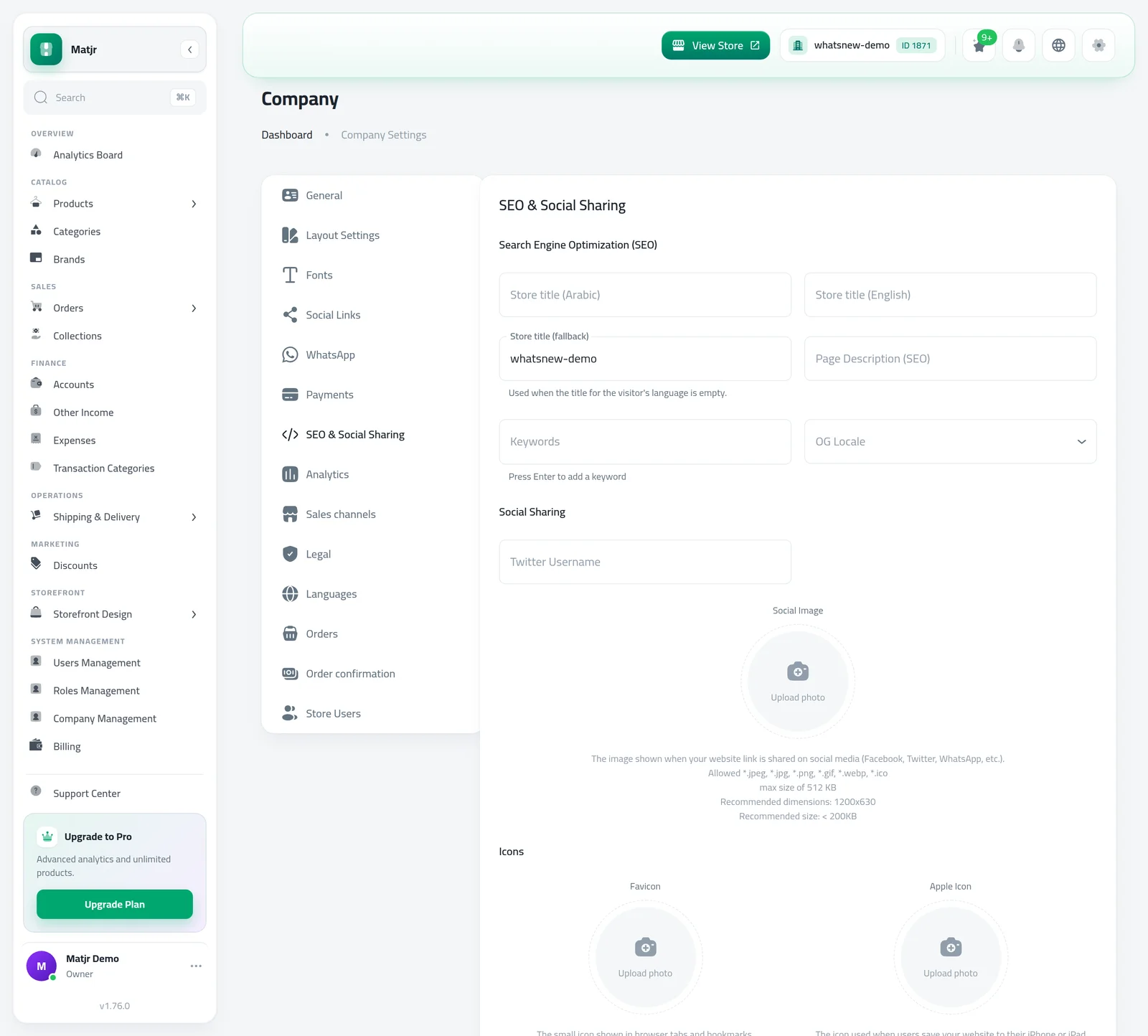
Open Settings, go to the SEO & Social Sharing tab and add a Social Image. 1200x630 works best.
On each product, write a Short Description in each language. This is the text Google and shared links show.
Good to know
- These changes apply to every store automatically.
- Have an X account? Add it as Twitter Username so shared links name your store's account.
- More tips: How to make your online store easier to find on Google.
Frequently asked questions
Do I need to do anything?
No, it works for every store. Adding a Social Image and short descriptions makes the previews even better.
What shows when someone shares a product link?
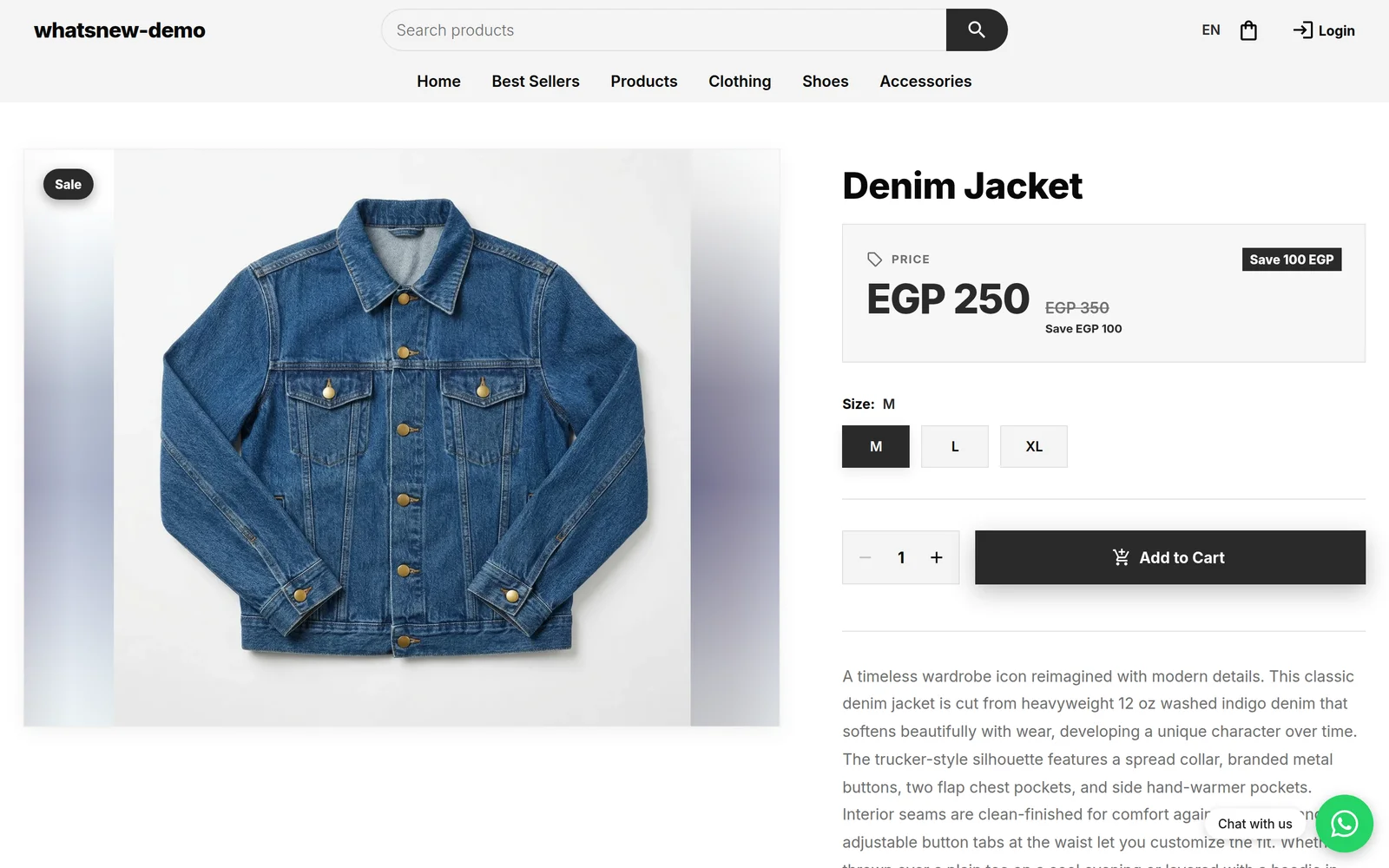
The product photo, its name and its own short description in the language of the page.
What if a product has no short description?
Its full description in that language is used, shortened. The store description is used only when the product has no description.
Why do some pages no longer appear on Google?
Empty pages past the last page of a category, and search results pages, are now kept out of Google so it focuses on your products and categories.
Try it on your own store
Start your free trial. No credit card required.