Store design
Let shoppers order in one step with Buy now
Add a Buy now button and an order form to your product page, so shoppers order one product in a few taps without going through the cart.
- Where
- Page Builder, product page
- Who can use it
- Every store
- Default
- Off until you switch it on
Fewer taps mean more orders. You can now let shoppers buy one product straight from its page, either with a Buy now button or with an order form built into the page.
What changed
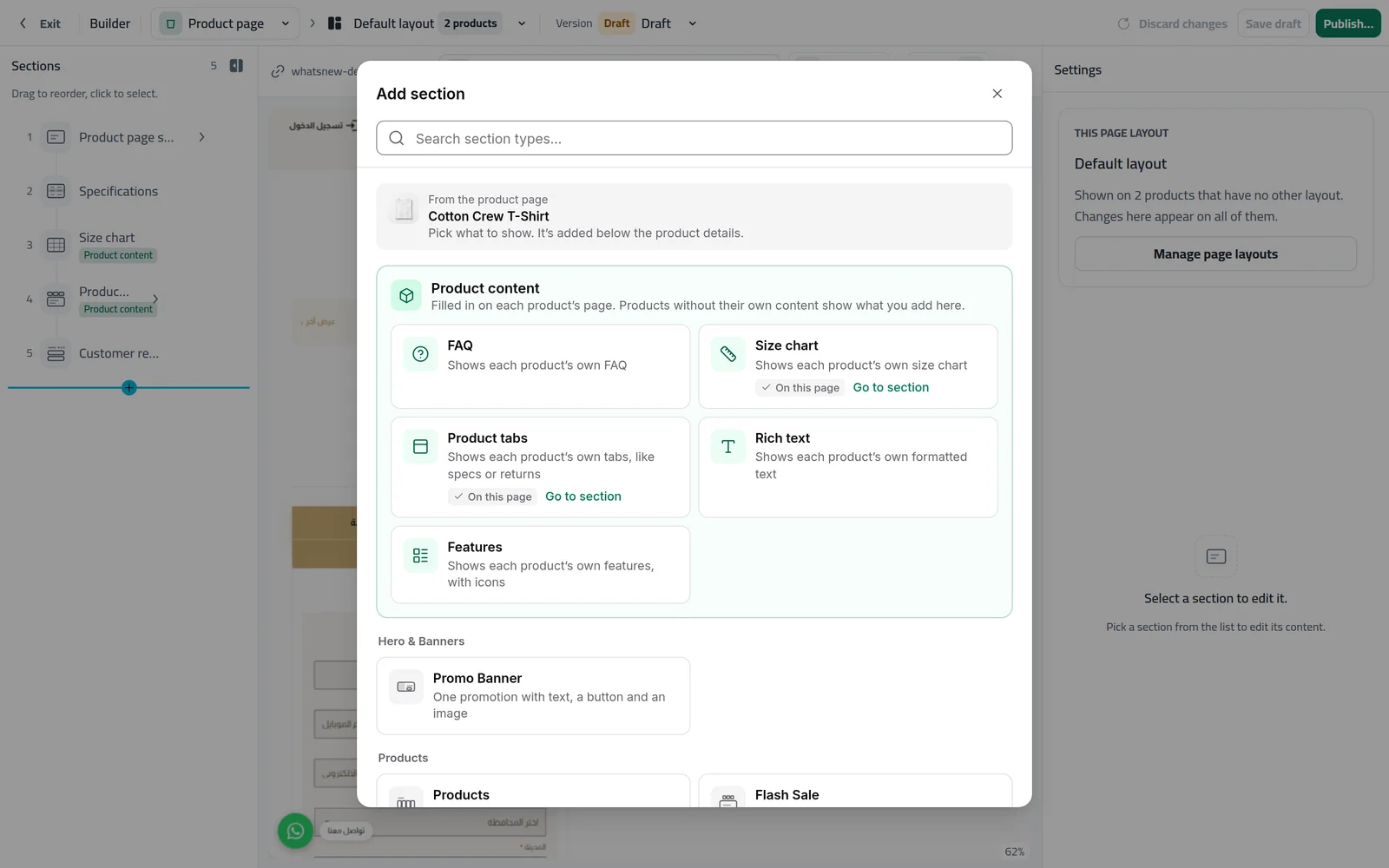
Page Builder has a new list of blocks for the product page. You can show, hide and reorder each block, and two new ones are ready to switch on: Buy now button and Order form.
- The Buy now button opens a short checkout page with that one product. You choose the button text, colours and style, and the page heading.
- The order form sits on the product page itself. You choose its title, subtitle, button text and box style, and whether to show the total and the discount code box.
- Both use your checkout settings: fields, delivery areas, cash on delivery, card payment, deposits and discount codes.
- Neither touches the shopper's cart.
Both are off for every store until you turn them on, so your product pages stay exactly as they are today.
How to use it
Open Page Builder and choose the product page. Find Buy now button and Order form in the list of blocks.
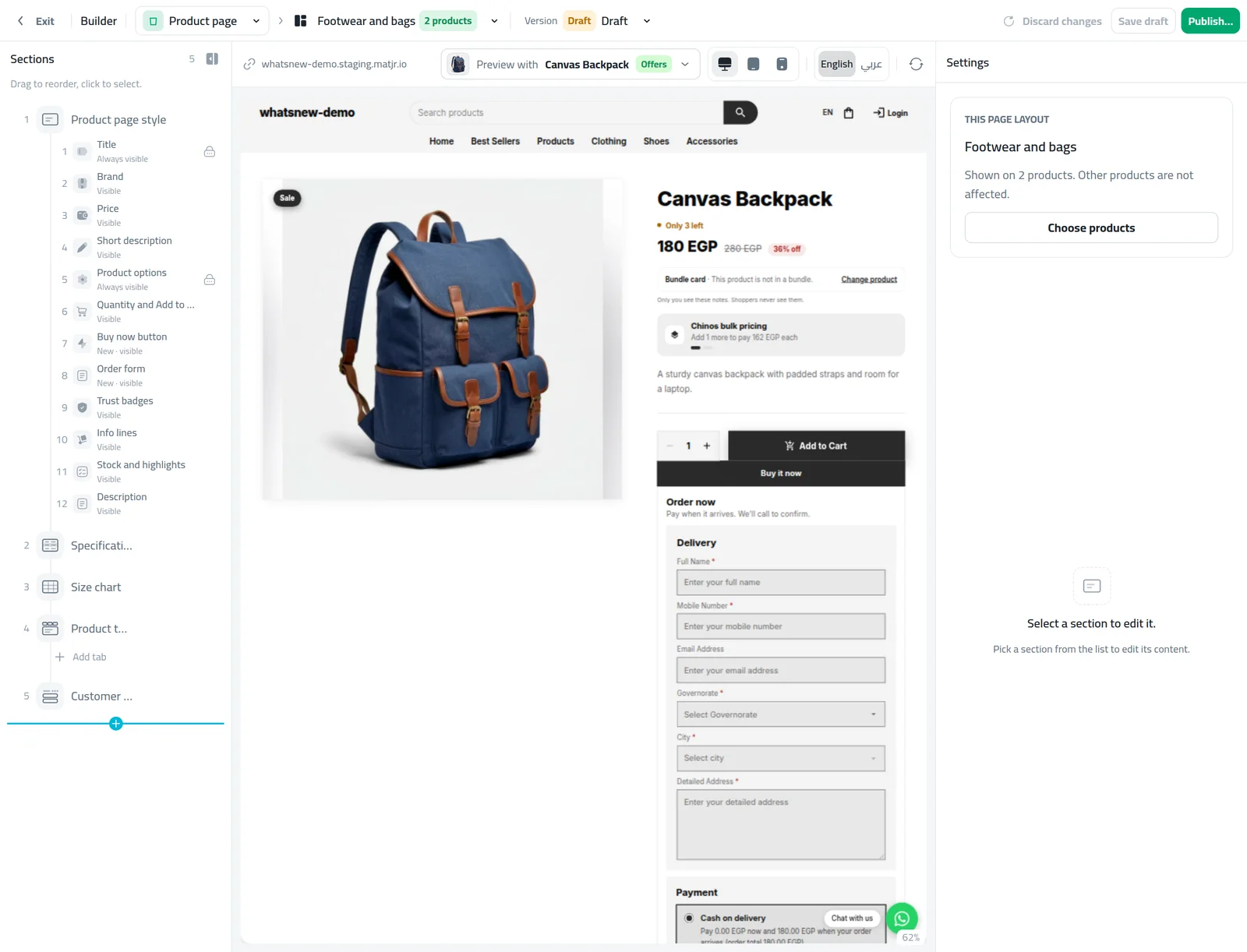
Press the eye next to Buy now button and Order form to show them. The caption under each name tells you if the block is visible or hidden.
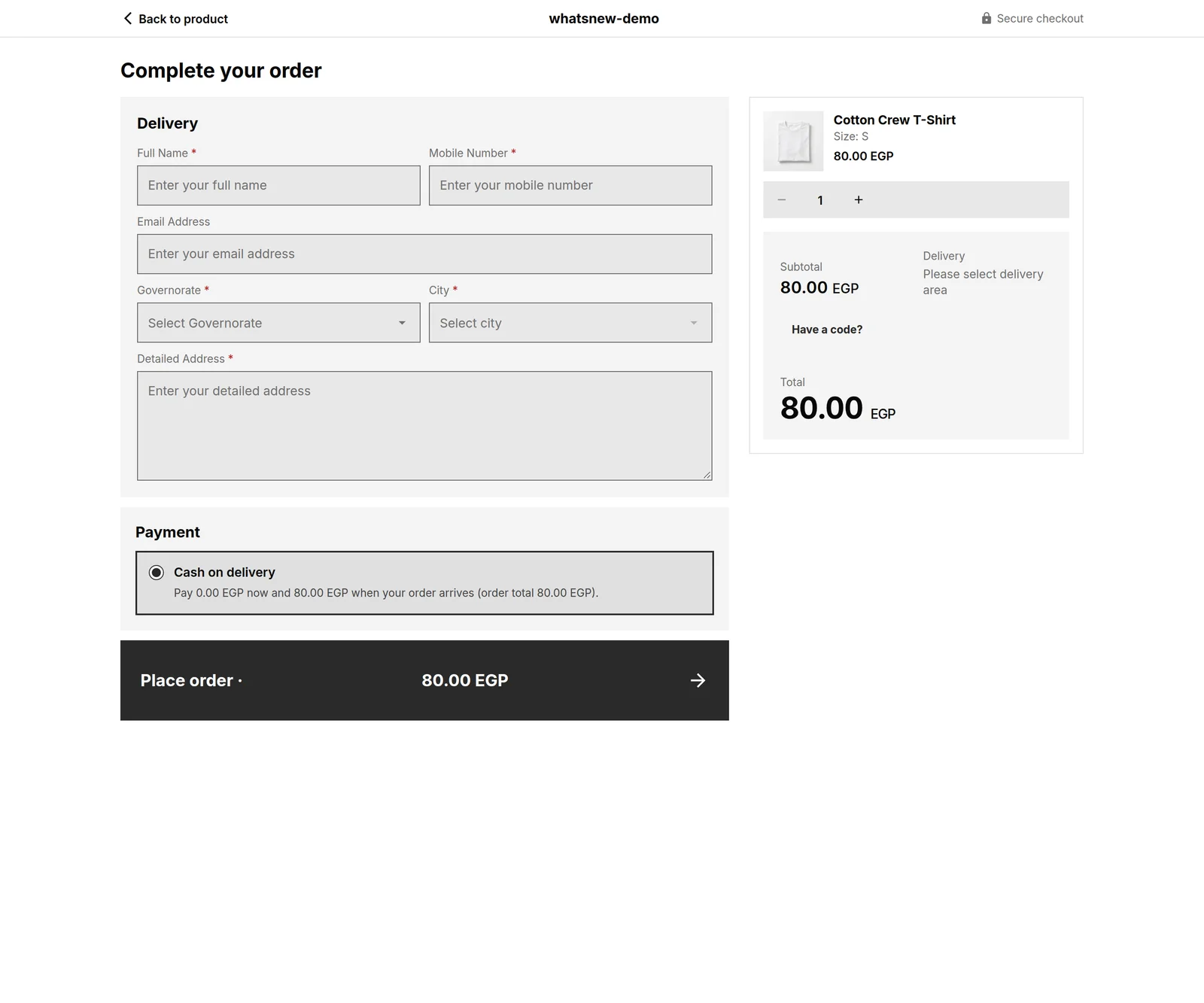
Press Publish. When a shopper presses the Buy now button, they land on a short checkout page like this one.
For the full steps, read How to add a Buy now button and order form.
Good to know
- You can hide Quantity and Add to cart only while Buy now or the order form is visible.
- It works for the default product page design, which covers all products, and for any other product page design.
- If Buy now is hidden for a product, its Buy now page sends shoppers back to the product page.
- The Buy now page is not listed on Google.
Frequently asked questions
Will my product pages change when I update?
No. Buy now and the order form are off until you turn them on in Page Builder.
Does a Buy now order empty the shopper's cart?
No. These orders never read or change the cart.
Can I use it for only some products?
Yes. Give those products their own product page design and switch the blocks on there.
Try it on your own store
Start your free trial. No credit card required.