Store design
Design your checkout page with blocks
Add trust badges, delivery dates, a WhatsApp help link and answers to common questions to your checkout page, so more shoppers finish their order.
- Where
- Page Builder, Checkout page
- Optional blocks
- 8, including trust badges, Q&A and delivery estimate
- Needs
- Separate checkout page turned on
Shoppers who reach checkout are close to buying, and doubts make them leave. You can now answer those doubts on the checkout page itself: when the order arrives, whether they can open the parcel, how to reach you.
What changed
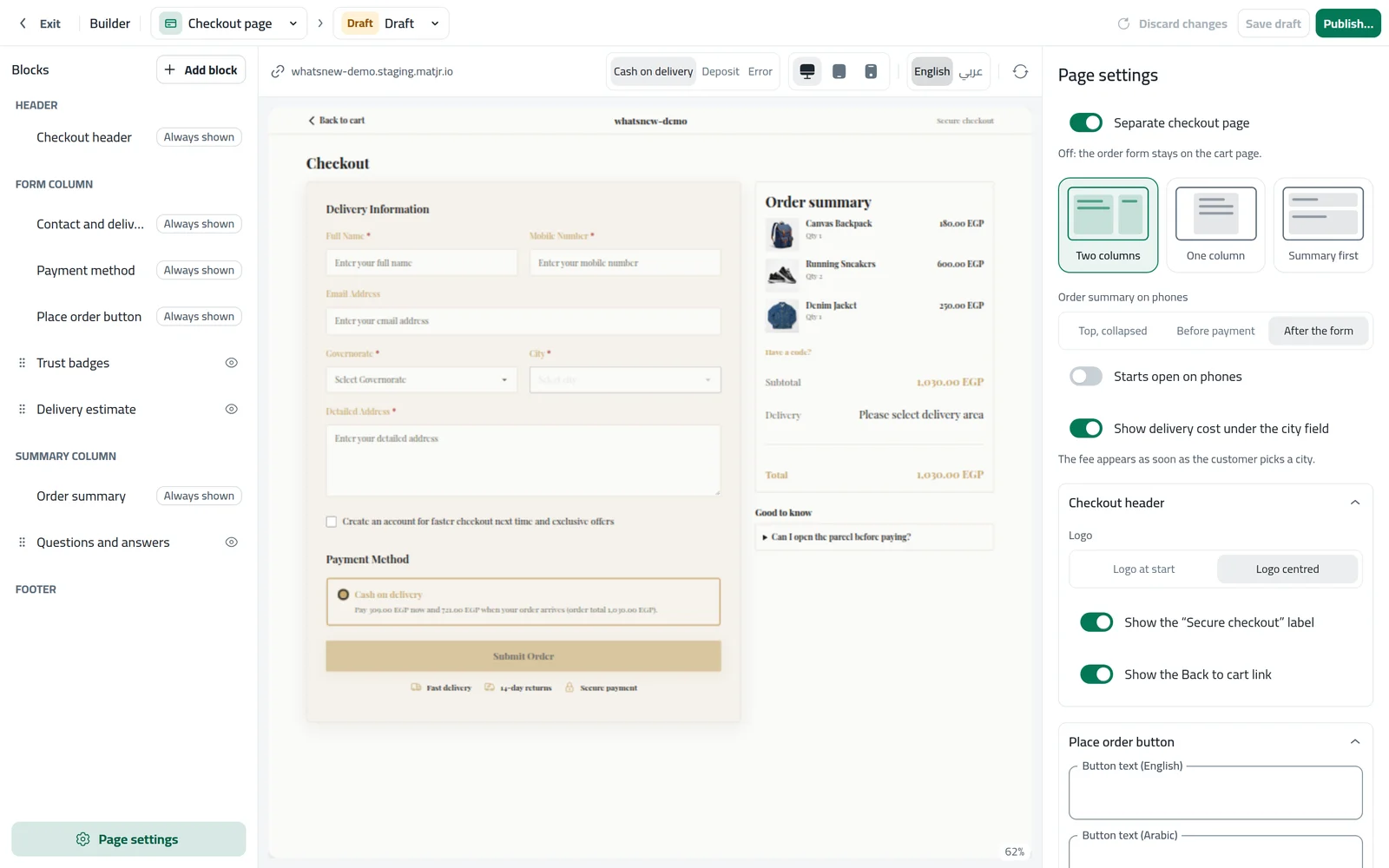
The page builder has a Checkout page. Five blocks are always on it and you set how they look: Checkout header, Contact and delivery, Payment method, Place order button and Order summary.
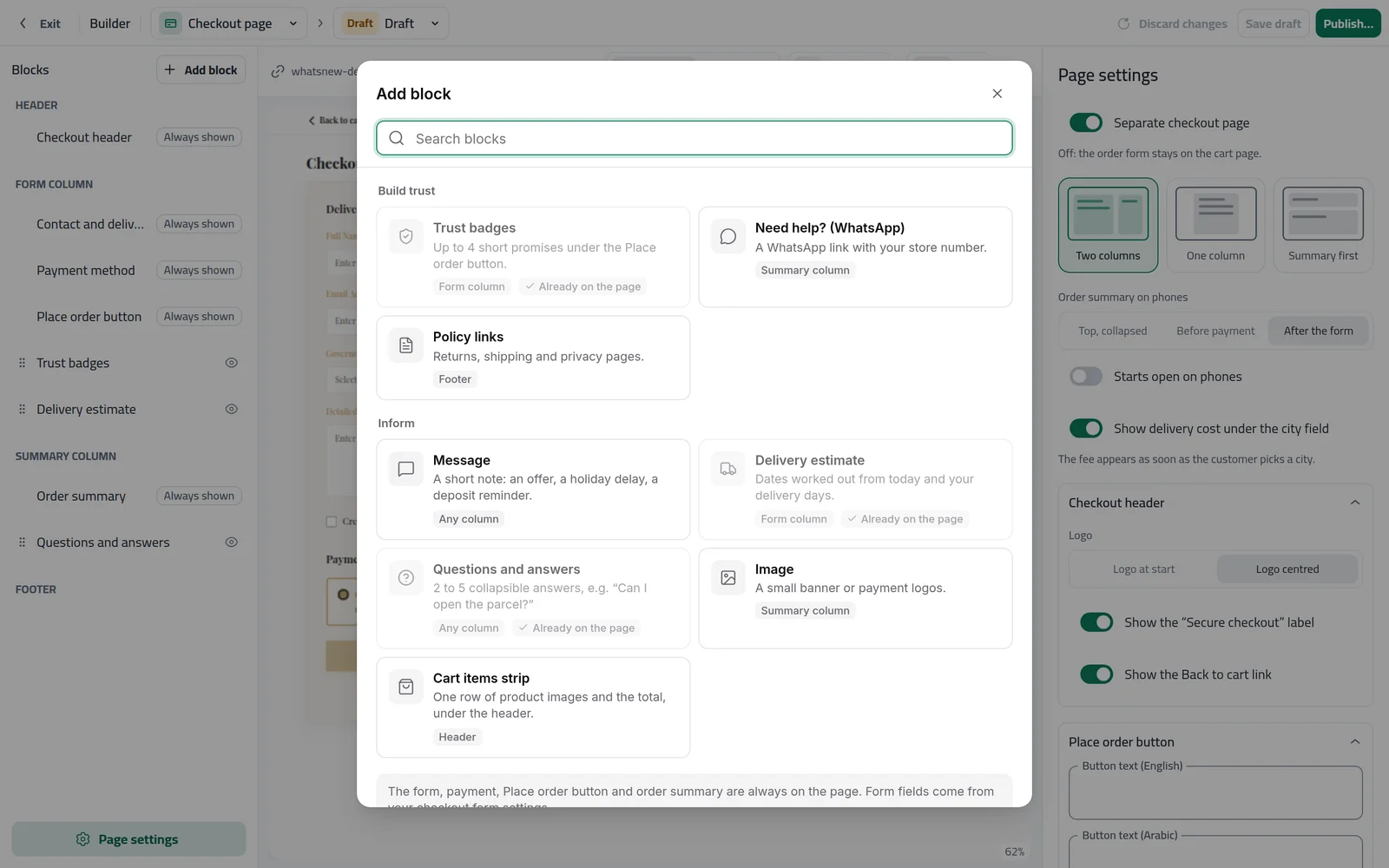
Around them you add optional blocks: Trust badges, Message, Need help? (WhatsApp), Policy links, Delivery estimate, Questions and answers, Image and Cart items strip. Each one can show to everyone or only to some shoppers, for example only those paying cash on delivery.
Hover between two blocks and a blue line lets you add a block exactly there. In Page settings you choose the layout on computers and where the order summary sits on phones.
How to use it
Open the Page Builder and choose Checkout page. The blocks list shows the five blocks that are Always shown.
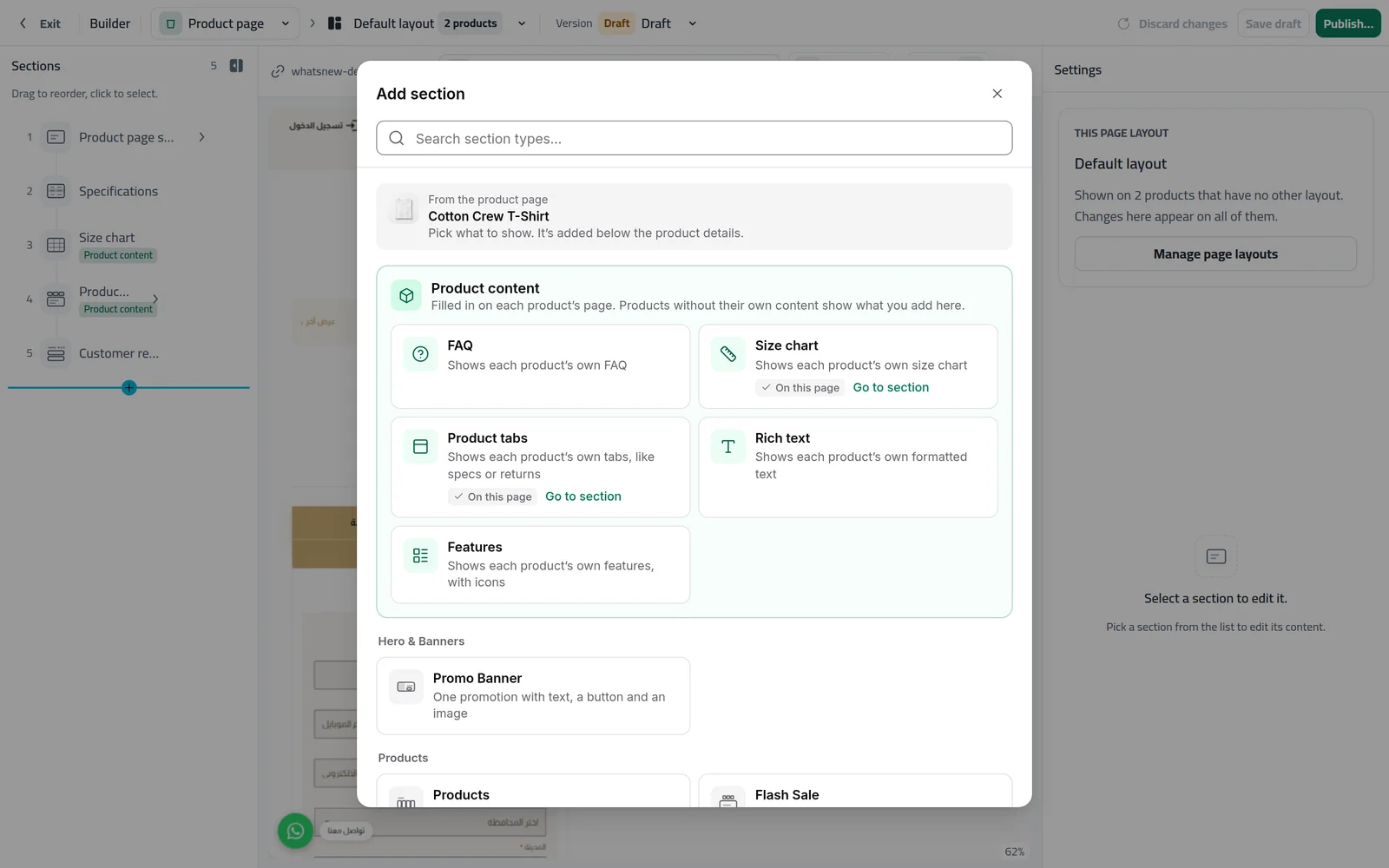
Press Add block, or the line between two blocks, and pick a block.
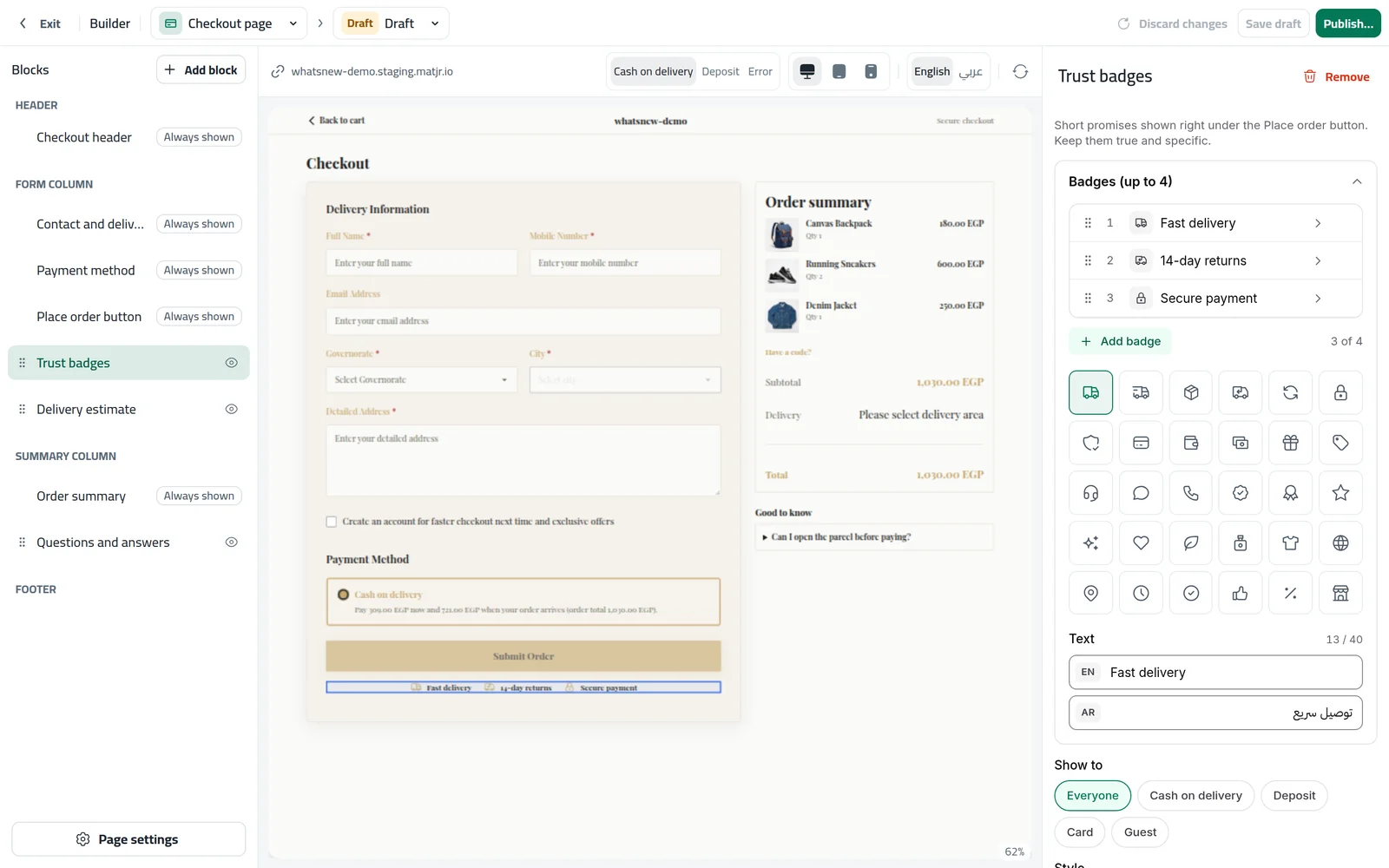
Select the block to fill it in and choose who it shows to. Then press Publish….
Good to know
- The checkout page design applies when Separate checkout page is on. Read how to add a separate checkout page.
- The cart page and the checkout page are published together.
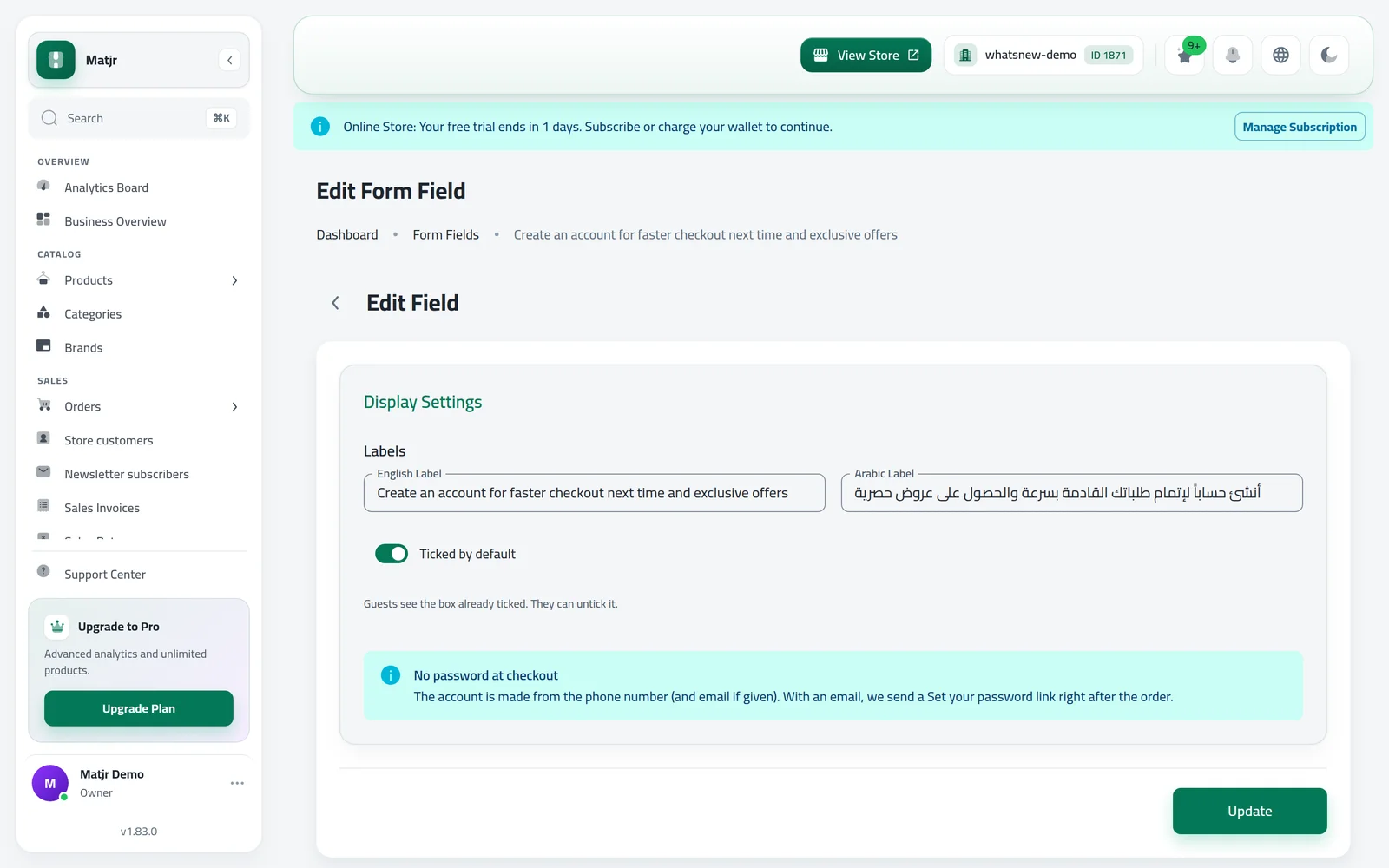
- The form fields still come from your order form settings.
- Step-by-step help: how to design your checkout page.
Frequently asked questions
Can I remove the payment or the form?
No. The header, contact and delivery form, payment, Place order button and order summary are always on the page. You choose how they look.
Can a block show only to cash on delivery shoppers?
Yes. Each optional block has a Show to setting: everyone, cash on delivery, deposit, card or guest.
Do my changes go live right away?
Only when you publish. Until then you can save a draft and keep editing.
Try it on your own store
Start your free trial. No credit card required.